
Quick Answer
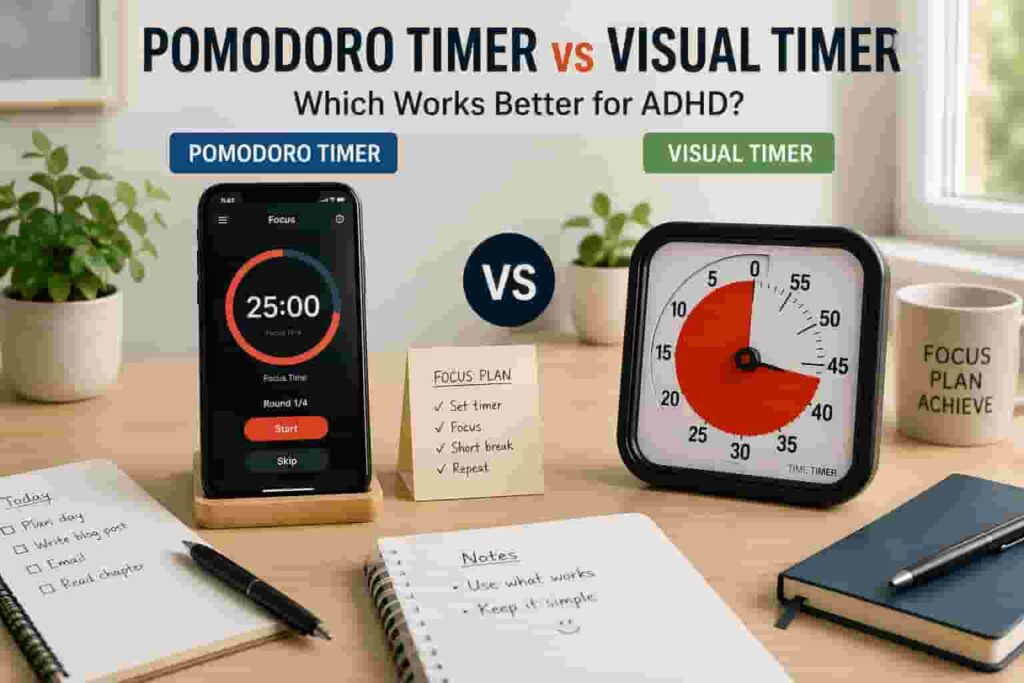
Pomodoro Timer vs Visual Timer comes down to how you respond to time. A Pomodoro timer works best if you like structured work-and-break blocks, while a visual timer is often better if you need to see time passing clearly.
For many people with ADHD, visual timers feel easier to understand in the moment, but Pomodoro can work well when the task needs rhythm, repetition, and clear breaks.
Introduction
Pomodoro Timer vs Visual Timer is a useful comparison if you struggle with time blindness, task starting, or losing track of how long something is taking. Both methods can support ADHD focus, but they solve slightly different problems. If you are comparing timer options more broadly, the best ADHD focus timers UK guide can help you see where each type fits.
The tricky part is that not all timers work the same way for everyone. Some people need a clear structure that tells them when to work and when to take a break, while others need something that helps them actually see time passing. In practice, this difference matters far more than the specific timer you choose.
Pomodoro Timer: What It Is and How It Works
A Pomodoro timer uses fixed focus sessions, usually around 25 minutes, followed by a short break. After several rounds, you take a longer break. The idea is simple: work for a set block, pause, then repeat.
This can work well when a task feels too open-ended. Instead of saying “I need to finish everything,” you only commit to one timed block. That can make work feel less heavy and easier to begin.
The downside is that Pomodoro can feel too rigid for some ADHD brains. If you finally get into flow, stopping after 25 minutes may feel annoying. If the task needs a different rhythm, the method can become something else to manage.
Visual Timer: What It Is and How It Works
A visual timer shows time passing in a way you can see at a glance. Instead of only showing numbers, it may use a shrinking coloured section, countdown display, or simple visual cue.
This is helpful because time can feel vague with ADHD. Seeing the time reduce can make a task feel more contained. It can also help with transitions, such as leaving the house, stopping work, or moving from one task to another.
If you want a deeper explanation of this method, the guide on how to use a visual timer for ADHD focus explains how to make visual countdowns easier to use in real routines.
Key Differences Between Pomodoro Timer vs Visual Timer
- Pomodoro gives you a fixed work-and-break structure, while a visual timer mainly helps you see time passing.
- Pomodoro is more method-based, while visual timers are more cue-based.
- Visual timers can feel easier for transitions, routines, and time blindness.
- Pomodoro can be better for study, writing, admin, and repeatable focus blocks.
- Visual timers often work better away from phones because they reduce app distraction.
Why This Matters for ADHD
ADHD can make time feel unclear, especially during boring tasks, transitions, or open-ended work. This is why a timer needs to do more than simply count down. It needs to give your brain a cue that is easy to notice and easy to act on.
If time often disappears before you realise what has happened, the guide on why time blindness makes ADHD focus difficult explains why timers can be helpful as external cues rather than just productivity tools.
Resources such as ADDitude often discuss ADHD challenges around routines, time management, and executive function. A timer will not remove those challenges, but it can make the next step easier to see.
This is also where distraction matters. If your timer lives on your phone, checking it can quickly turn into checking messages, apps, or social media. If that is a familiar problem, the best distraction-blocking apps for ADHD adults UK guide may be a useful extra support.
Which Works Better for ADHD?
Pomodoro Timer vs Visual Timer does not have one perfect winner. The better option depends on what tends to go wrong for you.
If you struggle to start tasks, Pomodoro can help because it gives you a small, defined commitment. You are not promising to work all afternoon. You are only starting one block.
If you struggle to feel time passing, a visual timer may work better. It makes time more obvious without needing you to keep checking numbers. This can be especially useful for time blindness, routines, and transitions.
For many ADHD users, the best setup is actually a mix. Use Pomodoro for structured work sessions and a visual timer for moments where you need time to stay visible.
If you are still unsure which option fits your setup, the guide on how to choose the best ADHD focus timer can help you compare timer types based on your real daily problems.
When to Use Each Approach
- Use Pomodoro when you need a clear work-and-break rhythm.
- Use Pomodoro when you are studying, writing, doing admin, or working through repeatable tasks.
- Use a visual timer when you lose track of time easily.
- Use a visual timer for getting ready, tidying, cooking, transitions, and short focus blocks.
- Use a visual timer if phone timers often lead you into distraction.
Real-World Use Cases
For work, Pomodoro can be useful when you need to get through emails, reports, planning, or focused desk tasks. The structure gives your session a beginning and an end.
For study, Pomodoro can help break revision into manageable blocks. It is easier to start one 25-minute session than to face a whole evening of studying.
For routines, a visual timer often works better. Watching time count down can make tasks like tidying, washing up, packing a bag, or leaving the house feel more defined and easier to act on.
For transitions, visual timers are usually stronger. They show that the current activity is ending soon, which can make switching tasks feel less sudden.
If you want to turn timers into a repeatable routine rather than just using them occasionally, this guide on how to build a focus routine using timers gives a more practical next step.
Tools That Use These Methods
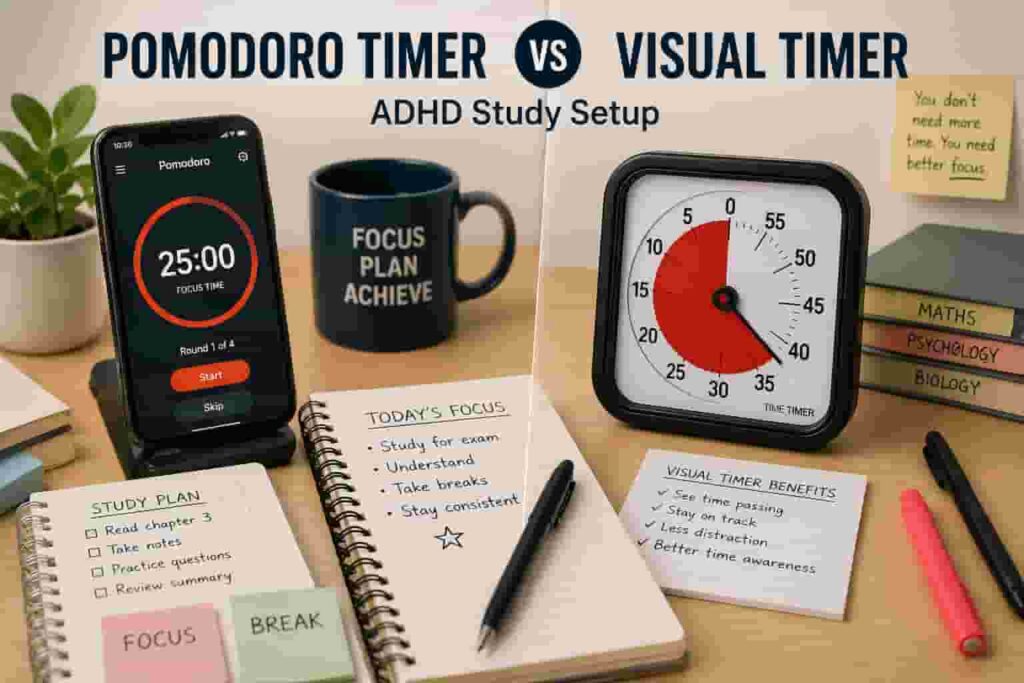
Pomodoro works well through app-based tools such as Focus To-Do, especially if you want session tracking and structured work blocks. Visual timers are better represented by physical tools such as the Time Timer Original, which makes time passing visible without needing to open your phone.
Simple options can also work. A basic digital countdown timer may suit people who want a clear alarm without extra features, while a visual countdown timer may suit people who need time to stay visible throughout the task.
Friction Points to Expect
- Pomodoro can feel too rigid if you get into flow and do not want to stop.
- Visual timers only help if they are placed where you can actually see them.
- Phone-based timers can become distracting if notifications or apps are nearby.
- Both methods need a simple routine around them or they may get ignored.
Practical Reality Check
No timer method will make every task easy. The real value is reducing the amount of thinking needed to start, continue, or stop. That is where these tools can help.
If you want structure, try Pomodoro first. If you want time to feel more visible, try a visual timer first. If both problems apply, combine them gently rather than building a complicated system you will not use.
Frequently Asked Questions
Is Pomodoro good for ADHD?
Pomodoro can be good for ADHD if you find structured work blocks helpful. It works best when the session length feels realistic and the breaks do not turn into long distractions.
Is a visual timer better than Pomodoro for ADHD?
A visual timer may be better if your main issue is time blindness. Pomodoro gives structure, but a visual timer makes time easier to see while the task is happening.
Can I use Pomodoro with a visual timer?
Yes. This can be a strong combination. You can use Pomodoro as the method and a visual timer as the cue, so the focus block has both structure and visibility.
Should I use a phone timer or a physical timer?
A phone timer is convenient, but it can also create distraction. A physical timer is often better if opening your phone tends to pull you into messages, apps, or browsing.
Final Thoughts
Pomodoro Timer vs Visual Timer is less about which method is best overall and more about what your brain needs in the moment. Pomodoro is better for structure, while a visual timer is better for making time feel real.
If I had to choose one for ADHD time blindness, I would start with a visual timer. If the main problem is staying with boring work, Pomodoro may be the better first step. Either way, keep the setup simple enough that you will actually use it.
Build a Simple ADHD Productivity System
If you want to bring everything together into one clear setup, this guide shows how tools, apps, and routines can work as one system.