
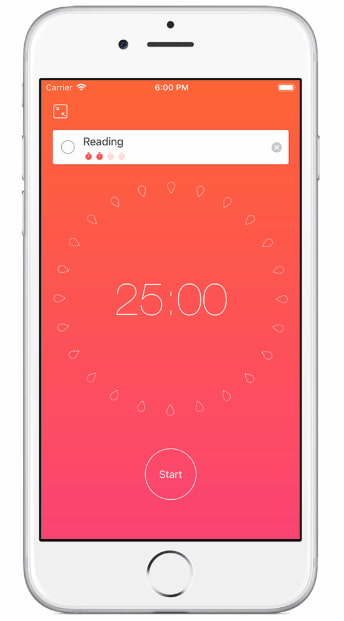
At a Glance
- A Pomodoro-style timer app with built-in task lists
- Can suit people who want one place for focus sessions and simple planning
- Works best when you want structure without using separate timer and to-do apps
- Most useful for short bursts of work, admin, revision, and household tasks
- Less ideal if too many notifications, settings, or streak-style features feel distracting
Introduction
This Focus To-Do App Review for ADHD Focus is really about one simple question: does putting a timer and a task list together actually make it easier to start and finish things? For many people with ADHD, that sounds helpful in theory, but the real test is whether it feels clear enough to use on a busy, slightly chaotic day.
What stood out to me is that Focus To-Do tries to remove one small bit of hassle. Instead of using one app to list tasks and another to run timed work sessions, it puts both in the same place. That does not magically fix procrastination, but it can make getting started feel a bit more straightforward.
If you are comparing different options, it can also help to look at how this fits alongside other tools in the Best ADHD Focus Timers (UK Guide), especially if you are deciding between app-based timers and physical alternatives.
This review looks at how the app works in everyday life, where it may help, where it can become annoying, and whether it feels genuinely usable for ADHD focus rather than just sounding good on an app store page.
Focus To-Do App Review for ADHD Focus: Key Features
At its core, Focus To-Do mixes a Pomodoro timer with a lightweight task manager. The appeal is not just the timer itself, but the fact that each focus session can be attached to a specific task instead of floating around without context.
- Pomodoro-style focus and break timer
- Task list with due dates, notes, and priorities
- Ability to assign focus sessions to individual tasks
- Daily and weekly tracking for completed sessions
- Cross-device use depending on platform setup
- Simple reminders and recurring task options
Who This Guide Is For
- Adults with ADHD who struggle to start tasks without a countdown or structured work block
- Students who want to break revision into smaller chunks
- Remote workers who need visible work and break periods
- Anyone who prefers a simple app-based timer over a separate physical visual timer
- People trying to reduce the mental effort of switching between multiple productivity tools
Key Takeaways
- Focus To-Do can work well when you need a clear “start now” signal
- The combined timer and task list setup is more useful than a timer alone for many ADHD users
- It is best for short, defined tasks rather than vague all-day intentions
- The app is practical, but some people may find tracking features a bit much
- It helps most when your system is kept simple and you resist over-planning
How It Works
The basic setup is straightforward. You create a task, choose it, and start a timed work session. Usually that means a short focus block followed by a short break, with longer breaks after a few rounds. That structure is familiar if you already know the Pomodoro method, but the useful part here is how the timer is attached to something specific.
That matters for ADHD because “I need to do some work” is often too vague to act on. A task called “reply to two emails”, “read three pages”, or “tidy the kitchen for ten minutes” gives the session a clear target. When the timer starts, there is less room for drifting.
In practical use, the app can become a little ritual. You open the task, press start, and let the countdown create a boundary around the next bit of effort. For some people, that boundary is the whole point. It turns a fuzzy intention into a more concrete block of time.
The app also keeps a record of completed sessions. Some people will like that because it makes progress visible. You can look back and see that you did three work blocks rather than just feeling like the day disappeared. Other people may not care much about stats, and that is fine too. The tracking is helpful only if it encourages you rather than making you feel watched by your own phone.
Another useful part is that you can use it for repeated routines. If you tend to do the same kinds of focus blocks each day, such as admin, revision, planning, or inbox clearing, you can build a simple repeatable structure instead of starting from scratch every time.
Why It May Help (ADHD Context)
Focus To-Do App Review for ADHD Focus makes the most sense when you look at the common sticking points behind ADHD productivity. A lot of the challenge is not laziness or lack of interest. It is the awkward gap between knowing what needs doing and actually getting moving.
A timer can help because it adds urgency without making the task feel endless. “Work on this for 25 minutes” usually feels more manageable than “sort this project out today”. That smaller promise can be enough to get past the starting block.
The linked task list also helps because it keeps the next action visible. That reduces the chance of opening a timer, then instantly forgetting what you meant to do. For people who want more ADHD-friendly tips and explanations around attention, habits, and motivation, ADDitude is one of the better-known resources online.
There is also something useful about external structure. Many ADHD adults do better when time is visible and the task has a beginning and an end. Even a simple countdown can make work feel more real. For me, that is one of the main strengths here. It is not fancy, but it gives the brain a clearer edge to hold on to.
That said, it only helps if the app stays supportive rather than turning into another thing to manage. If you end up fiddling with categories, tags, goals, reminders, and statistics more than actually doing the task, the benefit starts to disappear.
Real-World Use Cases
One obvious use case is admin. If you have three annoying life tasks hanging over you, such as booking an appointment, replying to a message, and sorting one bill, this kind of app can help you tackle them as separate short sessions. That feels much more realistic than trying to summon motivation for a vague “life admin afternoon”.
It can also work well for study. A student might set up one task for reading, one for note review, and one for practice questions. Instead of sliding from one thing to another without noticing, each session has a container around it.
Working from home is another good fit. When the line between work time and scroll time gets blurry, a visible focus block can help create a cleaner start. You are not relying purely on mood. You are giving yourself a defined run-up.
It is useful for household jobs too. That sounds minor, but it matters. A 15 or 20 minute sprint for laundry, tidying, paperwork, or meal prep can make home tasks feel less open-ended and less draining.
It may even suit people who freeze when a task feels too big. You do not need to promise to finish the whole thing. You only need to commit to one session. That mental shift is small, but sometimes it is enough to get things moving.
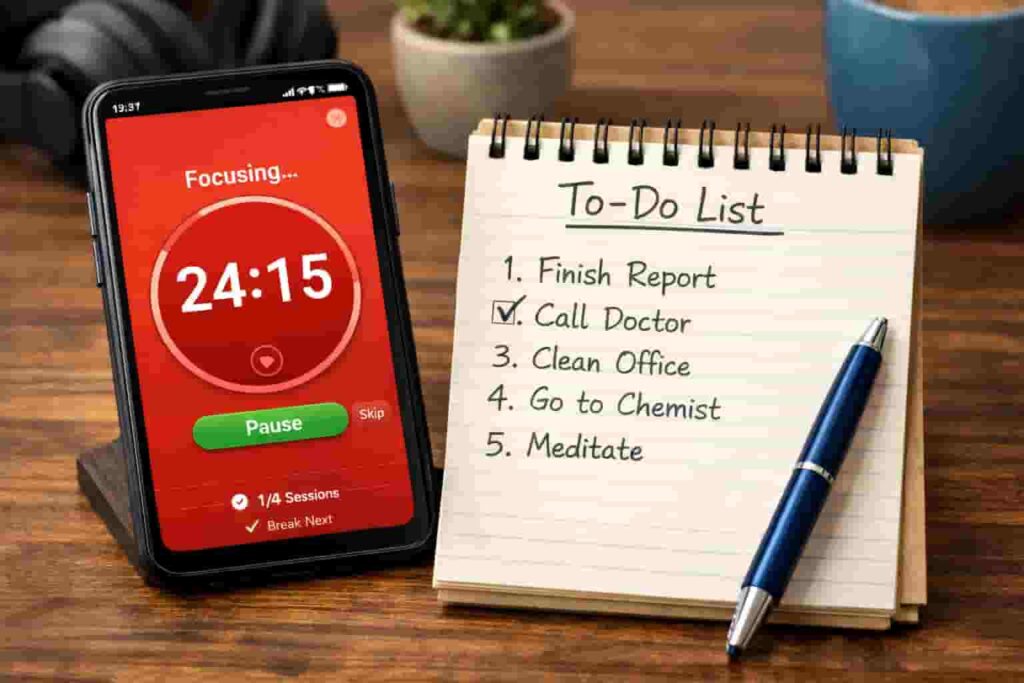
Focus Environment Fit
Focus To-Do tends to fit best in quieter, lower-distraction setups where the app becomes a clear work cue rather than background clutter. If you already use your phone for everything, there is always the risk that opening the app leads straight into notifications, messages, or random scrolling. In that situation, the app is only as good as the environment around it.
It is often better suited to desk work, study sessions, and admin blocks than highly reactive jobs where interruptions are constant. If your day is broken up every few minutes, a timer can start to feel frustrating rather than grounding.
It can also pair nicely with more physical tools like the Time Timer Original, Time Timer MOD, or Secura 60-Minute Visual Timer if you want to reduce screen use.
Alternatives to Consider
If you like the idea of timed focus but want something more visual and less phone-based, a dedicated timer may be a better fit. Physical timers can work well if your phone tends to pull you off course the moment you pick it up.
Options like a simple digital countdown timer or a visual timer can provide the same structure without adding screen time.
You could also revisit the full timer roundup guide to compare different styles and find what fits your routine best.
Visual timers like this can make it easier to stay aware of time, but they usually work best when combined with other tools and routines. You can explore the ADHD productivity tools UK guide to see how timers, apps, and simple systems can work together.
Final Verdict
Focus To-Do App Review for ADHD Focus comes out positively overall, mainly because it solves a real everyday problem in a fairly simple way. It gives you a task, a timer, and a clearer starting point in one place.
Its biggest strength is not novelty. It is convenience. When ADHD makes it hard to move from intention to action, reducing one or two bits of hassle can matter more than people think.
The downside is that it still lives on your phone, and like many productivity apps, it can become overcomplicated if you let it. Used lightly, it can be a genuinely helpful tool. Used too heavily, it risks turning into another system you avoid.
For people who like timed work blocks and want an all-in-one setup, it is a sensible option. For people who need less screen time and more visible external structure, a physical timer may still win.
Visual timers like this can make it easier to stay aware of time, but they usually work best when combined with other tools and routines. You can explore the ADHD productivity tools UK guide to see how timers, apps, and simple systems can work together.