
At a Glance
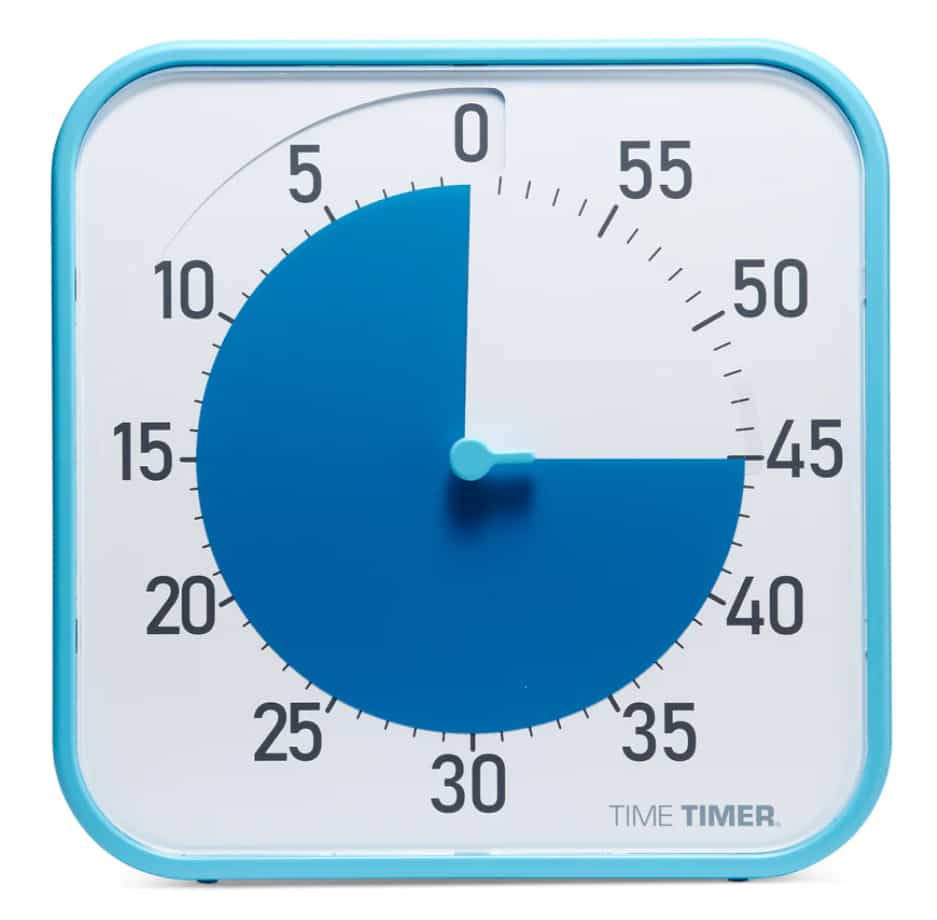
- Large visual countdown timer that shows time passing without needing to read numbers closely
- Designed around a simple red disk that disappears as time runs down
- Useful for focus blocks, transitions, routines, and reducing the feeling of losing track of time
- Easy to understand at a glance, but less portable than smaller timer options
- Best for desks, home routines, study spaces, and visible work areas
Check price and available options on Amazon
Introduction
The Time Timer Original Review for ADHD starts with one simple question: does a visual timer actually make it easier to notice time passing when your brain tends to drift, hyperfocus, or underestimate how long things take? In many cases, I think the answer is yes, especially when the timer is large enough to stay visible and simple enough that you do not have to think about it.
The Time Timer Original is built around a red visual countdown rather than a fiddly digital display. Instead of checking numbers or doing mental maths, you can see how much time is left by how much red is still showing. That sounds basic, but for ADHD-friendly setups, basic is often exactly what helps.
If you are comparing timer styles before choosing one, it also makes sense to look at the wider category in your focus timer roundup article, especially if you are still deciding whether a visual timer suits you better than a cube timer or app-based option. You can see a full breakdown here: Best ADHD Focus Timers (UK Guide).
Time Timer Original Review for ADHD: Key Features
The main appeal here is clarity. This timer is not trying to do ten different things at once. It focuses on making time visible, which is exactly why many people find it easier to stick with than standard kitchen timers or phone countdown apps.
- Large red disk that visibly shrinks as time passes
- 60-minute countdown format
- Quiet visual design that does not rely on a bright screen
- Clear face that can be read from across a desk or room
- Useful for routines, work sessions, study blocks, and transitions
- Works well as a shared household or family timer because it is easy to understand
Who This Guide Is For
- Adults with ADHD who struggle with time blindness during work or home tasks
- Parents setting up visual routines for children who need clearer time cues
- Students who want a simple focus aid without using their phone
- Anyone who finds digital timers too easy to ignore
- People who want a timer that stays visible on a desk rather than in a pocket
Key Takeaways
- The Time Timer Original is strongest when it stays in sight all the time
- It helps make time feel more concrete rather than abstract
- It suits desks, study sessions, routines, and transition-heavy days
- It is less ideal if you want something ultra portable or highly customisable
- The value is in reducing mental effort, not adding extra features
How It Works
The Time Timer Original uses a coloured disk to represent the full countdown period. You set the timer by moving the disk to the amount of time you want, and the coloured section gradually disappears as the minutes pass. When you look at it, you are not reading a complex display. You are simply seeing time physically reduce in front of you.
That matters because many people with ADHD do not have a problem with understanding what twenty minutes means in theory. The problem is feeling those twenty minutes while you are in the middle of a task, scrolling, drifting, or getting absorbed in something else. A visual timer turns time into something you can keep noticing without stopping what you are doing.
It also helps that the design is quiet. There is no app menu, no notifications, no extra tabs, and no temptation to check messages while you set it. You place it where you can see it, set the countdown, and get on with the task. For me, that lower-effort setup is one of the biggest strengths. The less fiddling something requires, the more likely it is to get used every day.
The larger Time Timer Original models are especially useful because they remain visible from a distance. That makes them practical for desk work, kitchen routines, morning prep, homework stations, reading sessions, and short household tasks where you keep moving around the room.
Why It May Help (ADHD Context)
One reason visual timers are so often recommended in ADHD discussions is that they give you an external cue instead of expecting your internal sense of time to do all the work. That can be useful when you start something intending to spend ten minutes on it and somehow look up forty minutes later.
Resources such as ADDitude regularly discuss ADHD time blindness, routines, and the value of external supports. A visual timer fits into that kind of support because it makes passing time easier to spot without needing constant self-monitoring.
In practice, the Time Timer Original may help with starting tasks, sticking to a short work block, pacing chores, ending breaks on time, and making transitions feel less sudden. It does not solve procrastination on its own, and it will not magically make an unpleasant job enjoyable, but it can remove one common barrier: not realising where the time went.
What stood out to me is that it can also lower the emotional pressure around time. A normal clock can feel a bit harsh when you keep checking it and seeing yourself fall behind. A visual timer feels more like a guide sitting beside you. That softer feel may sound small, but it can make it easier to reset and try again instead of giving up on the session.
Real-World Use Cases
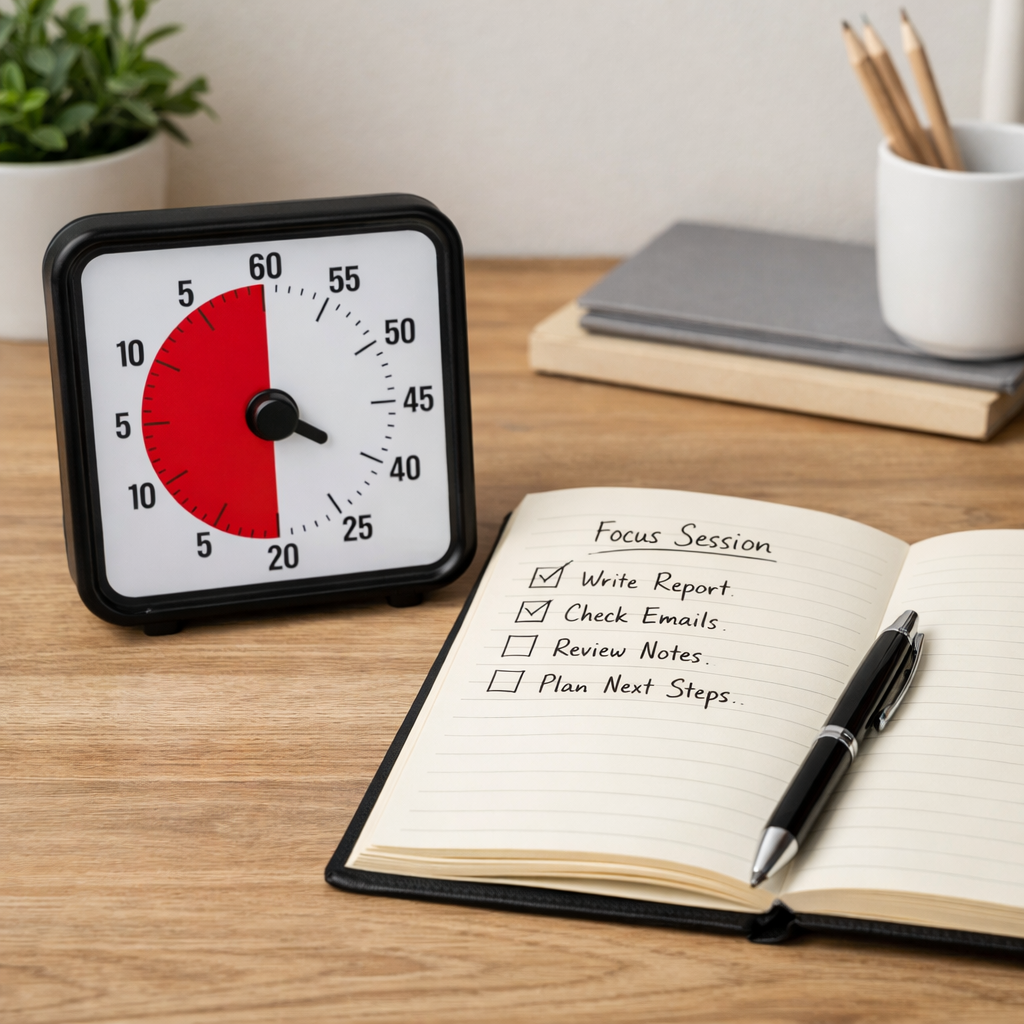
At a work desk, the Time Timer Original can be used for short focus blocks such as twenty minutes of email clearing, thirty minutes of admin, or fifteen minutes of planning before starting deeper work. The key advantage is that you can glance up and see what is left without breaking concentration to unlock a phone.
For home use, it works well during transitions that tend to drag on. Think getting ready to leave, tidying one room, doing a quick kitchen reset, or limiting how long you spend on a low-priority task before moving back to the main one.
It can also be useful during routines that need clearer edges. For example, you might set ten minutes for a morning checklist, twenty minutes for reading, or fifteen minutes for a child’s homework burst before a break. Because the timer is visual, other people in the room can understand it too, which makes it easier to use in shared spaces.
Another strong use case is hyperfocus management. If you tend to get pulled deeply into one thing and forget meals, messages, or the next task, a visible timer gives you a better chance of noticing that the session is ending before it disappears into the background.
Feature Breakdown Table
| Feature | What It Means in Practice |
|---|---|
| Visual colour disk | Makes time passing easier to notice than a standard numeric countdown |
| 60-minute countdown | Useful for common work sprints, routines, chores, revision, and task transitions |
| Large face | Easy to read from across a desk or room without picking it up |
| Simple setup | No apps, pairing, accounts, or menus to distract you before starting |
| Quiet design | Fits calmer workspaces better than noisy or bright digital alternatives |
| Routine-friendly | Works well for repeated daily tasks where consistency matters more than advanced features |
Focus Environment Fit
The Time Timer Original suits environments where you can leave it out and keep it visible. A desk, study shelf, kitchen counter, or family routine station all make sense. It is best when it becomes part of the room rather than something you have to remember to fetch each time.
That is also why it fits well alongside broader focus setup thinking. If your productivity tends to improve when the environment itself does some of the work for you, this kind of timer makes sense as part of a low-friction setup rather than as a standalone fix.
If you already use visual supports, written checklists, or simple device boundaries, a timer like this can slot in neatly. If your space is busy, cluttered, or always changing, you may need to be more intentional about where it lives so it does not become one more object that blends into the background.
If you are comparing options, you may also want to look at alternatives like the Time Timer MOD for portability or the Secura 60-Minute Visual Timer for a more budget-friendly visual countdown.
Real Use Review
Used properly, the Time Timer Original feels less like a gadget and more like a cue you can trust. That is its biggest selling point. It does not ask much from you, which is often where better habits begin.
I found the strongest part was how quickly it makes a task block feel real. Setting twenty minutes on a phone is easy, but a phone timer can disappear the second you put the device down or open something else. With the Time Timer Original, the countdown stays in front of you. That makes it harder to ignore, but not in an annoying way.
It also helps with task endings. Many people focus on timers as a way to get started, but they are just as useful for stopping. If you overrun breaks, drift in admin tasks, or let one job eat the whole afternoon, the shrinking visual cue gives you more warning than a sudden alarm at the end.
There are limits, though. This is still a simple timer. If you want multiple presets, tracking, phone sync, or portability, it may feel basic for the price. Its value is not in features. Its value is in being obvious, visible, and easy to act on.
Overall, this is a strong option if your main issue is not knowing where the time went. If your bigger issue is remembering the timer at all when you are away from your desk, a smaller portable timer may be a better fit, or even a simple digital countdown timer for quick, flexible use.
Buying Guide
Before buying, think about where you want to use the timer most. If it will stay on a desk, kitchen counter, or homework station, the larger Time Timer Original format makes good sense because visibility is the whole point.
Think about your main reason for wanting a timer as well. If you need help starting focus blocks, ending breaks, or handling transitions, the visual style is likely to be useful. If you mainly want alarms on the move, a portable option or even an app like Focus To-Do may suit you better.
It is also worth asking whether you respond better to calm visual cues or sharper audio prompts. The Time Timer Original is strongest for people who benefit from seeing time rather than being jolted by it.
Frequently Asked Questions
Is the Time Timer Original good for ADHD?
It can be a good fit for ADHD if you struggle with time blindness, drifting between tasks, or overrunning breaks. Its main strength is making time visible in a simple way.
Is it better than a phone timer?
For some people, yes. A phone timer is more flexible, but it also lives on a distracting device. The Time Timer Original removes that problem and stays visible without extra taps.
Is the Time Timer Original portable?
It is more of a stay-in-place timer than a carry-everywhere one. It works best in a fixed environment where you can keep it in sight.
Does it help with time blindness?
It may help because it gives an external visual cue for passing time. That does not replace routines or planning, but it can make timing feel easier to notice.
Who is it best for?
It is best for people who want a simple visual timer for desks, study sessions, routines, and shared spaces rather than an app-heavy or ultra portable tool.
Alternatives to Consider
If the Time Timer Original feels a little too desk-based for your needs, a smaller portable visual timer like the Time Timer MOD may suit you better, especially if you move between rooms or want something easier to carry.
You may also prefer a simple digital countdown timer if you care more about quick preset use, compact size, or lower cost than the visual countdown style.
For people who already work well with phone-based systems, app timers can still be useful, though they tend to work best when your phone is not the main source of distraction.
Within your broader focus timer content, this is the point where it makes sense to compare visual timers against smaller cube timers and app-based countdown tools depending on whether visibility, portability, or simplicity matters most to you.
Final Verdict
Time Timer Original Review for ADHD comes down to this: if you need time to stay visible in front of you, this is a very solid option. It does one job, and it does it in a way that feels clear, calm, and practical.
Its biggest advantage is not clever tech. It is the fact that it makes time easier to see without making your setup more complicated. For ADHD-friendly workspaces and routines, that is often exactly the right trade-off.
If you want something portable or feature-heavy, there are better fits elsewhere. But if you want a reliable visual timer for a desk, home routine, or study setup, the Time Timer Original is easy to recommend.
This kind of tool can be effective for short focus sessions, but it tends to work best when it supports a wider system rather than acting as the only solution. To see how timers fit into a bigger picture, take a look at the ADHD productivity tools UK guide.