
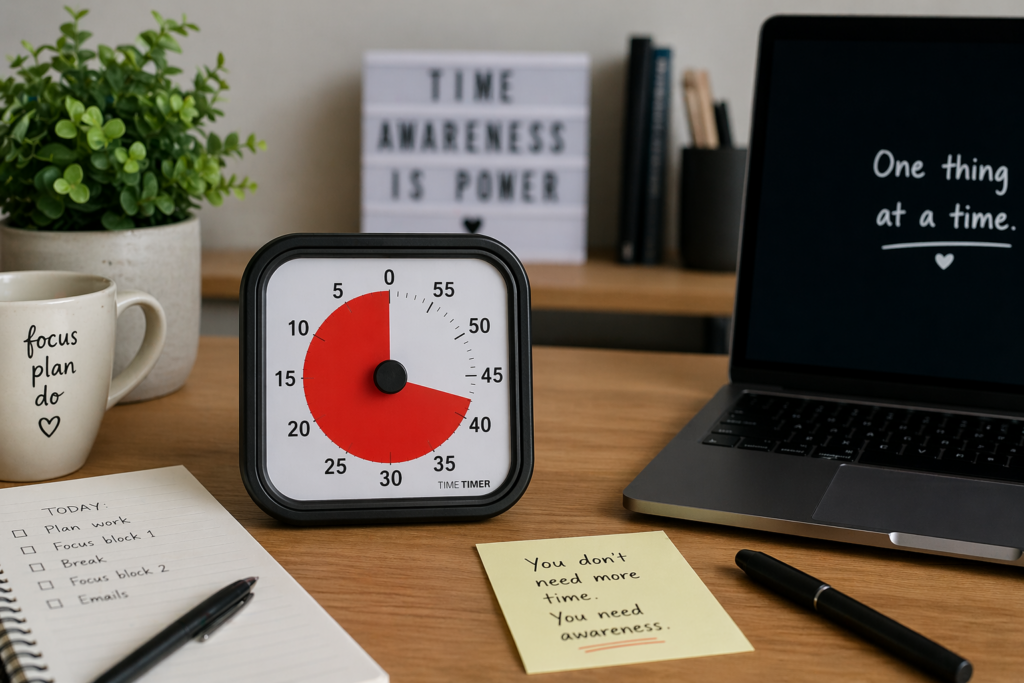
How to Choose the Best ADHD Focus Timer: Quick Overview
- Choose a timer based on the problem you want it to solve
- Visual timers can help make time feel more obvious
- Digital timers can work well for portability and alarms
- App-based timers may suit structured focus methods
- The best option is the one you will actually keep using
Introduction
Learning How to Choose the Best ADHD Focus Timer is not really about finding the most advanced gadget. It is about finding a tool that makes time easier to notice, easier to start with, and easier to stop ignoring.
For many people with ADHD, time can feel vague until it suddenly becomes urgent. A focus timer can help by giving a task a clear start, a visible boundary, and a natural stopping point. That does not mean it fixes ADHD, but it can make everyday focus feel less open-ended.
I find timers work best when they are simple enough to use even on a low-motivation day. If a timer takes too much setup, it usually becomes another thing to avoid.
Why ADHD Productivity Systems Matter
ADHD productivity systems matter because one tool on its own rarely solves the whole problem. A timer can help with focus blocks, but reminders, routines, distraction control, and environment choices all play a part too.
This is why a timer should be seen as one part of a wider setup. It can help you start a task, stay with it for a defined period, and move on before the session becomes too long or draining. If you want to learn building focus systems this guide on How To Build a Focus Routine Using Timers could help with that.
Resources such as ADDitude often discuss common ADHD challenges around time, routines, and focus. A timer is not a treatment, but it can be a useful practical support when daily structure feels hard to hold in your head.
The Core Components of an ADHD Productivity System
- Focus tools
- Reminder systems
- Environment control
- Routine structure
When you are working out How to Choose the Best ADHD Focus Timer, it helps to think about the wider system first. A timer should not sit separately from the way you plan your day. It should support the moments where focus usually breaks down.
For example, a visual timer may help if you lose track of time during tasks. If you are unsure how to apply that in practice, the guide on how to use a visual timer for ADHD focus explains how to turn this into a simple routine.
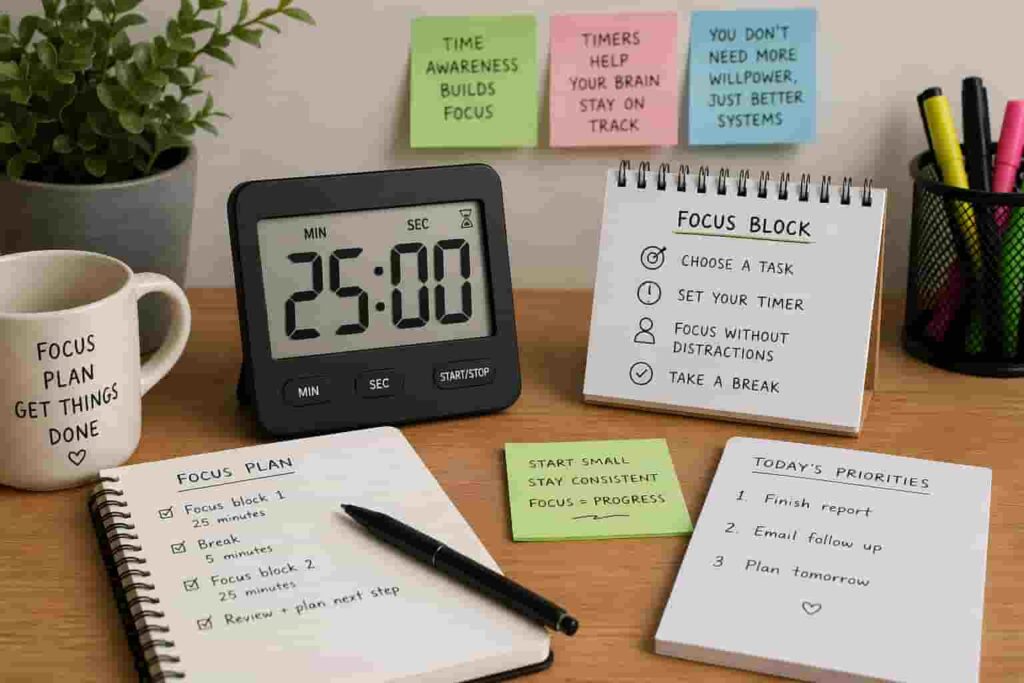
A digital countdown timer may help if you need a simple alarm. An app-based option may work if you like Pomodoro sessions and task lists in one place.
If reminders are your bigger challenge, you may also want to look at wearable options. A timer helps with a current focus block, while something like a smartwatch can help prompt you throughout the day. For that setup, the guide to smartwatches for ADHD task reminders may be useful.
How Different Tools Work Together
A good ADHD focus setup often works in layers. The timer gives you a short-term boundary. A reminder system helps you remember what needs to happen next. A distraction blocker protects the focus window. A simple routine gives the whole system somewhere to sit.
This is why the best ADHD focus timer is not always the most feature-heavy option. Sometimes the most useful timer is the one that removes friction. If you can set it quickly, see it easily, and trust it to mark the end of a session, it is already doing a useful job.
For a deeper look at why visible time cues matter, you can read why time blindness makes ADHD focus difficult and how timers help.
Example ADHD Productivity Setup
Morning Setup
Start with one visible priority and one short timer session. This could be 10, 15, or 25 minutes depending on how heavy the task feels.
Work Blocks
During work blocks, a timer gives the session a boundary. A Time Timer Original may suit someone who benefits from seeing time disappear visually, while a digital countdown timer may suit someone who wants a clear alarm.
Break Management
Breaks can become difficult when there is no clear endpoint. A timer can help stop a five-minute break turning into half an hour.
End of Day Reset
Use a short timer for a reset task to make the next day easier to begin.
Common Mistakes to Avoid
- Choosing a timer because it looks clever rather than solving your problem
- Using your phone if it leads to distraction
- Starting with sessions that feel too long
Another common mistake is expecting one timer to fix everything. The timer should support your system, not replace it.
Building a Simple System That You Can Stick To
The easiest way to choose well is to match the timer to your main focus problem.
If you struggle to feel time passing, start with a visual timer. If you need a clear alarm, try a digital countdown timer. If you like structured work sessions, consider an app-based timer such as Focus To-Do.
If you are unsure whether a visual timer or Pomodoro approach suits you better, this comparison of Pomodoro timers vs visual timers can help you decide.
Frequently Asked Questions
What is the best ADHD focus timer?
The best ADHD focus timer is the one that matches your main difficulty.
Are visual timers better for ADHD?
Visual timers can be helpful because they make time more concrete.
Is a phone timer enough?
A phone timer can work, but it can also lead to distraction.
How long should an ADHD focus timer be set for?
Start shorter than you think. Ten to twenty-five minutes is often more realistic.
How do I know if I have chosen the wrong timer?
If you avoid using it, it likely does not fit your routine.
Final Thoughts
How to Choose the Best ADHD Focus Timer is really about choosing a tool that lowers friction. The right timer should make time easier to notice, tasks easier to start, and breaks easier to manage.
You do not need the most advanced option. You need something that fits your real routine.
Build a Simple ADHD Productivity System
If you want to bring everything together into one clear setup, this guide shows how tools, apps, and routines can work as one system.