
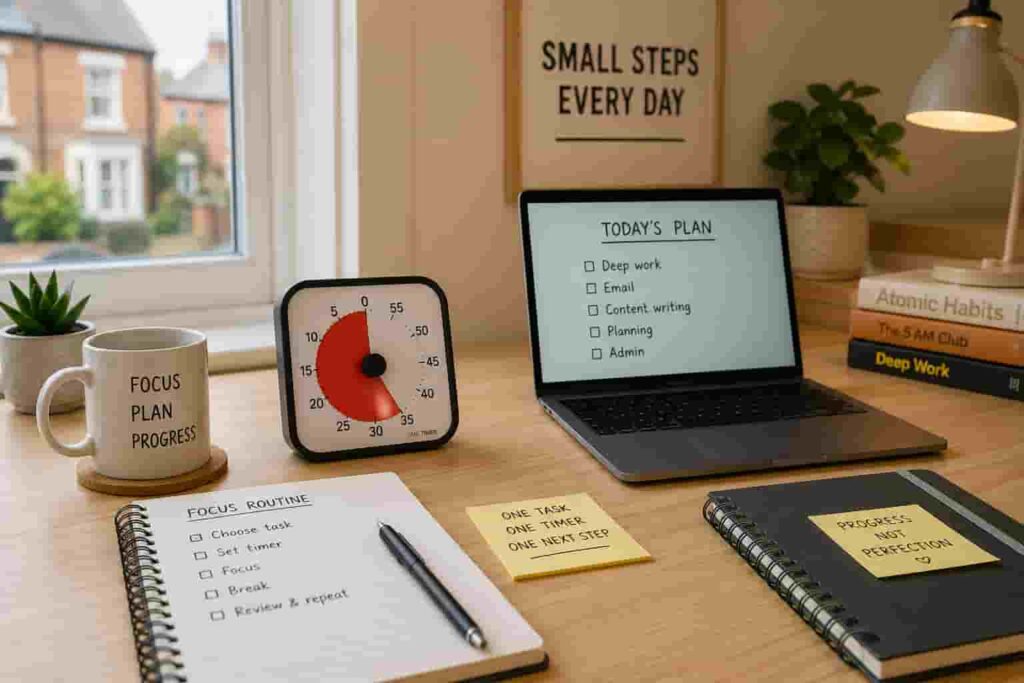
Quick Answer
Learning how to build a focus routine using timers can make work, study, chores, and daily transitions feel more manageable if you struggle with ADHD-style time blindness or task switching. The key is to use timers as simple external cues, not as pressure tools or strict productivity tests.
Introduction
How to build a focus routine using timers starts with one simple idea: your brain should not have to hold the whole plan in working memory. A timer can create a visible or audible boundary around one task, one break, or one transition, which makes it easier to begin and easier to stop. If you are building a broader ADHD-friendly setup, this guide fits naturally alongside a wider digital productivity tools for ADHD system.
For many adults with ADHD, the problem is not laziness or lack of intention. You may know exactly what you need to do, but the task feels too open-ended, too boring, or too difficult to start. Then, once you finally begin, you might lose track of time completely. A timer gives the task a shape.
This guide explains how to build a timer routine for ADHD by using timers in a practical routine, without turning your day into a rigid schedule that falls apart the first time life gets messy.
How to Build a Focus Routine Using Timers: Key Causes
Before building the routine, it helps to understand why focus routines often fail in the first place. Most of the time, the issue is not the timer itself. It is the way the timer is used.
- Tasks are too vague, such as “sort everything out” or “do some work”.
- The timer is set for too long, which makes the task feel heavy before it starts.
- Breaks are not planned, so the routine turns into either avoidance or burnout.
- The phone is used as the timer, but it also brings notifications and distraction.
- There is no clear next step when the timer ends.
- The routine is too strict, so one missed session feels like failure.
Why This Happens (ADHD Context)
ADHD can make time feel less steady and less visible. Ten minutes can disappear quickly, while a boring five-minute task can feel strangely endless. This is why external cues can be so helpful. A timer turns time into something you can see, hear, or respond to.
There is also the issue of transitions. Starting work, stopping work, taking a break, returning from a break, leaving the house, or switching from admin to deep work can all create friction. A timer gives those transitions a clearer edge.
Sometimes the hardest part is not doing the task, but deciding when the task has officially “started”. Setting a timer can create that start line.
Resources such as ADDitudeoften discuss ADHD challenges around routines, time management, and executive function. A timer will not remove those challenges, but it can reduce the amount of mental effort needed to act.
If you need help with tools for planning out your tasks before you start then why not check out The Best Digital Tablets For ADHD Productivity that compares tools to get on with your task at hand with less mental friction.
What Usually Goes Wrong
The most common mistake is when using a timer routine for ADHD is to treat it as a punishment. You set a 60-minute timer, tell yourself you must focus perfectly, then feel frustrated when your attention drifts after eight minutes. That turns the timer into another thing to fail at.
Another issue is choosing the wrong type of timer for the moment. A phone timer might be fine for cooking, but it can be risky for focused work if opening your phone leads to messages, tabs, or apps. A visual timer may work better for desk tasks because you can notice time passing without touching a screen.
Some people also forget to plan the end of the timer. When the alarm goes off, they either ignore it or stop suddenly without knowing what comes next. A better routine includes a simple finish action, such as writing one note, closing one tab, or choosing the next task.
Step-by-Step: How to Fix This
Step 1: Reduce Immediate Triggers
Before starting an ADHD focus routine using a timer , remove the easiest distractions. Put your phone away if it is not needed, close unrelated tabs, clear one small part of the desk, and decide what the timer is for. Do not aim for a perfect environment. Just remove the most obvious trigger.
A useful rule is: one timer, one task, one visible next step. For example, instead of “work on project”, use “write the first paragraph”, “reply to two emails”, or “read three pages”.
Step 2: Add Effort to Distraction
Distraction becomes harder to resist when it is effortless. If your phone is beside you, checking it takes no thought. If it is across the room, in a drawer, or on silent, there is at least a small pause before you act.
This is where timers work well with other systems. For example, if distraction is mainly digital, you may also want to compare timer routines with digital distraction blocking apps, especially if websites or phone apps are the main problem. You can find examples of these apps in this guide to Pomodoro timer vs visual timer, especially if websites or phone apps are the main problem.
Step 3: Replace the Habit Loop
A focus routine needs a repeatable pattern. It should be simple enough to use on tired days, not just ideal days. Try this structure:
- Choose one task.
- Set a short timer.
- Work until the timer ends.
- Write down what happened.
- Take a planned break.
- Repeat only if it still feels useful.
This gives your brain a predictable loop: start, focus, stop, reset. Over time, the timer becomes the cue that helps the routine begin.
Step 4: Use Tools That Support Behaviour
The best timer is the one you will actually use. For some people, that means a visual timer on the desk. For others, it means a simple digital countdown timer or an app-based Pomodoro tool. If you are unsure where to start, this guide to how to choose the best ADHD focus timer can help you match the tool to your routine.
The important part is that the tool supports the behaviour you want. A timer should make the next action easier, not add more decisions.
Real-World Use Cases
Working from home: Use a 25-minute timer for one focused work block, then a five-minute reset. Keep the timer visible and write down the next action before you start. This stops the session from feeling too open-ended.
Study: Use shorter blocks, especially if the subject feels boring or difficult. A 10- or 15-minute timer can be less intimidating than a full Pomodoro session. The goal is to begin, not to prove you can study perfectly.
Deep work: Use a visual timer for longer sessions if you already know what you are doing. For deep work, the timer should protect the session from interruptions, not create pressure every minute.
Evening routine: Timers can help with shutdown tasks such as tidying, preparing clothes, packing a bag, or reducing screen time. A 10-minute evening reset can be more realistic than trying to overhaul the whole night.
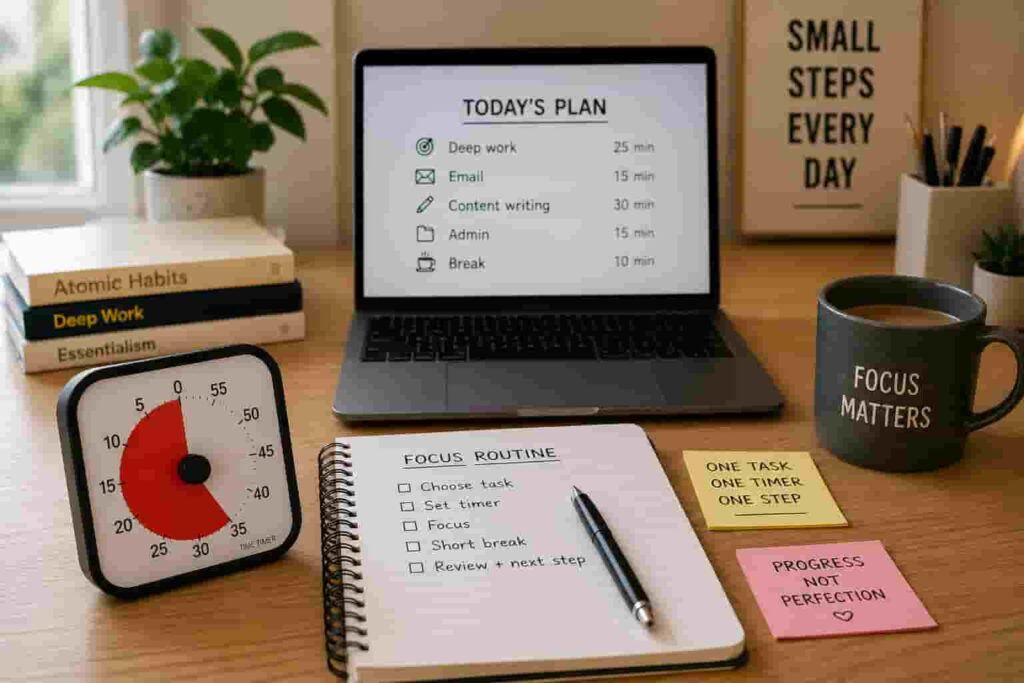
Tools That May Help
A visual timer can be helpful if you struggle to feel time passing. The Time Timer Original is one option if you want a clear visual countdown on a desk or workspace.
If you need something smaller and easier to move around, the Time Timer MOD may suit short sessions, transitions, or routines around the home.
If you prefer an app-based routine with task lists and Pomodoro-style sessions, the Focus To-Do App may be more useful, especially if you want your timer and task list in one place.
For a wider comparison, you can also look at the full guide to the best ADHD focus timers in the UK.
Friction Points to Expect
- You may forget to start the timer at first.
- You may set sessions that are too long and then avoid them.
- You may ignore the timer if there is no clear finish action.
- You may need different timers for work, chores, and transitions.
- You may need to adjust the routine several times before it feels natural.
Practical Reality Check
How to build a focus routine using timers is not about becoming perfectly productive. It is about making the next action easier to start and easier to contain. Some days, a timer will help you do a full focus session. Other days, it may simply help you start for five minutes.
That still counts. For ADHD-friendly routines, consistency often comes from lowering the barrier, not raising the standard.
It is also worth remembering that timers do not suit every task. Creative work, emotional tasks, or complex planning may need softer boundaries. In those cases, the timer can act as a check-in point rather than a strict stop signal.
Choosing the Right Support Strategy
The best way to approach how to build a focus routine using timers is to match the timer to the environment, habit, tool, and routine fit.
Environment: If your desk is noisy, cluttered, or full of screens, the timer may need support from a calmer setup. Put it somewhere visible and reduce obvious triggers before starting.
Habits: Pair the timer with an existing routine. For example, set it after making coffee, opening your laptop, or sitting down with your notebook. This makes it easier to remember.
Tools: Choose a tool that reduces friction. A visual timer can help with time awareness. A digital countdown timer can help with portability. An app can help if you want tasks and timing together.
Routine fit: Do not copy someone else’s perfect productivity system if it does not fit your life. A realistic timer routine should still work when you are tired, busy, or slightly behind.
Frequently Asked Questions
What is the best timer routine for ADHD?
The best timer routine is usually short, visible, and repeatable. Start with 10–25 minutes of focus, followed by a short planned break. Adjust the session length based on the task and your energy level.
Is Pomodoro good for ADHD?
Pomodoro can help some people with ADHD because it creates clear work and break boundaries. However, 25 minutes may feel too long for some tasks, so it is fine to start with shorter blocks.
Should I use a phone timer or a physical timer?
A phone timer is convenient, but it can also lead to distraction. A physical or visual timer may be better if your phone often pulls you into messages, apps, or browsing.
How long should ADHD focus sessions be?
There is no perfect length. Some people work well with 25 minutes, while others need 10 or 15 minutes to begin. The best session length is the one you can start without avoiding it.
Can timers help with evening routines?
Yes. Timers can be useful for short evening resets, tidying, preparing for the next day, or limiting how long one task expands. They work best when the task is specific and small.
Final Thoughts
How to build a ADHD focus routine using timers comes down to making time more visible, tasks more contained, and transitions less vague. A timer is not a cure for ADHD-related focus challenges, but it can be a practical support tool when it is used kindly and realistically.
Start small. Choose one task, one timer length, and one finish action. If the routine helps you begin sooner or recover from distraction faster, it is doing its job.
Build a More ADHD-Friendly Productivity Setup
If timers are only one part of the picture, it may help to look at the wider setup around your focus routine. The right mix of tools can support planning, reminders, distraction control, and time awareness without relying on willpower alone.