
At a Glance
- Best for people who want a flexible digital notebook with folders, sections, pages, typing, handwriting, images, and web captures.
- Strong ADHD fit if your notes often start messy but need somewhere reliable to land.
- Less ideal if too many sections, colours, and formatting options make you over-organise instead of use the system.
- Works especially well across Windows, Microsoft 365, tablets, and mixed work-personal setups.
Introduction
This OneNote Review for ADHD Productivity looks at whether Microsoft OneNote is genuinely useful for ADHD adults who need a practical external memory system, rather than another app that looks powerful but quietly becomes cluttered. If you are comparing different capture tools, you may also want to read Best Note-Taking Tools for ADHD Productivity (UK Guide) as the wider roundup for this section.
OneNote can be useful because it does not force your thinking into one narrow structure. You can type, scribble, paste screenshots, clip webpages, create checklists, organise by notebook, and return to ideas later when you have more space to make sense of them. That flexibility is often the appeal, but it is also the risk. For ADHD productivity, OneNote works best when it is treated as a simple capture-and-reference space, not as a perfect digital filing cabinet.
What Stood Out During Use
What stood out most during use was how forgiving OneNote felt when ideas arrived out of order. Instead of expecting everything to be perfectly organised from the start, it gave thoughts somewhere to land first and made it easier to structure them later.
For ADHD, that flexibility matters because ideas rarely arrive in neat categories. Meeting notes, screenshots, reminders, research, handwritten sketches, and random thoughts can all appear throughout the day. OneNote felt strongest when it reduced the pressure to organise everything immediately while still making information easy to find later.
The experience worked best when OneNote was treated as a digital binder rather than a complicated productivity system. Instead of trying to build the perfect notebook structure, it became far more useful as a simple place to capture information first and organise it gradually as projects developed.
Who This Guide Is For
This guide is for adults with ADHD who want one reliable place for meeting notes, ideas, project thoughts, reminders, research, personal admin, and messy brain dumps. OneNote is especially appealing if you already use Microsoft tools at work, because it can fit around Outlook, Teams, Word, and Windows without needing a completely new productivity setup.
It may also suit you if traditional linear notes feel too rigid. Some people need a clean list; others need space to throw information onto a page visually before turning it into something useful. OneNote sits closer to a digital binder than a minimalist notes app, so it can feel more forgiving when your thoughts arrive out of order.
Key Takeaways
OneNote is not the simplest ADHD note-taking tool, but it can be one of the most forgiving. Its biggest advantage is that it gives you room to capture information imperfectly, then tidy it later only if that tidying is actually useful. That makes it stronger for work notes, planning, research, and project memory than for very quick reminders.
The main downside is that the flexibility can tempt you into building too many notebooks, too many sections, and too many colour-coded systems. If you already tend to redesign your productivity tools whenever life feels overwhelming, OneNote needs firm limits. A small setup used consistently will beat a beautiful setup that takes too much effort to maintain.
How It Works
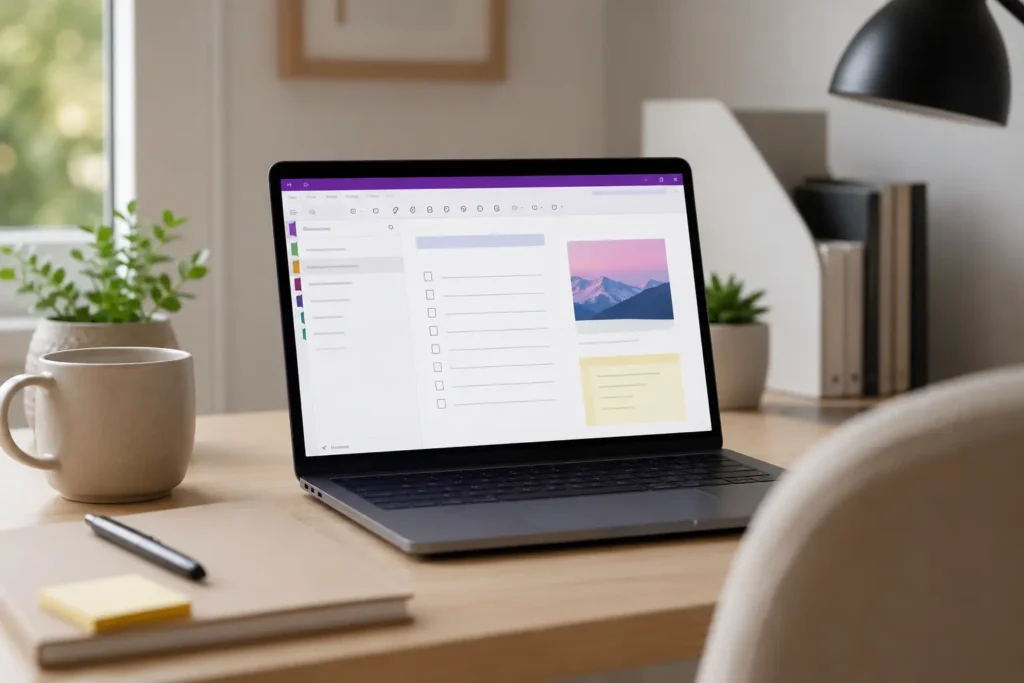
OneNote is built around notebooks, sections, and pages. A notebook might be called Work, Personal Admin, SB Neuro Focus, Health, or Home. Inside each notebook, sections act like dividers, and pages hold the actual notes. This is familiar enough for people who like paper binders, but flexible enough for digital capture.
The page itself is not locked into a strict line-by-line format. You can click almost anywhere and type, paste an image beside your notes, add a checklist lower down, or drop in a screenshot from a webpage. For ADHD productivity, that open canvas can help because you are not forced to decide the final shape of the note before you have even finished thinking.
If you are building a wider system, OneNote is often best used as the memory layer rather than the task manager. Tasks can be mentioned in notes, but important actions should usually be moved into a calendar, reminder app, or task system. That separation helps stop useful notes from becoming hidden to-do lists that never resurface.
Why It May Help (ADHD Context)
ADHD often affects working memory, task switching, prioritisation, and follow-through, which means important thoughts can vanish quickly if they are not captured. A tool like OneNote may help because it gives those thoughts a place to land before they disappear. For broader ADHD-friendly productivity ideas, ADDitude is also a useful external resource.
The real benefit is not that OneNote magically makes you organised. It is that it reduces the pressure to hold everything in your head. When a meeting produces five decisions, three possible tasks, and one vague idea for later, OneNote gives you a place to record the full context instead of relying on memory alone.
Used well, OneNote can support the kind of external memory system described in Why ADHD Brains Need External Memory Systems. The important part is keeping the setup low-friction, so opening the app and capturing the thought feels easier than trying to remember it.
Real-World Use Cases
OneNote can work well for work meetings because you can keep ongoing notes by client, project, department, or recurring meeting. Instead of creating a new loose document every time, you can keep a page history that makes it easier to look back and understand what was agreed.
It is also useful for personal admin. Insurance notes, medical questions, house tasks, phone call references, passwords reminders without storing actual passwords, and appointment notes can all sit in one place. For ADHD adults, this matters because admin often creates hidden stress when information is scattered across emails, scraps of paper, screenshots, and memory.
For content creation, research, or website work, OneNote can become a holding area for ideas before they are ready to become articles, plans, or tasks. If your workflow also involves a tablet for handwritten planning or visual thinking, Best Digital Tablets for ADHD Productivity (UK Guide) may be the most relevant cross-cluster guide to compare alongside this review.
Feature Breakdown Table
| Feature | ADHD Benefit | Possible Friction |
|---|---|---|
| Notebooks and sections | Helps separate areas of life without needing separate apps. | Can become overcomplicated if you create too many categories. |
| Flexible pages | Good for messy capture, screenshots, typed notes, and visual thinking. | Open layouts may feel cluttered without a simple structure. |
| Search | Reduces the need to remember exactly where something was saved. | Search only works well if notes contain recognisable words. |
| Device sync | Makes notes available across laptop, phone, and tablet. | Sync issues or account confusion can create friction. |
| Microsoft integration | Useful for work environments already using Microsoft 365. | May feel less attractive if you mainly use Apple or Google tools. |
Focus Environment Fit
OneNote fits best in a calm, practical focus environment where the aim is to capture information quickly and return to it later. It is not a distraction blocker, and it will not stop you from opening other tabs, but it can reduce one common form of mental clutter: trying to remember everything while also trying to do the work.
The app can feel especially helpful on a second screen, laptop, or tablet during meetings and planning sessions. A simple setup might include one Work notebook, one Personal notebook, and one Ideas notebook, with only a few sections inside each. That gives you enough structure to find things later without turning the system into a project of its own.
Real Use Review
In real use, OneNote feels strongest when it is allowed to be slightly messy. That may sound counterintuitive, but perfection is often where ADHD productivity systems begin to break. If every note has to be tagged, formatted, linked, and filed before it is “allowed” into the system, the system quickly becomes too much effort.
A more realistic approach is to have a quick capture section where rough notes can land first. Later, during a weekly reset or admin session, only the notes that still matter need to be moved or cleaned up. This works well with ideas from Brain Dumps for ADHD: How to Get Thoughts Out of Your Head, because the first job is getting the thought out, not making it beautiful.
Friction Points to Consider
- The app can become cluttered if you create too many notebooks and sections.
- Some people may find the open canvas less tidy than a simple notes app.
- It works best when paired with a separate task or calendar system.
- Sync and Microsoft account setup may create friction if you use multiple accounts.
- It can encourage saving too much information without deciding what is actually useful.
Practical Reality Check
OneNote is powerful, but ADHD productivity does not usually improve just because a tool has more features. The real question is whether you can open it quickly, capture what matters, and find that information again without rebuilding the system every few weeks.
If your notes are currently scattered everywhere, OneNote could be a strong upgrade. If your main issue is that you already collect too much information and rarely review it, the better move may be to simplify your structure first. A notebook only becomes useful when it supports decisions, tasks, and memory instead of becoming another place where unfinished thoughts go to disappear.
Before You Commit
Before choosing OneNote, it is worth asking whether your biggest challenge is organising information or simply capturing it before it disappears.
If you already use Microsoft 365, Windows, Outlook, or Teams, OneNote may be easier to justify because it fits naturally into tools you already use every day. If your needs are simpler and you mainly want somewhere to capture quick ideas, a lighter note-taking app may be enough.
OneNote works best when you keep the structure simple. The goal is not to build the perfect notebook but to create a place where ideas, notes, and information stay organised without adding unnecessary mental effort.
Frequently Asked Questions
Is OneNote good for ADHD productivity?
OneNote can be good for ADHD productivity if you use it as an external memory system rather than a complicated filing project. It is especially useful for capturing meeting notes, ideas, screenshots, research, and personal admin in one place.
Is OneNote better than Apple Notes for ADHD?
OneNote is more flexible and structured, while Apple Notes is usually simpler and faster for everyday capture. The better choice depends on whether you need a digital binder for larger systems or a low-friction notes app for quick thoughts.
Can OneNote replace a task manager?
OneNote can hold task-related notes, but it should not usually replace a proper task manager or calendar. For ADHD adults, important actions need reminders, dates, or clear next steps, otherwise they can become buried inside longer notes.
Is OneNote good for handwritten notes?
OneNote can work well for handwritten notes, especially on tablets with stylus support. It is useful if you like sketching, annotating, or thinking visually, although paper-style users may still prefer a hybrid option.
Alternatives to Consider
OneNote offers a flexible notebook-style workspace, but it is not the best fit for every way of thinking. The right choice usually depends on whether you need detailed organisation, quick capture, or a more connected knowledge system.
If you want to build a personal knowledge base with linked notes and long-term connections between ideas, Obsidian Review for ADHD Productivity (UK Guide) may be a stronger option. It offers more flexibility than OneNote, although it also comes with a steeper learning curve.
For people who prefer a traditional note-taking app with web clipping, document storage, and straightforward organisation, Evernote Review for ADHD Productivity (UK Guide) provides a familiar experience that works well across multiple devices.
If your biggest priority is capturing ideas as quickly as possible with the least amount of friction, Apple Notes Review for ADHD Productivity (UK Guide) may be the better fit. It is particularly useful for Apple users who want a simple place to store thoughts without building a more complex system.
If you are still deciding whether digital note-taking is right for you, Digital vs Paper Note-Taking for ADHD explores the strengths of both approaches and can help you choose a system that matches the way you naturally work.
Ultimately, the best note-taking system is the one you will keep coming back to when life gets busy. If you like organising information into notebooks, sections, and pages while keeping everything in one place, OneNote remains one of the strongest options. If your needs lean more towards quick capture or linked thinking, one of these alternatives may prove a better fit.
Final Verdict
This OneNote Review for ADHD Productivity comes down to one simple point: OneNote is a strong choice if you need a flexible, forgiving place to capture and organise information, but it needs boundaries. Used as a simple external memory system, it can reduce mental load and make scattered notes easier to return to. Used as an overdesigned productivity project, it can become another source of clutter.
For ADHD adults who already use Microsoft tools, work across devices, or need a mix of typed notes, handwritten thoughts, screenshots, and research, OneNote is well worth considering. Keep the structure small, make capture easy, and let the system support your memory instead of asking your memory to maintain the system.
Build a Simple ADHD Productivity System
If you want to bring everything together into one clear setup, this guide shows how tools, apps, and routines can work as one system.