

Best Note-Taking Tools for ADHD Productivity: Quick Picks
• Best quick capture app: Apple Notes
• Best for organised notebooks: Microsoft OneNote
• Best searchable knowledge base: Evernote
• Best for connected thinking: Obsidian
• Best reusable handwritten notebook: Rocketbook
Quick Picks by Situation
If you want the quickest way to capture an idea before it disappears, Apple Notes is the easiest place to start. It opens instantly on Apple devices, needs almost no setup, and keeps friction to a minimum when your brain is moving quickly.
If your notes are becoming larger projects with multiple subjects, Microsoft OneNote offers more structure through notebooks, sections, and pages. It works well if you like organising information without feeling restricted.
If you regularly save web pages, PDFs, documents, and research, Evernote makes it easier to search and retrieve information later. It’s a good choice if your challenge is remembering where you saved something.
If you enjoy connecting ideas together over time, Obsidian is the strongest option. Linked notes help build long-term knowledge rather than leaving information scattered across separate documents.
If you still think best with pen and paper but want digital backups, Rocketbook offers a useful middle ground. You can handwrite naturally while still sending notes into your digital system once you’re finished.
Introduction
Choosing the Best Note-Taking Tools for ADHD Productivity is less about finding the cleverest app and more about finding the option you will actually use when your head is busy, distracted, tired, or already holding too much information.
If you are looking for a wider ADHD-friendly productivity setup, try starting with Digital Productivity Tools for ADHD UK (Complete Guide). It provides an overview of how different tools can support ADHD productivity and shows how they fit together.
For me, the biggest test of a note-taking tool is whether I can use it in the middle of a normal day, not whether it looks impressive when I am setting it up. A system can look perfect on a Sunday evening, but if it asks for too many decisions before you can capture one quick thought on a Monday morning, it probably will not survive real life.
This comparison looks at five note-taking tools available in the UK and weighs them up for everyday ADHD productivity, including speed, structure, search, reminders, handwriting support, ease of use, and how much effort they need before they become useful.
Who This Guide Is For
- Adults with ADHD who forget ideas, tasks, appointments, or small life admin details.
- People who have tried several notes apps but keep abandoning them after the setup phase.
- Anyone who wants a calmer place to capture thoughts without building an overcomplicated system.
- Students, workers, freelancers, and parents who need notes to support real routines.
- People comparing simple digital notes, structured notebooks, linked notes, and handwritten capture.
Key Takeaways
- The best note-taking tool is usually the one with the lowest effort at the point of capture.
- Simple tools can be better than powerful tools if you mainly need quick reminders and lists.
- More advanced apps work best when you already know what kind of structure you want.
- Search, sync, and mobile access matter more than decorative layouts for everyday use.
- Rocketbook is useful if handwriting helps you think, but you still want digital backups.
How These Products Were Evaluated
These tools were compared around real daily use rather than feature lists alone. That means looking at how quickly you can capture a thought, how easy it is to find it again later, whether the tool works across common UK devices, and whether it still feels manageable on the days when your motivation and attention are running low.
I also considered how each option handles organisation, search, handwriting, reminders, and visual clutter. ADHD productivity advice from sources such as ADDitude often comes back to reducing overwhelm and creating external supports, which is why this guide focuses on practical effort rather than trying to crown the tool with the longest feature list.
Quick Comparison Table
| Tool | Best For | Main Strength | Main Trade-Off |
|---|---|---|---|
| Apple Notes | Everyday digital capture | Fast, simple, and already built in for Apple users | Less useful outside the Apple ecosystem |
| Microsoft OneNote | Work, study, and larger notebooks | Strong notebook structure with sections and pages | Can feel busy if you only need quick notes |
| Evernote | Searchable notes and saved information | Good for storing, finding, and clipping content | May feel heavier than basic notes apps |
| Obsidian | Linked notes and long-term thinking | Great for connecting ideas over time | Steeper learning curve |
| Rocketbook | Handwritten notes with digital backup | Combines pen-and-paper thinking with cloud storage | Requires scanning and a physical notebook |
Focus Environment Fit
The right note-taking tool should fit the environment where you lose ideas most often. If thoughts disappear while you are commuting, cooking, working, walking between rooms, or trying to remember something before bed, a fast capture tool matters more than a beautifully designed system. This is where a simple capture habit can work well alongside How to Build a Quick Capture Habit for ADHD, while understanding Why ADHD Brains Need External Memory Systems explains why getting ideas out of your head quickly can reduce mental overload.
If most of your notes relate to work, study, meetings, research, or ongoing projects, a more structured tool may be worth the extra setup. The key is being honest about where notes actually enter your life, because an app that only works when you are calm and organised will not help much on the days you need it most. If you’re struggling to keep hundreds of notes under control, How to Organise Notes Without Creating More Clutter explains how to build a simple system that stays manageable.
If you’re still undecided, remember that the best note-taking app is rarely the one with the most features. It’s the one you’ll actually use consistently. Some people work best with quick capture, while others benefit from gradually building a connected knowledge system that makes information easier to find when memory fails. If you’re interested in taking that next step, Building an ADHD Second Brain System explores how simple notes can gradually become an organised personal reference.
Focus Score Comparison Table
| Tool | Ease of Capture | Organisation | Search | ADHD-Friendly Score |
|---|---|---|---|---|
| Apple Notes | High | Medium | Medium | 8.5/10 |
| Microsoft OneNote | Medium | High | High | 8.5/10 |
| Evernote | Medium to High | High | High | 8/10 |
| Obsidian | Medium | High | High | 7.5/10 |
| Rocketbook | High for handwriting | Medium | Medium | 8/10 |
If you want more detail on a specific option, the individual reviews below will help you look more closely at how each one fits real daily use.
Apple Notes
Who It May Suit
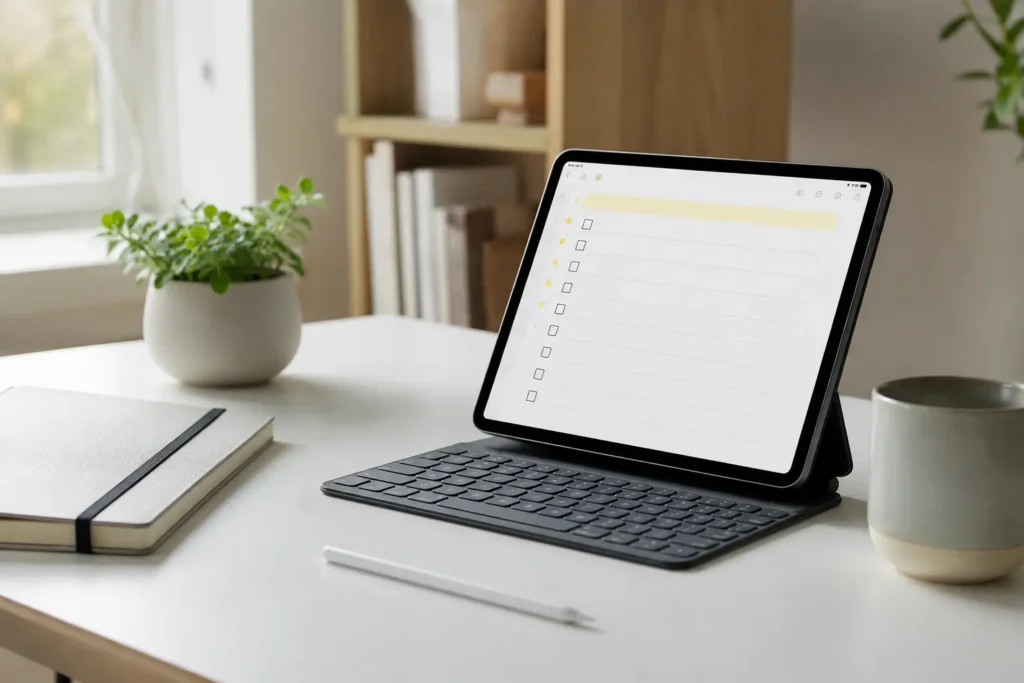
Apple Notes makes the most sense if you already use an iPhone, iPad, or Mac and want note capture to feel almost invisible. It suits people who do not want to build a complicated system before they can write something down, especially if the main problem is losing quick thoughts, reminders, links, lists, or small bits of life admin.
Why It May Help
The strength of Apple Notes is how quickly it gets out of the way. You can open it, write something down, scan a document, make a checklist, or save a messy thought without choosing a template or deciding where everything belongs. That kind of low-effort capture can be useful when your brain is already moving faster than your system.
It also works well as a simple holding space. You do not need to make every note perfect, and you do not need to turn every idea into a project. Sometimes the biggest win is simply knowing there’s one reliable place where thoughts can land before they’re replaced by the next thing that grabs your attention.
Friction Points to Consider
- It works best if you use Apple devices regularly.
- Organisation can become messy if you never review folders.
- It is less powerful than tools built for larger notebooks or connected notes.
Practical Reality Check
Apple Notes is not the most exciting option in this list, but that is partly why it works. If the tool is already on your phone and does not ask much from you, there is less resistance between having the thought and capturing it.
If you want a closer look at how it works in everyday use, you can read the full Apple Notes Review.
Microsoft OneNote
Who It May Suit
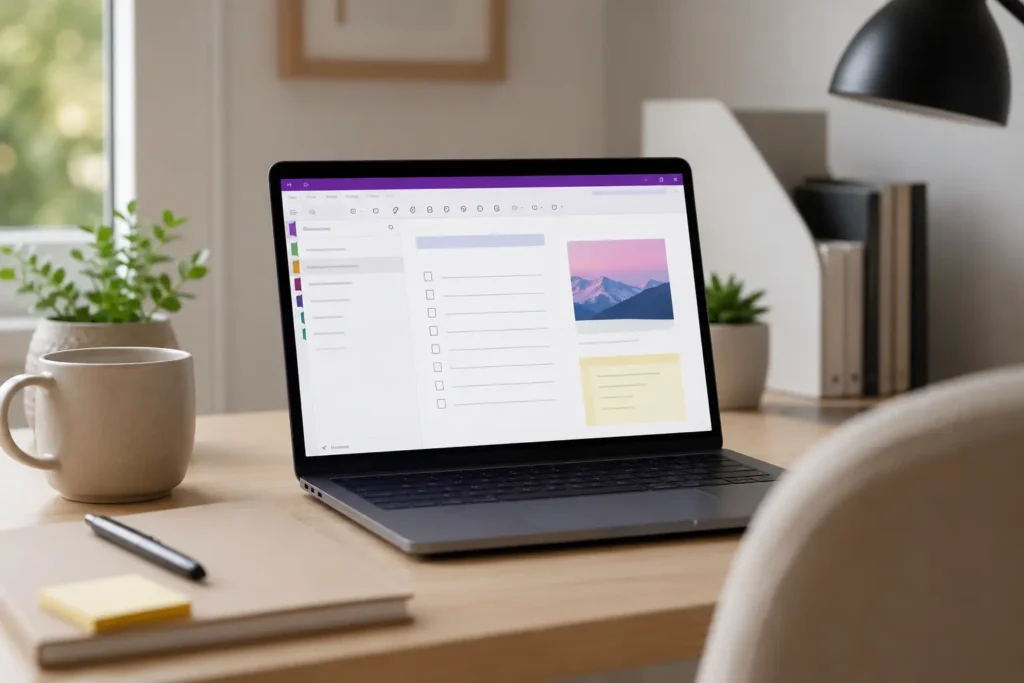
Microsoft OneNote is a good fit if your notes naturally split into different areas of life, such as work, study, home admin, projects, meetings, and personal planning. It feels more like a traditional notebook than a simple notes app, which can be helpful if you like having sections, pages, and a clear place for different topics.
Why It May Help
OneNote gives you room to spread out. Instead of forcing every note into a plain list, it lets you create notebooks, sections, pages, typed notes, handwritten notes, checklists, images, and clipped information. That can work well if your brain feels calmer when different types of information each have their own space instead of everything competing for your attention in one long list.
The connection with Microsoft 365 is also useful if you already use Outlook, Word, Teams, or OneDrive. In a work or study environment, it can become a practical place to keep meeting notes, research, lesson notes, and planning details together without needing a separate specialist system.
Friction Points to Consider
- The interface can feel busy if you only want quick notes.
- It may take time to decide how your notebooks and sections should work.
- Too many sections can become another place to lose information.
Practical Reality Check
OneNote works best when you give it a simple structure and then stop tinkering. A few clear notebooks and sections are usually more helpful than trying to create a perfect filing system, because the more choices you add, the more effort it takes to decide where each note belongs.
If you want to see whether the notebook-style layout fits your routine, you can read the full Microsoft OneNote Review.
Evernote
Who It May Suit
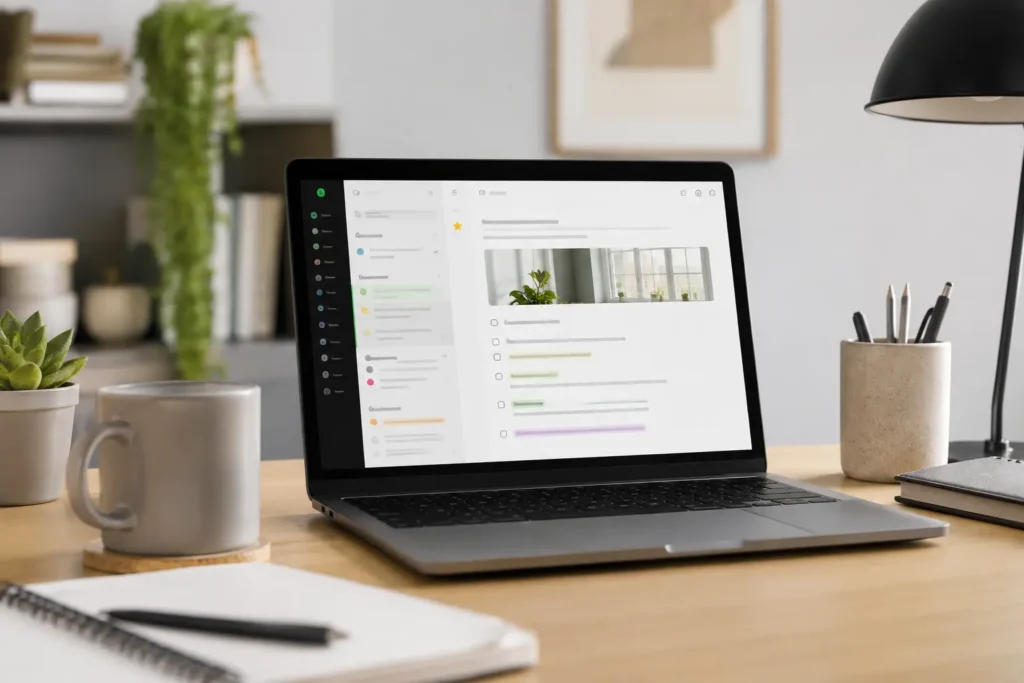
Evernote is a strong option if you collect a lot of information and need to find it again later. It suits people who save notes, documents, web pages, ideas, receipts, meeting notes, and reference material, especially when those things would otherwise end up scattered across email, browser tabs, downloads, and random screenshots.
Why It May Help
The appeal of Evernote is retrieval. Many note-taking systems fail because notes go in but never come back out, whereas Evernote is built around notebooks, search, tags, and saved information. If you often remember saving something but cannot remember where it ended up, that stronger search experience can remove a surprising amount of frustration from everyday life.
Evernote can also be useful for turning loose information into a more reliable archive. It is not just a quick notepad; it is better suited to people who want somewhere to store useful material over time and trust that they can search for it later.
Friction Points to Consider
- It can feel more formal than lightweight notes apps.
- Some people may not need the extra features.
- The best setup still needs some basic notebook organisation.
Practical Reality Check
Evernote is most useful when your notes are part of work, admin, research, or repeated reference. If you only need somewhere to jot down milk, appointments, and quick reminders, it may feel heavier than necessary, but if you regularly lose useful information, the stronger search and clipping tools can make the system easier to trust.
If you want to look more closely at its search, notebooks, and daily usefulness, you can read the full Evernote Review.
Obsidian
Who It May Suit
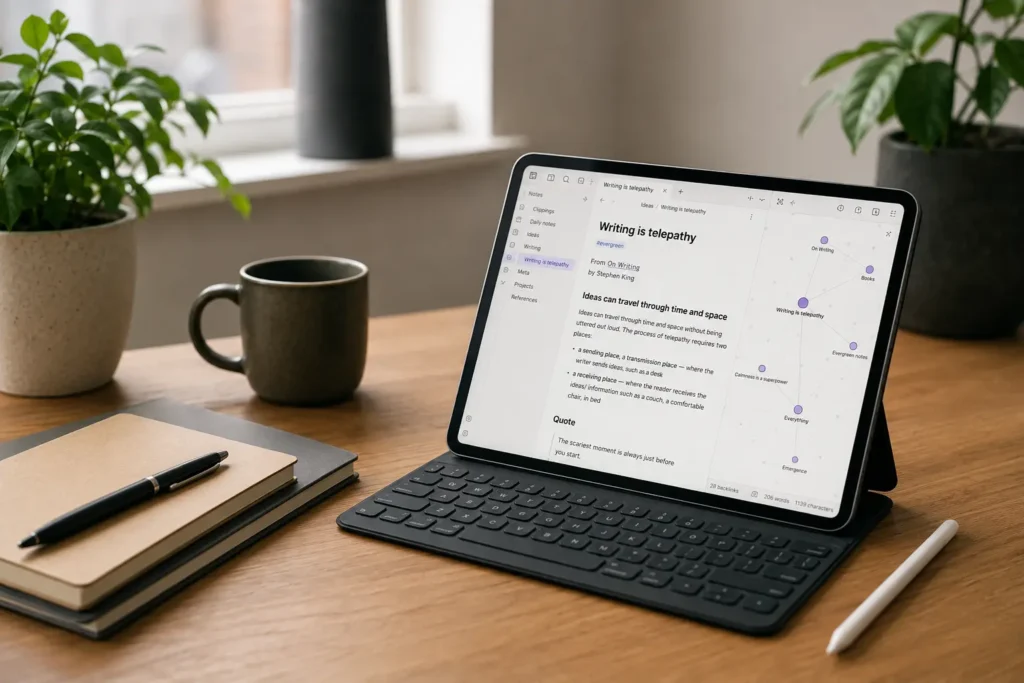
Obsidian is different from the other options because it is built around linked notes and long-term thinking. It suits people who want to connect ideas over time rather than simply store reminders, especially if you write, research, study, create content, plan projects, or like seeing how different thoughts relate to each other.
Why It May Help
The main benefit is that notes do not have to stay isolated. You can connect related thoughts, build a network of ideas, and follow links between topics in a way that can feel more natural than rigid folders. For some ADHD brains, that connected structure can match the way ideas appear in real life.
What stood out to me with Obsidian is that it rewards revisiting ideas. Instead of every note becoming a one-off entry that gets forgotten, the system encourages you to link new thoughts to older ones, which can make your notes feel more alive over time.
Friction Points to Consider
- It has a steeper learning curve than basic notes apps.
- It may feel too much if you mainly need quick reminders.
- Plugins and customisation can become distracting.
Practical Reality Check
Obsidian is powerful, but it asks for more patience at the start. It is best when you genuinely want a long-term thinking space, not just somewhere to write down quick errands. Keep it simple at first, because it’s surprisingly easy to spend more time improving the system than actually using it.
If you want a closer look at whether linked notes fit your routine, you can read the full Obsidian Review.
Rocketbook
Who It May Suit
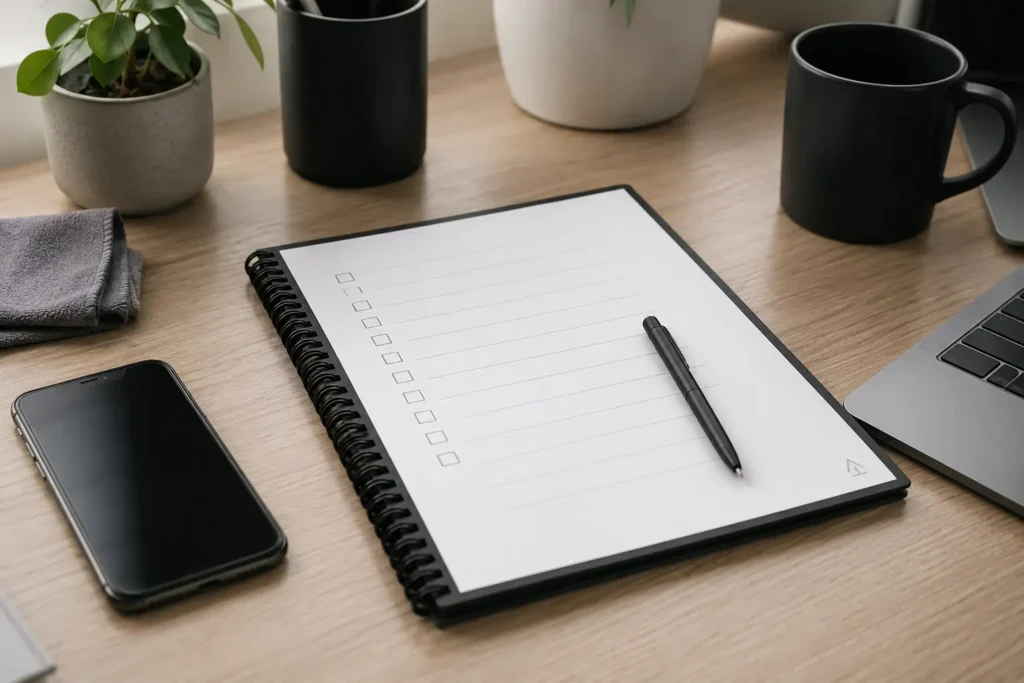
Rocketbook is for people who still think better with a pen in their hand. If typing into an app feels too formal, too distracting, or too easy to ignore, a reusable notebook can make note-taking feel more physical while still giving you the option to save pages digitally.
Why It May Help
The useful part of Rocketbook is the bridge between paper and digital storage. You can write by hand, scan pages with the app, and send them to cloud services, which means handwritten notes do not have to stay trapped in a notebook. That can be helpful if paper makes ideas flow more easily but you still want a backup that can be stored, shared, or searched later.
It also creates a clearer boundary around capturing ideas, which can make it easier to stay focused without immediately drifting into other apps. Opening a notebook can feel less distracting than opening a phone full of messages, apps, and notifications, which is worth considering if digital tools often pull you away from the thing you meant to capture.
Friction Points to Consider
- You need to scan pages for the digital side to be useful.
- It relies on having the notebook and compatible pen with you.
- It may not suit people who prefer fully digital typing and search.
Practical Reality Check
Rocketbook is not the same as a notes app, and that is the point. It works best when handwriting helps you slow down, think clearly, or remember ideas more easily, but it does add an extra scanning step that you need to be realistic about.
If you want to see whether a reusable handwritten system would fit your day-to-day routine, you can read the full Rocketbook Review.
Buying Guide: Choosing a Note-Taking Tool
When choosing from the Best Note-Taking Tools for ADHD Productivity, start with compatibility. A tool that works beautifully on a device you rarely use will not help as much as a simpler option that is always within reach. If you use an iPhone all day, Apple Notes has an obvious advantage, whereas OneNote may feel more natural if your work or study life already sits inside Microsoft 365.
Notification control also matters. Some tools can remind you about notes, while others are better as quiet storage spaces. If reminders help you act on information, Apple Notes and OneNote can support simple prompts, but if too many alerts make you tune everything out, you may prefer a calmer note-taking setup that relies on review rather than constant interruption.
Battery life is more about the device than the note-taking tool itself, but it still matters in practice. A system that depends on a laptop being open is less reliable than one that works quickly on your phone or in a notebook, especially when you are out of the house, switching between tasks, or trying to capture something before it disappears.
Ease of use is often the deciding factor for many people with ADHD. The more steps it takes to capture a thought, the more likely that thought is to vanish or become another unfinished task. Even an excellent tool can become the wrong choice if it creates enough hesitation for ideas to disappear before you’ve captured them.
Frequently Asked Questions
What is the best note-taking tool for ADHD?
There is no single best note-taking tool for every person with ADHD because the right choice depends on how you capture and use information. Apple Notes is strong for quick digital capture, OneNote works well for structured notebooks, Evernote is useful for searchable storage, Obsidian suits connected thinking, and Rocketbook is a good option if handwriting helps you focus.
Are handwritten notes better for ADHD?
Handwritten notes can be better for some people with ADHD because the physical act of writing can slow things down and make ideas feel more concrete. That does not mean handwriting is automatically better for everyone, but a tool like Rocketbook can be helpful if you like paper and still want digital backups.
Is OneNote good for ADHD note-taking?
OneNote can be good for ADHD note-taking if you like having separate notebooks, sections, and pages. It works especially well for work, study, and larger topics, although it can feel busy if you only need a very quick place to capture small reminders.
Is Obsidian too complicated for ADHD?
Obsidian can feel complicated at first, especially if you start adding plugins, themes, and advanced workflows too early. It becomes more useful when you keep the setup simple and use it mainly for linked notes, ideas, research, and long-term thinking.
Final Verdict
The Best Note-Taking Tools for ADHD Productivity are the ones that fit the way your brain already works rather than the routine you hope to have one day. Apple Notes is strongest for fast everyday capture, Microsoft OneNote works well for structured notebooks, Evernote is useful for searchable organisation, Obsidian is best for connected thinking, and Rocketbook gives handwritten notes a practical route into a digital system.
If you are still deciding, the full product reviews can help you look more closely at the strengths and trade-offs of each option before choosing the tool that feels easiest to keep using.