How to Choose the Right ADHD Productivity Tools: Quick Overview
- Focus on tools that reduce effort, not add complexity
- Choose 1–2 core tools instead of trying everything
- Match tools to real daily problems (not ideal routines)
- Layer tools together for better results
- Keep your system simple enough to actually use
Introduction
Learning how to choose the right ADHD productivity tools can make a noticeable difference to how your day feels. It is not really about finding the “best” tool. It is about building a small system that works for how your brain already behaves. If you are trying to do everything in one place, it often becomes overwhelming.
A good starting point is understanding how different tools fit together. For a full breakdown of how systems connect, you can explore the main hub here: ADHD productivity tools UK guide. This article builds on that and helps you choose what actually suits your situation.
Why ADHD Productivity Systems Matter
ADHD is not just about distraction. It is often about starting tasks, staying with them, and switching between them without losing track. Tools can help, but only if they match the problem you are trying to solve.
I found that when I tried to use too many apps at once, I spent more time setting things up than actually doing anything. What helped more was having just a couple of tools that I could rely on without thinking.
The goal is not perfection. It is reducing the number of moments where things fall apart during the day.
The Core Components of an ADHD Productivity System
- Focus tools
- Reminder systems
- Environment control
- Routine structure
How Different Tools Work Together
Understanding how to choose the right ADHD productivity tools becomes easier when you stop looking at them individually and start thinking about how they work together.
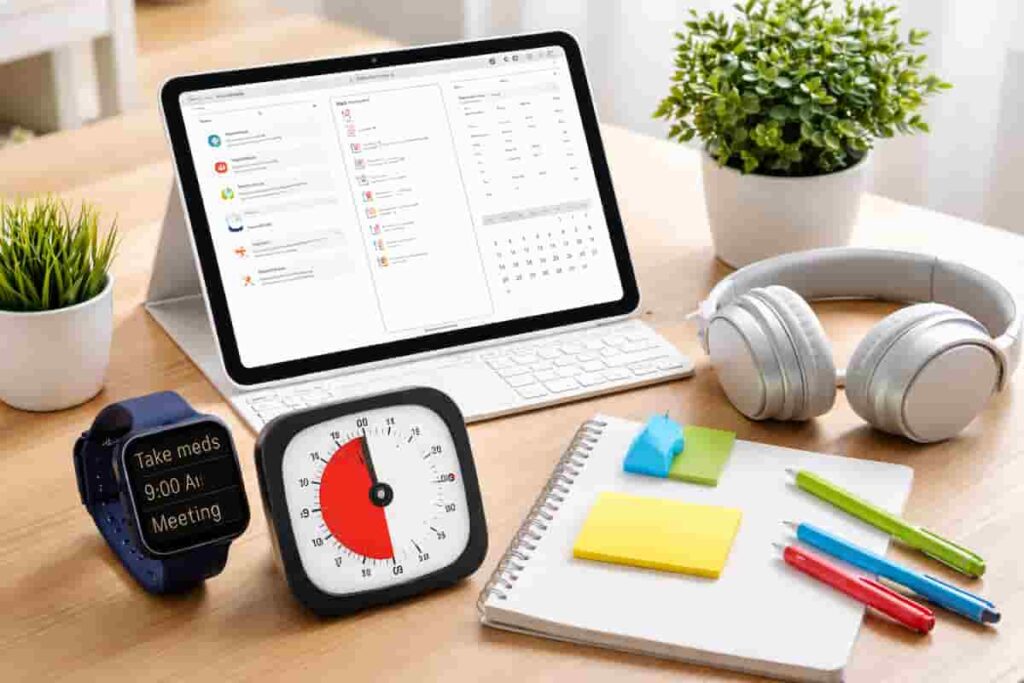
For example, a distraction-blocking app can stop you drifting onto social media, but it does not tell you what to do next. A visual timer can help you stay on task, but it does not remind you to start. A tablet can hold your tasks, but it will not stop interruptions on its own.
When you layer them, things start to click. A simple setup might be:
– A tablet for planning and tasks (see: Best Digital Tablets for ADHD Productivity)
– A timer to create clear work blocks
– A distraction blocker to protect those blocks
That combination works better than any single tool on its own.
Build a Simple ADHD Productivity System
If you want to bring everything together into one clear setup, this guide shows how tools, apps, and routines can work as one system.
Choosing Tools Based on Your Biggest Challenge
If you are not sure where to start, it often helps to choose tools based on the part of ADHD productivity that feels hardest in daily life. The right setup is usually the one that solves your biggest problem first, rather than the one with the most features.
If you prefer a simple all-in-one setup, a tablet-based system may be the easiest place to begin. This guide on how to build an ADHD productivity system using a tablet shows how planning, notes, and routines can work together in one place.
If distraction is your biggest issue, it may help to start with tools that reduce interruptions before you try to improve planning. This best distraction-blocking apps for ADHD adults (UK-compatible) guide is a good place to explore options.
If time awareness and staying on track feel harder, timer-based tools may suit you better. You can explore the best ADHD focus timers (UK guide) to see which types of timers may work best for different routines.
If reminders are the main problem, wearable tools may be more helpful than relying on your phone alone. This guide to 5 best smart watches for ADHD task reminders (UK) explains which options may help make prompts easier to notice.
Example ADHD Productivity Setup
Morning Setup
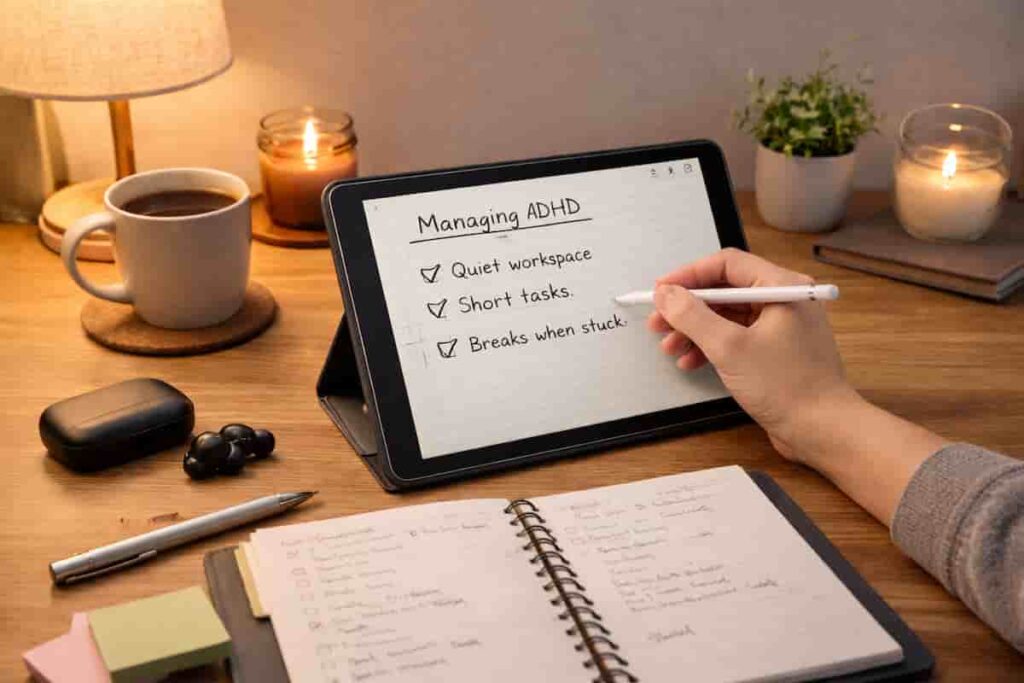
Start with one clear place to check your day. This could be a tablet or simple planner. The key is not having multiple places to look.
Work Blocks
Use a timer or focus app to create short, realistic sessions. Even 10–20 minutes is enough to get started.
Break Management
Breaks matter, but they can easily drift. A timer helps keep them short and intentional.
End of Day Reset
Spend a few minutes resetting your system. This might be clearing tasks, setting tomorrow’s priorities, or tidying your workspace.
Common Mistakes to Avoid
- Using too many tools at once
- Choosing tools based on features instead of real use
- Trying to copy someone else’s system exactly
- Relying only on motivation instead of structure
- Constantly switching tools instead of sticking with one
Building a Simple System That You Can Stick To
If you are working out how to choose the right ADHD productivity tools, the most important thing is to keep it simple enough that you actually use it.
A good approach is to start with just one tool for each role:
– One place for tasks
– One way to manage focus
– One method for reminders
You can build from there later. Trying to build the perfect system straight away usually leads to nothing being used consistently.
For example, if distractions are your biggest issue, starting with something like a blocking app can make a bigger difference than reorganising your entire system. You can explore options here: Best Distraction Blocking Apps for ADHD Adults.
What matters most is that your setup feels easy to return to, even on a low-energy day.
Frequently Asked Questions
What are the best ADHD productivity tools?
The best tools are the ones you will actually use. Simple setups usually work better than complex systems.
How many tools should I use?
Start with two or three. Adding too many tools often creates more confusion than clarity.
Are apps or physical tools better?
It depends on what distracts you more. If your phone pulls your attention, physical tools can help reduce that.
How do I know if a tool is working?
If it makes it easier to start tasks and stay on them, it is working. If it adds effort, it is probably not the right fit.
Final Thoughts
Choosing how to choose the right ADHD productivity tools is really about building something practical, not perfect. The best systems are usually simple, slightly imperfect, and easy to return to when things slip.
Resources like ADDitude often highlight how important it is to work with your habits rather than against them. That idea applies here too. The right tools should support what you already struggle with, not add another layer of effort.
From experience, I’ve found that when your system is small, visible, and easy to use, it’s much easier to stick with over time.
Build a More Focused Workflow
Explore tablet options that help reduce distraction and support daily routines.