

Best Weekly Planning Tools for ADHD: Quick Picks
- Best for detailed time blocking: Akiflow
- Best for managing multiple calendars: Morgen
- Best for combining tasks and notes: Routine
- Best for a simple brain-dump system: Ellie Planner
- Best for a clear weekly overview: Tweek
Quick Picks by Situation
When tasks are spread between calendars, email and several other services, Akiflow provides a more detailed way to bring them together and assign time to them. Morgen takes a similarly calendar-led approach, but may be more appealing when the main problem is seeing commitments from several calendars and task managers in one place. If the calendar itself is the part you want to change, the Best Calendar Apps for ADHD Time Management guide compares a wider range of options.
A complicated planning system can become another project to maintain. Tweek asks the least of you when you open it: the week is laid out like a simple page. Ellie Planner gives loose thoughts somewhere to land before you decide what belongs in the day, without the deeper calendar setup of Akiflow or Morgen.
For work that regularly produces meeting notes, tasks and supporting information, Routine provides more room to keep those pieces connected. That added depth may be useful for managing projects, although someone who only needs to see what is happening from Monday to Sunday may find Tweek considerably easier to return to.
Introduction
The best weekly planning tools for ADHD are not necessarily the ones with the longest feature lists. A planner is only useful when it remains understandable during a busy week, including the days when plans change, unfinished tasks accumulate or opening the app already feels like an extra step.
The five tools in this comparison approach that problem differently. Akiflow and Morgen place tasks directly alongside calendar commitments, Routine brings planning, notes and project information together, Ellie Planner uses a brain-dump-led daily system, and Tweek keeps the entire week visually simple.
Choosing between them really comes down to what keeps making weekly planning difficult. Repeatedly moving tasks around can become tiring, so some people may welcome more automation. For somebody who already feels overwhelmed by settings and notifications, though, that same automation can become another thing to manage. A simple weekly page may feel much calmer, but it can become limiting when several calendars, deadlines and task lists all need to fit together.
The individual Akiflow Review for ADHD Planning looks more closely at the most feature-rich option in this comparison, but the wider guide below should help you decide whether that degree of control is genuinely useful for your week.
Who This Guide Is For
- People who regularly make a weekly plan but stop checking it after a few days.
- Anyone whose tasks and appointments are currently spread across several apps.
- Readers who want a clear visual week without building a complicated productivity system.
- People deciding whether automated scheduling is worth an ongoing subscription.
- Anyone who frequently carries unfinished tasks into the following day or week.
- People who need a quick place to capture tasks before organising them properly.
Key Takeaways
- Akiflow provides the greatest amount of scheduling control, but it also asks for more setup and regular engagement.
- Morgen is particularly useful when calendars and tasks come from several different services.
- Routine can replace parts of a larger productivity setup, although its breadth may be unnecessary for straightforward weekly planning.
- Ellie Planner provides a gentler bridge between a loose task list and a time-blocked day.
- Tweek makes the week easy to scan, but several useful planning features require its paid plan.
- The right level of complexity matters more than choosing the tool with the most automation.
How These Products Were Evaluated
These tools were compared according to how easily someone can capture a task, understand the week, decide what to do next and adjust the plan when circumstances change. Setup effort, calendar support, recurring costs, visual clarity and the amount of ongoing maintenance were also considered.
The comparison does not treat every extra feature as an automatic advantage. Integrations and automated scheduling can reduce repeated work when they solve an existing problem, but they may also introduce more menus, notifications and decisions. For a planning system that has previously been difficult to maintain, a smaller set of dependable features may be more useful.
The scores below are a way to compare the tools, not a measure of how well any app will work for someone with ADHD. Organisation and planning can look quite different from person to person; ADDitude offers broader reading on ADHD if you want to explore that further. A calendar full of helpful detail for one person may feel exhausting to somebody else.
Quick Comparison Table
| Tool | Main approach | Setup level | Free option | Best suited to |
|---|---|---|---|---|
| Akiflow | Tasks, calendars and automated time blocking | High | Time-limited trial | Busy weeks with tasks from several sources |
| Morgen | Unified calendars, task integrations and planning assistance | Medium to high | Time-limited trial | Multiple calendars and changing schedules |
| Routine | Tasks, calendar, notes and project organisation | Medium | Free starting access | Keeping related work in one system |
| Ellie Planner | Brain dump, daily Kanban and timeboxing | Low to medium | Yes | Turning loose thoughts into a workable day |
| Tweek | Minimal paper-style weekly view | Low | Yes | Seeing the week without visual overload |
Focus Environment Fit
When appointments, deadlines and tasks keep arriving through different services, Akiflow and Morgen can bring more of the week into one view. That may save the repeated checking of several calendars and task lists, especially when it is easy to forget which app contains what. Both become less useful, however, when the day is so fixed that there is very little room to move tasks around meetings.
Routine may fit project-based work where a task often needs notes, meeting details or other context attached to it. Instead of remembering where the supporting information was saved, the aim is to keep more of the working process together. The trade-off is that its wider range of functions can take longer to learn than a dedicated weekly planner.
Ellie Planner and Tweek are easier to understand at a glance. Ellie works well when planning usually begins with unloading everything that is on your mind, while Tweek suits a home office, study space or flexible routine where seeing the shape of the week matters more than assigning a precise time to every task. The Tweek Review for ADHD Planning explores whether that deliberately limited approach remains useful once a week becomes busier.
Focus Score Comparison Table
These scores reflect practical planning qualities on a five-point scale. They are intended to show the relative differences between the products and should not be read as measures of focus or ADHD support.
| Tool | Visual clarity | Ease of capture | Scheduling support | Low-maintenance use |
|---|---|---|---|---|
| Akiflow | 4/5 | 5/5 | 5/5 | 3/5 |
| Morgen | 4/5 | 4/5 | 5/5 | 3/5 |
| Routine | 4/5 | 5/5 | 4/5 | 3/5 |
| Ellie Planner | 4/5 | 5/5 | 3/5 | 4/5 |
| Tweek | 5/5 | 4/5 | 2/5 | 5/5 |
If one of these approaches feels close to what you need, the individual reviews look more carefully at the everyday advantages, limitations and amount of effort involved.
Akiflow
Who It May Suit
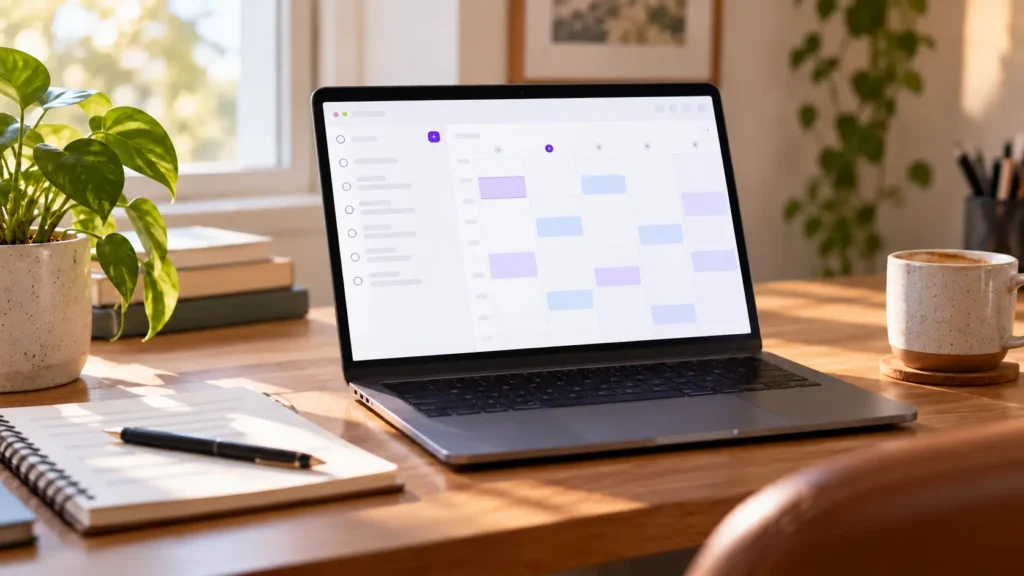
A busy calendar can look organised while still leaving no clear space for the work between meetings. Akiflow is designed for people who want to collect tasks from different services, decide how long those tasks require and place them into the calendar alongside existing commitments.
If you already use time blocking but get tired of rebuilding the calendar by hand, Akiflow may remove some of that repeated work. Its universal inbox also gives tasks from email, messaging platforms and project-management tools somewhere to land before they are forgotten or left buried in the original app.
Why It May Help
Bringing tasks and appointments into the same view makes it easier to see when a planned week contains more work than the available time allows. Instead of maintaining an ambitious list beside a full calendar, tasks can be given visible space and moved when priorities change.
Quick capture, recurring tasks and automated scheduling can also reduce some of the small planning steps that are easy to postpone.The useful distinction is that Akiflow does more than hold a list of tasks: it shows where that work might actually fit in an already busy week.
Friction Points to Consider
- The subscription is one of the more expensive options in this comparison.
- Connecting several services and learning the planning workflow requires initial setup.
- Automated suggestions, integrations and advanced controls may be excessive for a simple weekly list.
Practical Reality Check
Akiflow may make a complicated working week more visible, but it will not remove the need to judge task duration or decide what should be postponed. A carefully time-blocked calendar can also become discouraging when delays cause the rest of the day to slip, so leaving deliberate gaps may be more sustainable than filling every available space.
For a closer examination of its integrations, scheduling tools and learning curve, see the full Akiflow Review for ADHD Planning.
Morgen
Who It May Suit
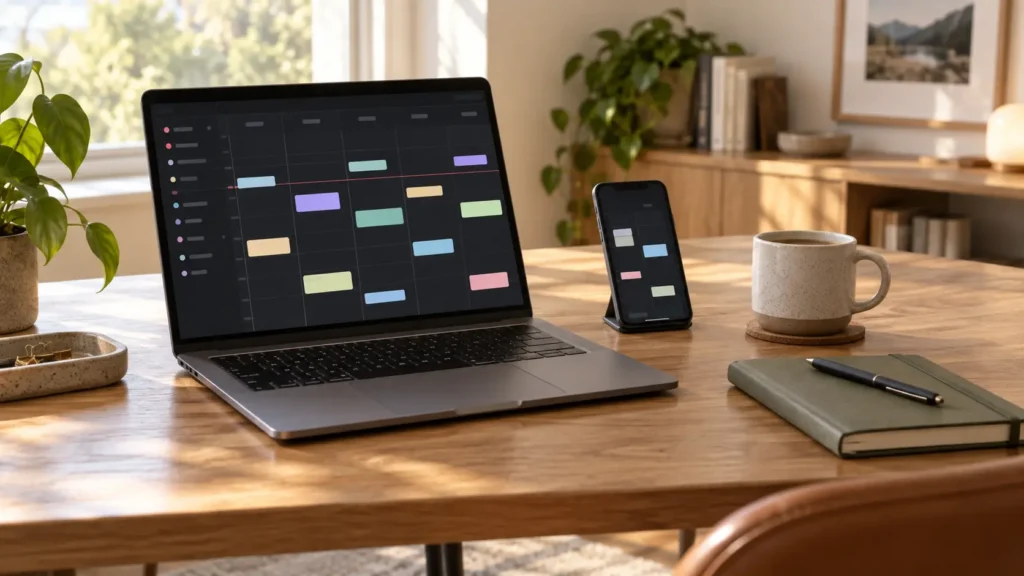
Morgen becomes most relevant when the week is divided across work, personal and shared calendars. It can bring multiple calendars into one view and connect tasks from other services, which may reduce the repeated checking that happens when no single calendar shows the complete picture.
Morgen can suggest where tasks might fit without taking the whole plan out of your hands. You can accept its suggestions, move them or ignore them, which may feel less unsettling than opening the calendar to find that the day has been rearranged in a way that no longer makes sense to you.
Why It May Help
Calendar Sets allow different groups of calendars to be viewed together, so the screen does not always need to display every commitment at once. Tasks with deadlines can also be placed alongside events, making it easier to notice when the work required before a deadline has not yet been given any time.
Morgen supports desktop, mobile and browser use, which matters when planning happens at a computer but tasks need to be checked or moved elsewhere. Its wider calendar compatibility may also be useful in households or workplaces where people rely on different calendar providers.
Friction Points to Consider
- The individual paid plan represents a significant ongoing cost, particularly when billed monthly.
- Getting full value depends on connecting and organising the calendars and task services already in use.
- People with a mostly fixed routine may not need its planning assistance or extensive calendar controls.
Practical Reality Check
Morgen can create a more honest picture of availability, although the combined view may initially reveal a fairly crowded week. Its value comes from using that information to reduce or move commitments, rather than simply fitting more tasks into every remaining gap.
The full Morgen Review for ADHD Planning considers how its calendar-led approach compares with maintaining separate task and scheduling apps.
Routine
Who It May Suit
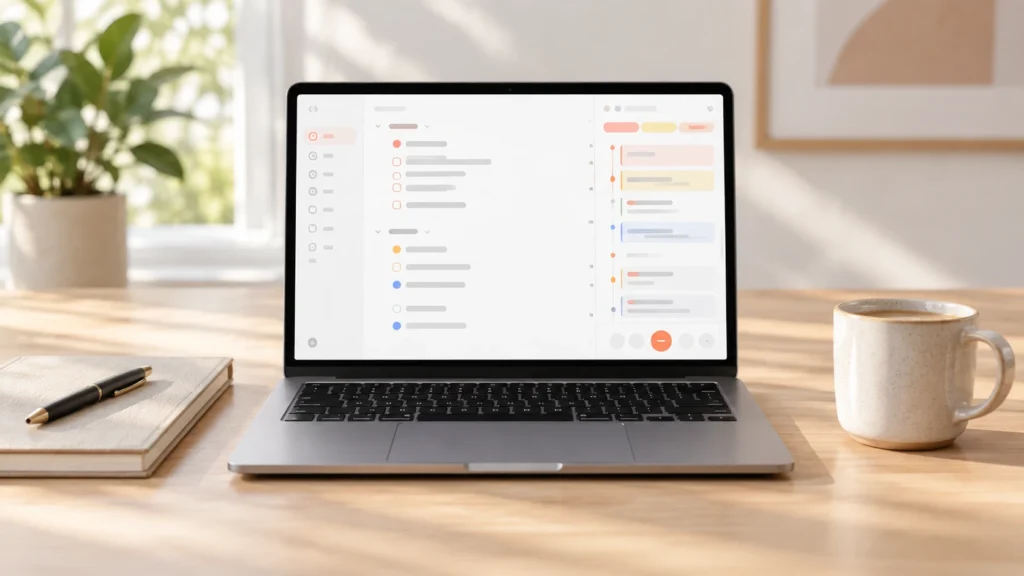
Some work cannot be represented by a task title alone. A meeting may create several actions, a project may involve notes and reference material, and the next step can be difficult to remember once those pieces have been saved in different places. Routine is aimed at bringing more of that information into one connected workspace.
Routine may be useful when moving between a calendar, task manager and notes app has become a normal part of getting anything finished. Freelancers and people juggling several projects may appreciate having those pieces closer together, while the desktop and mobile apps give a passing thought somewhere to land before it disappears again.
Why It May Help
Routine combines a planner with time blocking, quick capture, recurring tasks, priorities, projects and notes. That means an idea can be captured before it disappears, then organised later without immediately deciding where every detail belongs.
Its meeting-note and capture tools can also keep the follow-up task close to the conversation that created it. That matters when notes are taken with good intentions but rarely opened again, leaving the important action hidden halfway down the page.
Friction Points to Consider
- The range of tasks, notes, databases and AI functions can make the system feel broader than a conventional planner.
- Some advanced capture, tracking and automation features require a higher paid tier.
- Moving several existing systems into Routine could create a sizeable setup task of its own.
Practical Reality Check
Routine may reduce app switching when it genuinely replaces tools that are already being used. If it is added on top of an existing calendar, task manager, notes service and project system without a clear role, however, it risks becoming one more location to remember to check.
A more detailed look at where its wider workspace is useful can be found in the Routine Review for ADHD Planning.
Ellie Planner

Who It May Suit
Planning sometimes begins with a collection of half-remembered tasks rather than an orderly schedule. Ellie Planner gives those thoughts a brain-dump area and then allows selected tasks to be arranged into a daily Kanban or placed beside calendar events using timeboxing.
Ellie Planner sits between a loose task list and the more involved scheduling found in Akiflow or Morgen. That may feel easier when you need somewhere to unload several half-formed thoughts, but don’t have the energy to assign a time, duration and priority to every one of them straight away.
Why It May Help
The separation between capturing and scheduling removes the pressure to organise a task perfectly at the moment it occurs. Once there is time to plan, tasks can be moved into the day, broken into subtasks or allowed to roll forward if they remain unfinished.
Ellie also includes a focused today view, recurring tasks and calendar connections on its paid plan. TThat extra structure is there if you need it, without making every stray thought feel like the start of a project.
Friction Points to Consider
- Timeboxing, calendar connections, reminders and recurring tasks require the Pro plan.
- There is currently no Android app.
- It has fewer advanced scheduling and multi-calendar controls than Akiflow or Morgen.
Practical Reality Check
The brain dump gives stray tasks somewhere to go, but it can quietly become another list you avoid opening. It may be easier to glance at it now and then while it is still manageable than to return weeks later and face a full clear-out.
The Ellie Planner Review for ADHD Planning looks more closely at that balance between quick capture and deliberate daily scheduling.
Tweek
Who It May Suit
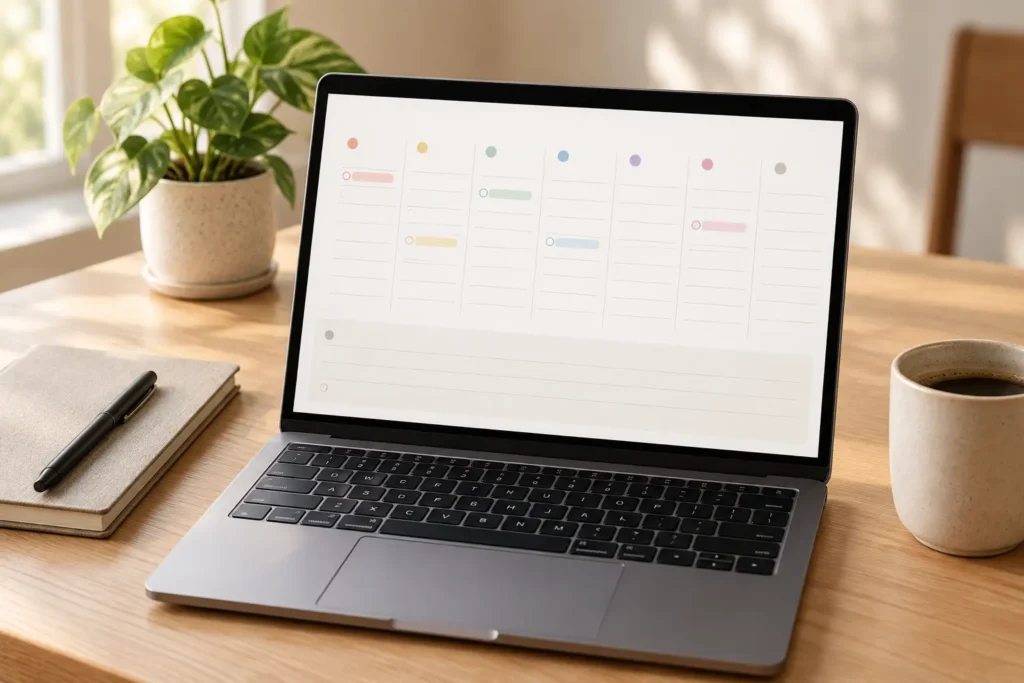
Tweek starts from a very different assumption: a weekly planner does not need to control every hour. Its main view resembles a simple paper diary, with tasks placed beneath the days of the week and a separate area for items that do not yet have a date.
That approach may be easier to maintain for someone who abandons systems after spending too much time choosing labels, durations and priorities. It is also useful when the week needs to stay visible as a whole rather than being divided into a detailed sequence of calendar blocks.
Why It May Help
A seven-day view makes upcoming commitments visible without requiring repeated movement between separate daily pages. Tasks can be added quickly, dragged between days and colour-coded where a small amount of distinction is useful.
Tweek asks very little of you before you can start putting tasks into the week. The free version can act as a straightforward weekly list, while the paid plan adds recurring tasks, reminders, subtasks and calendar connections when those become necessary.
Friction Points to Consider
- The free plan limits the number of active calendars and undated columns.
- Calendar connections, recurring tasks, subtasks and reminders require Premium.
- It does not provide the detailed time blocking or scheduling assistance available elsewhere in this comparison.
Practical Reality Check
Tweek makes the plan easier to see, but it does not make many planning decisions on your behalf. “Finish report” can still sit on the page all week when it is too vague to start. Tweek gives that task a visible place, but you may still need to work out what the first manageable part actually is.
If the minimal design sounds appealing, the Tweek Review for ADHD Planning considers where that simplicity helps and where it begins to feel restrictive.
Buying Guide: Choosing a Weekly Planning Tool
When comparing the best weekly planning tools for ADHD, it helps to notice which part of the current setup keeps falling apart. Tasks spread across several services may point towards better integrations, whereas a plan that already feels visually overwhelming probably does not need another layer of automation and controls.
Consider how much detail you genuinely use. Time blocking can make an unrealistic workload obvious and provide a visible starting point, but it also means estimating durations and moving tasks when the day changes. A loose weekly view takes less upkeep, although it gives you less help deciding when the work will happen. If you are unsure which approach would feel manageable, Why Time Blocking Can Help ADHD Adults Stay Organised explores that trade-off in more detail..
Capture should also be easy from the devices available when tasks occur. A planner that works well on a desktop may still leave gaps if thoughts usually arrive while commuting or away from the desk. Platform support is particularly important with Ellie Planner because it does not currently provide an Android app.
A free plan or trial will tell you more during a normal, slightly messy week than it will during an unusually quiet one. Real appointments will move, tasks will take longer than expected and you may forget to check the planner for a day. What matters is whether returning feels straightforward or whether the system already feels as though it needs rebuilding.
Finally, look at the full subscription cost rather than treating every monthly figure as directly comparable. Advanced planners may replace several existing services, which can justify the cost, but a lower-priced or free option may be enough when the main requirement is simply keeping the week visible.
Frequently Asked Questions
Is a weekly planner better than a daily planner for ADHD?
A weekly view can make deadlines, appointments and busy days easier to anticipate, while a daily view provides more space for choosing the immediate next step. Many people may find a combination useful: review the whole week briefly, then keep the current day simple.
Should every task be time blocked?
No. Time blocking is most useful for work that requires protected time or is easily postponed. Assigning a calendar slot to every small task can make the schedule brittle and create unnecessary maintenance when the day changes.
Are free weekly planning tools enough?
They can be. A free plan may be entirely adequate for capturing tasks and viewing the week. Paid features become more relevant when you need calendar connections, reminders, recurring tasks, advanced integrations or automated scheduling.
How long should I test a new planner?
A normal working week should reveal the most obvious annoyances, but two or three weeks gives a better sense of what happens once the initial novelty fades. Moving every old task across immediately can turn trying a planner into a much larger job, so starting with current commitments may make it easier to see whether you naturally return to it.
Final Verdict
The best weekly planning tools for ADHD serve noticeably different needs. Akiflow provides the deepest time-blocking and task-integration system, while Morgen is particularly strong when several calendars and changing commitments need to be viewed together.
Routine makes more sense when planning is closely connected to notes, meetings and projects. Ellie Planner offers a gentler route from brain dump to daily schedule, without requiring the same level of automation or calendar management.
Tweek is the simplest option and may therefore be the easiest to keep using. It will not automatically rebuild a demanding week, but its restrained layout makes tasks and days immediately visible. For someone who has repeatedly abandoned complex productivity systems, that limitation may actually be part of its appeal.
Think about the part of the week that repeatedly goes missing: tasks scattered across apps, meetings crowding out work, or a plan you stop checking after Tuesday. The tool that makes that particular problem easier is likely to be more useful than one that promises to organise everything. You can start with a simple view and add more detail if you find yourself needing it.