
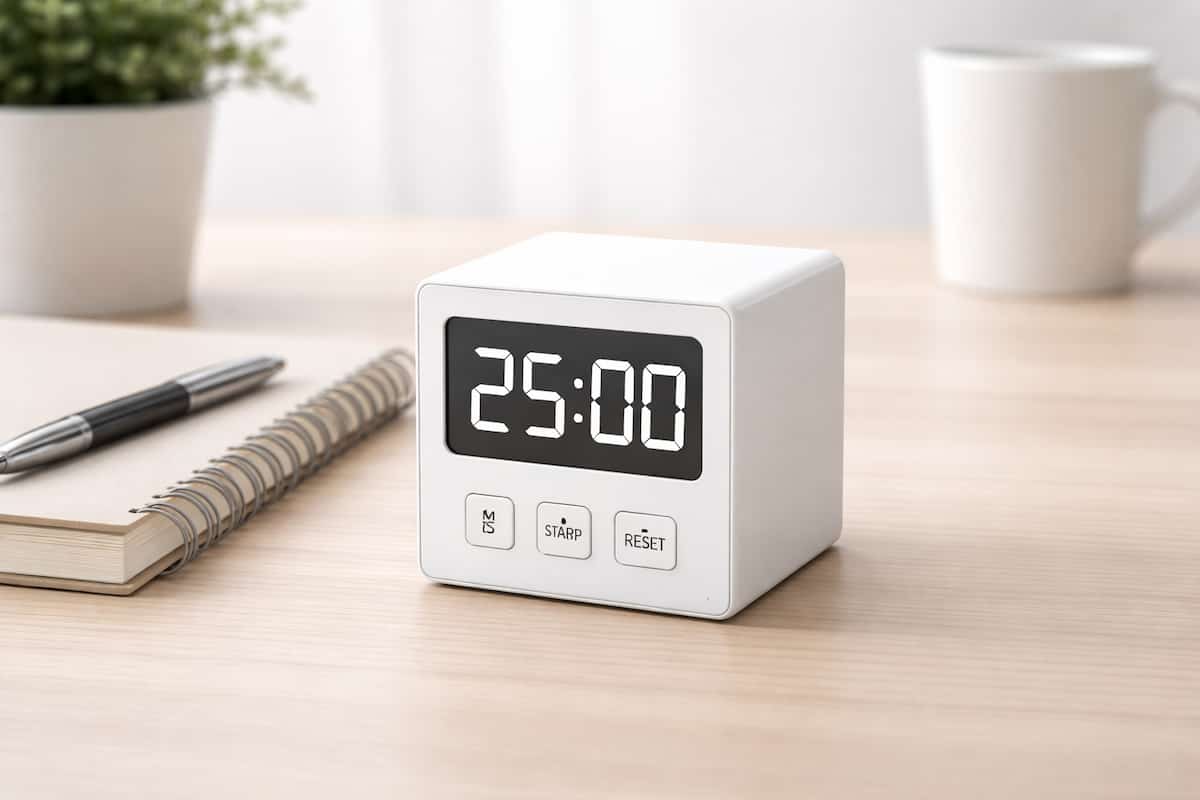
At a Glance
- Fast, low-effort timer option for short focus sessions
- Works well for Pomodoro blocks, resets, and quick task starts
- Usually easier to use than app-based timers when your brain feels overloaded
- Best for people who want simplicity rather than lots of features
- Less visual than a classic dial timer, but often quicker to start
Check price and available options on Amazon
Introduction
Simple Digital Countdown Timer for ADHD Focus can be a very practical option if you want something straightforward, quick to start, and easy to keep on a desk. For many people, the hardest part is not understanding what to do next. It is actually beginning. A simple timer can help make that first step feel smaller.
If you want to see how this type of timer compares with other options, it helps to start with the wider Best ADHD Focus Timers (UK Guide), which looks at visual timers, app timers, and other practical choices.
This review looks at the simple digital countdown timer as a category rather than one exact branded model. That matters because there are several versions on Amazon UK with very similar layouts, preset buttons, and countdown functions. The core idea is the same: press a time option, start working, and let the timer create a clear block for focus.
What stood out to me is that this kind of timer does not ask much of you. There is no app login, no settings menu, and no temptation to check messages while starting a session. When attention already feels scattered, that can be the whole point.
Simple Digital Countdown Timer for ADHD Focus: Key Features
A simple digital countdown timer is built around speed and clarity. It is not trying to be a planning system or a smart device. It is there to give you a short, visible time block with very little effort.
- Quick-start countdown for short work sessions
- Usually includes preset times such as 5, 10, 15, 25, or 30 minutes
- Compact size that fits easily on a desk or shelf
- Audible alert at the end of a session
- Simple controls with minimal setup
- Useful for work sprints, housework, study, and reset breaks
Who This Guide Is For
- People who struggle to get started on tasks
- Adults who want a timer without using their phone
- Anyone who likes short work sprints rather than long sessions
- People who feel overwhelmed by apps with too many settings
- UK buyers comparing low-cost timer options
Key Takeaways
- The biggest strength is how quickly you can begin
- This type of timer suits ADHD routines where low effort matters most
- It is often better for short bursts than for detailed schedule planning
- It works best when kept visible and easy to reach
- If you need stronger visual awareness of passing time, a visual dial timer may still be better
How It Works
The setup is about as simple as it gets. Most models let you choose a preset countdown length or manually set a short session, then begin immediately. You put it on your desk, tap the time you want, and start the task. That sounds basic, but for ADHD use, basic can be a real advantage.
Instead of thinking, “I need to do this whole task,” the timer turns the job into something smaller. You only need to work until the countdown ends. That can make boring, vague, or slightly avoided tasks feel more manageable.
In real life, this works especially well for things like admin, replying to emails, reading, revision, tidying, or starting a task you have been putting off. A short visible countdown can create just enough structure to stop drifting before you even begin.
It also helps that the timer is separate from your phone. If you use your phone as a timer, there is always the risk of seeing a notification, checking one message, and losing ten minutes. A desk timer avoids that trap.
For me, this is where the product makes the most sense. It is not clever, but that is exactly why it can help. The fewer steps between “I should start” and “I have started,” the better.
Why It May Help (ADHD Context)
ADHD often makes time feel slippery. A task can seem endless before you begin, then suddenly an hour disappears once you are halfway through something else. A simple countdown changes that by giving the task a clear edge. It says, “Just do this until the timer ends,” which is much easier to deal with than a vague instruction to focus.
It may also help because it reduces decision-making. You do not need to choose an app, open a device, configure a routine, or build a full productivity system first. You press a button and begin. That matters on low-energy days when even small setup steps feel annoying.
Another strength is separation from screens. If your phone is both the tool and the distraction, you are asking too much from one device. A physical timer creates a cleaner boundary. You work, the timer runs, and your phone stays out of the way.
For broader ADHD-friendly strategies and practical articles, ADDitude is one of the better-known places to explore.
That said, this is not magic. A timer will not create motivation from nowhere. It simply makes the first block of effort feel more realistic. For many people, that is enough to get momentum moving.
Real-World Use Cases
One of the best uses is the classic “just start for 10 minutes” approach. If you have been avoiding a task, setting a very short countdown can lower the pressure. Ten minutes of admin feels far less threatening than “sort out all your paperwork this evening.”
It also suits Pomodoro-style work. A 25-minute session with a 5-minute break is simple to run on a digital countdown timer, especially if your model has preset buttons. You can keep repeating the same structure without needing an app open in front of you.
Another good use is transition time. Some people with ADHD struggle to switch between tasks, not just to focus within them. A timer can mark the boundary between one block and the next. That might mean five minutes to tidy your desk, ten minutes to reset after a meeting, or fifteen minutes to plan tomorrow before finishing work.
It is also useful outside formal desk work. You can use it for housework, reading, kitchen tasks, paperwork, or even getting out of the house on time. In that sense, the timer is not just for deep focus. It is for making time feel more real during ordinary parts of the day.
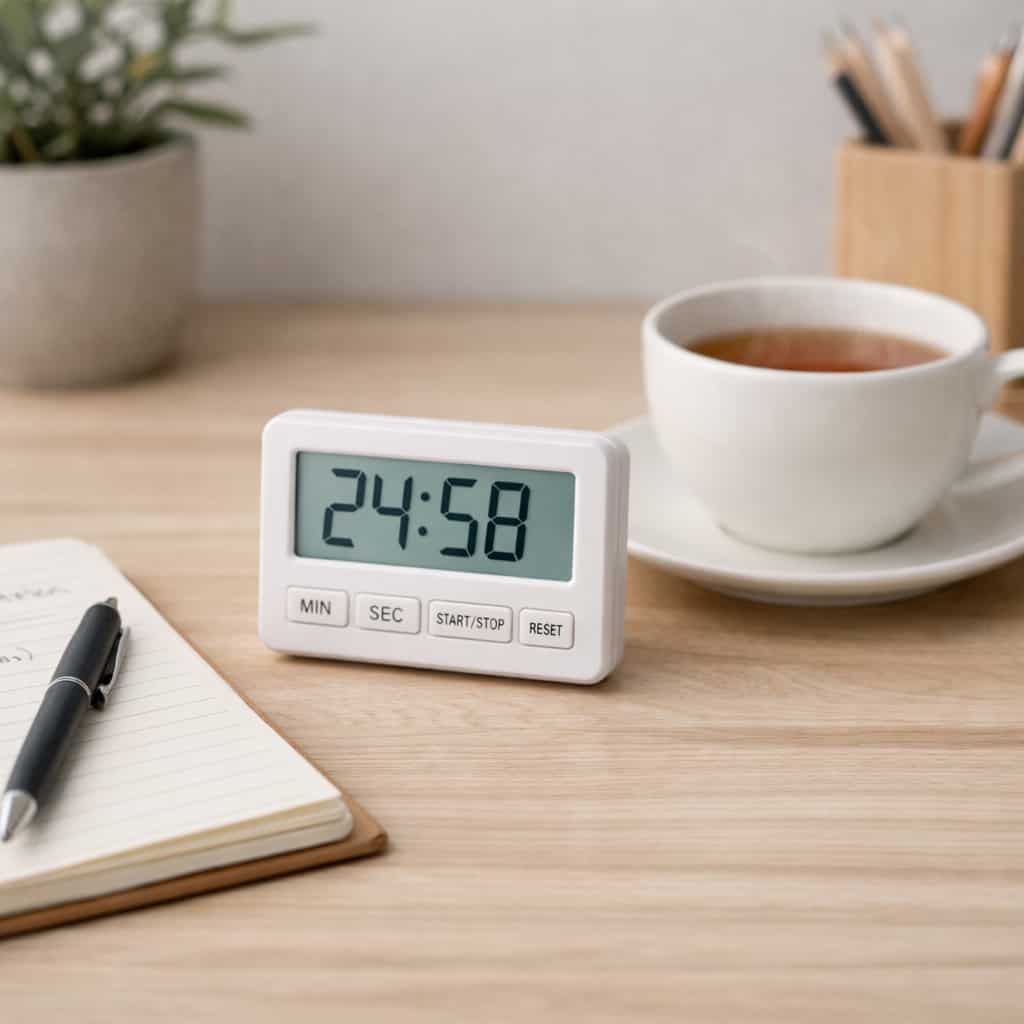
Feature Breakdown Table
| Feature | What It Means in Practice | ADHD Usefulness |
|---|---|---|
| Preset countdowns | Lets you start quickly without fiddling | Very useful for task initiation |
| Compact desk size | Easy to keep visible near your workspace | Helps the tool stay part of your routine |
| Audible end alert | Signals breaks, resets, or task switches | Useful if you lose track once absorbed |
| Physical controls | No app menus or notifications involved | Reduces screen-based distraction |
| Low-cost category | Often cheaper than premium visual timers | Good for trying a timer without overspending |
| Simple display | Shows remaining time clearly, but less visually than a dial timer | Best for short sprints rather than broad time awareness |
Focus Environment Fit
This type of timer fits best in a fairly calm, practical setup. It works well on a desk beside a notebook, laptop, planner, or paperwork tray. It is especially useful if you want your timer to exist in the background rather than dominate the room.
If you are building a wider setup around external prompts, reminders, and visible tools, it is worth exploring the broader Best ADHD Productivity Tools for Adults (UK Guide). That gives more context around where timers fit compared with tablets, wearables, and distraction-blocking tools.
A simple digital countdown timer makes the most sense when your main issue is getting started or staying with a short task long enough to gain momentum. If your bigger challenge is not noticing time passing at all, a large visual timer may still suit you better because it shows the countdown more clearly from a distance.
It also helps to keep the timer permanently visible. If it lives in a drawer, it becomes one more thing to remember. If it sits in front of you, it is much easier to use without thinking twice.
Real Use Review
In day-to-day use, the main advantage is speed. You can go from avoidance to action in a few seconds. That sounds small, but it is often the exact point where focus tools either help or get ignored.
The timer feels best during short, slightly resisted tasks. That could be opening a spreadsheet you have been avoiding, sorting post, beginning a writing session, or tackling a quick clean-up before things get messier. Because the tool is so simple, it does not create extra mental clutter.
I found that this style of timer is particularly good on days when you do not want to “build a system.” Sometimes you do not need a dashboard, a synced calendar, and a clever app. Sometimes you just need twenty minutes of visible effort and a reason to begin now.
Where it feels weaker is long-session planning. If you want to map your whole day, customise repeated routines, or combine task management with timing, this category can feel a bit plain. That is not necessarily a flaw. It just means the timer is doing one job, not five.
Overall, the experience is less about features and more about friction reduction. The simpler the start, the more likely the timer is to become part of your actual routine rather than a good idea you forget to use.
Friction Points to Consider
- Different models may use different preset times or button layouts
- Less visual than a classic red-dial timer
- Some end alerts may be too quiet or too sharp depending on the model
- Not ideal if you want app sync, analytics, or integrated task lists
- Generic listings can vary in build quality
Practical Reality Check
This is a good fit if you want a timer that feels easy enough to use even when your brain is tired. That is the strongest case for it. It is not premium, not fancy, and not especially clever. It is just fast.
The trade-off is that it may feel too basic if you need richer features or clearer visual feedback. A lot depends on what problem you are actually trying to solve. If you need help with starting, short sprints, and getting through low-resistance blocks of work, it can be very effective. If you need strong time awareness across the whole room, it may not go far enough.
That is why this kind of product is often best seen as a practical tool rather than a perfect solution. Used in the right context, it can genuinely make focus feel easier to begin.
Buying Guide
When choosing a simple countdown timer for ADHD, the first thing to check is how quickly it starts. That is more important than fancy extras. If it takes several button presses every time, it becomes less useful in the exact moments when you want low effort.
Preset times are also worth checking. Many people do well with 5, 10, 15, 25, and 30-minute blocks, so a model that supports those easily is often the best fit for ADHD focus use.
Look at the display size too. Even though these timers are simple, you still want to read the countdown without leaning in every few seconds. A clear display helps the timer stay in the background while still doing its job.
Alert style matters more than it seems. Some people need a definite sound to mark the end of the block. Others find sharp beeps stressful. If possible, choose a version with a tone that suits your environment and tolerance.
Finally, think about where you will actually use it. A small cube-style timer is great if you move around the house or want to keep it beside you. A slightly larger model may be better if it will mainly stay on one desk.
Frequently Asked Questions
Is a simple digital countdown timer good for ADHD focus?
Yes, especially if your biggest struggle is getting started. It creates a short, clear block of effort without needing an app or much setup.
Is Simple Digital Countdown Timer for ADHD Focus better than a visual timer?
It depends on what you need. A digital countdown timer is usually quicker to start. A visual timer is often better if you need to see time passing more clearly.
Can I use this for Pomodoro sessions?
Yes. This category suits Pomodoro-style work well, especially if the model has useful preset times like 25 minutes and 5 minutes.
Will it help if my phone is the main distraction?
Potentially, yes. A separate physical timer means you do not need to unlock your phone just to start a work session.
Should I buy a cheap generic model?
If you want to test the idea without spending much, a cheaper model can make sense. Just expect some variation in build quality and button feel.
Alternatives to Consider
If you think you may want stronger visual feedback, the full Best ADHD Focus Timers (UK Guide) is the best place to compare this option with visual dial timers and app-based alternatives.
If your wider aim is to build a setup that supports reminders, time awareness, and better follow-through, have a look at Smart Devices and Wearables for ADHD UK.
If you are building a broader toolkit rather than focusing on one timer alone, you may also want to read Best ADHD Productivity Tools for Adults (UK Guide).
Final Verdict
A Simple Digital Countdown Timer for ADHD Focus is best for people who want the quickest possible route into a short work session. Its biggest advantage is not complexity or clever features. It is ease.
If starting is your main struggle, this kind of timer can be genuinely useful. It keeps things separate from your phone, asks very little of you, and makes a task feel smaller and more defined. That is often enough to help you begin.
It is not the strongest option for everyone. If you need a highly visual countdown or a more complete digital workflow, you may prefer another type of timer. But if you want a low-effort, practical tool for short focus blocks, this is a solid category to consider.
A timer can help structure individual sessions, but consistency usually comes from having a simple routine supported by the right tools. You can explore the complete ADHD productivity tools breakdown to see how this can fit into a daily setup.