
Quick Answer
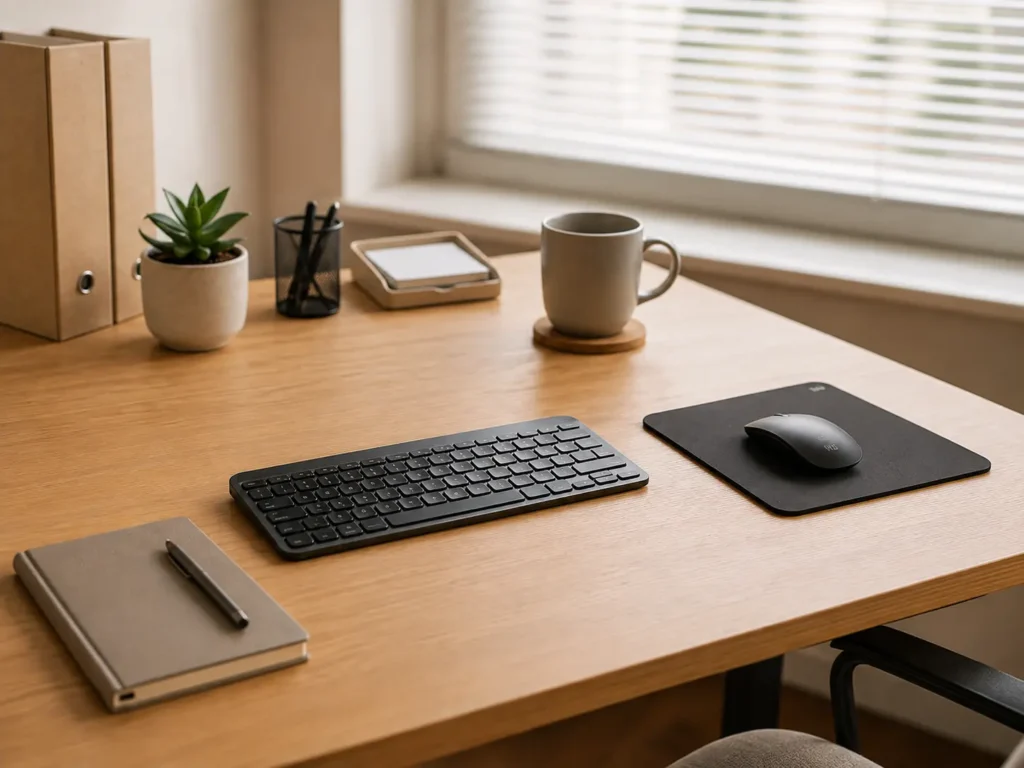
Visual clutter can affect ADHD focus when too many things are competing for attention at the same time. A crowded desk, several open tabs or objects waiting to be dealt with can make it harder to decide where to begin, stay with one task and find your way back after an interruption.
Introduction
Visual clutter can become particularly distracting when a space contains reminders of several unfinished tasks. A letter on the desk needs opening, a mug needs taking downstairs, three notebooks contain different bits of information and the laptop is displaying more tabs than you remember opening. Even when none of those things is especially urgent, they can all feel as though they are asking for attention.
This doesn’t mean everyone with ADHD needs a completely bare desk. Some people work well with useful items kept in sight because putting something away can make it surprisingly easy to forget. The difficulty is finding a level of visibility that supports memory without turning the whole room into one large reminder. Best ADHD Desk Setup Tools for Focus and Productivity (UK Guide) looks more broadly at how different workspace tools can support a calmer, more practical setup.
Visual clutter can also build gradually. One sheet of paper becomes a small pile, something placed beside the keyboard “for now” stays there all week, and supplies migrate across the desk as different tasks are started. You may not consciously notice every object, but your attention can still keep catching on them, especially when the task in front of you already feels difficult or unclear.
How Visual Clutter Affects ADHD Focus: Key Causes
Several parts of an ordinary workspace can quietly compete with the task you intended to complete:
- Unfinished jobs remain visible and repeatedly pull attention towards them
- Too many items make the starting point harder to identify
- Important objects become lost among things that do not need immediate attention
- Open tabs, notifications and desktop icons create digital as well as physical clutter
- Moving between tasks leaves equipment and paperwork spread across the workspace
- Low energy makes sorting and putting things away feel like another job
Why This Happens (ADHD Context)
You might sit down to reply to one email and notice a bill beside the keyboard. While moving the bill, you find a note reminding you to order something, so you open a new browser tab. A notification then appears, and several minutes later the original email is still waiting. Nothing deliberately replaced the task; each visible item simply created another possible direction.
This can be more noticeable when the original task has no obvious first step. If you know exactly what you are doing, surrounding objects may fade into the background. When you are already unsure whether to open a document, find some information or check a previous message, almost anything nearby can become more interesting than making that decision.
There is also a difficult balance between visibility and memory. Putting everything into closed storage may create a calm-looking room, but it can also make useful objects disappear from awareness. This is one of the areas explored in Minimalist Desk Setups for ADHD Adults, because a useful workspace does not necessarily need to be empty. It needs to keep the right things noticeable without allowing everything else to compete with them.
ADDitude provides further information about ADHD attention, organisation and everyday challenges. Experiences differ, but many people recognise the feeling of seeing everything in a space at once while still being unable to spot the one item they actually need.
What Usually Goes Wrong
A large clear-out can feel satisfying on a high-energy Sunday, yet the new arrangement may be difficult to maintain by Wednesday. Items return to the desk because the storage place is too far away, takes too long to open or does not match where the item is normally used. Once a few objects have been left out, the carefully organised system can start to unravel.
Another common difficulty is treating all visible clutter as equally distracting. A pen pot, lamp and notebook used every day may not cause any trouble, whereas one unfamiliar envelope can pull attention away repeatedly because it represents an undecided task. Removing everything may therefore create more work without dealing with the objects that are actually occupying mental space.
Clutter can also move rather than disappear. Papers are swept into a drawer before a video call, browser tabs are saved into an enormous bookmark folder, or everything from the desk goes into a box with the intention of sorting it later. The surface looks better, but finding something becomes another search task. The mysterious box of cables and paperwork is practically a household tradition, although it rarely becomes more inviting with age.
Making Visual Clutter Easier to Manage
Start With the Immediate Working Area
Before work begins, the most distracting objects are often those directly between you and the task: yesterday’s paperwork beside the mouse, a phone lighting up near the keyboard or unrelated browser windows left open on the screen. A short reset of the immediate working area can make the intended task easier to recognise without requiring the entire room to be reorganised.
It may be enough to clear the space immediately around the keyboard, close unrelated tabs and move anything that represents another job into one temporary holding place. This creates a calmer field of view while keeping unfinished items somewhere they can still be found. The difference can feel small, but it removes several decisions from the first few minutes of work.
Move Easy Distractions Slightly Further Away
Some distractions happen almost automatically because they are already within reach. A phone beside the laptop gets checked during a slow-loading page, while a game controller on the desk can suddenly look appealing when a report becomes difficult. Moving these items to a shelf, bag or charging point across the room doesn’t make them inaccessible, but it gives you a little more time to notice that your attention has wandered.
The same applies to digital clutter. Social media and shopping tabs don’t need to stay open beside work documents, and an untidy desktop doesn’t need to greet you each time the laptop starts. Keeping distracting apps and unrelated files one or two clicks away may be enough to stop a brief pause in your work becoming an unplanned detour.
Give Important Reminders a Visible Home
Visual clutter can build up because keeping something in sight is often what helps us remember it. A prescription may stay beside the kettle so it doesn’t get forgotten, paperwork remains on the desk because it needs a reply, and a parcel waits by the door until it can be returned. Hiding everything would make the space look tidier, but it could also make those unfinished jobs much easier to forget.
A visible tray, small noticeboard or clearly labelled place can keep important items noticeable without spreading them across the whole workspace. You might glance at the tray when you sit down to work or notice the board while making your first drink of the morning. The reminder remains easy to see, but it no longer has to compete for space across the desk.
Choose Tools for a Specific Annoyance
The most useful tools usually solve a specific annoyance. A shallow desk tray can stop current paperwork mixing with old notes, a monitor riser may create a home for the keyboard when more writing space is needed, and a pegboard can keep regularly used items visible without covering the desk. Leitz Ergo Pegboard Desk Organiser Review for ADHD Workspaces explores one option for moving smaller items away from the main work surface while keeping them easy to see and reach.
Tools tend to work better when they give existing items an obvious home rather than adding another layer of organisation. A new organiser filled with miscellaneous objects can quickly become clutter itself, particularly when its sections do not match the way the desk is used during an ordinary working day.
Real-World Use Cases
When working from home, the desk often becomes shared territory for employment, household admin and personal projects. Keeping only the current type of work in the central area can make switching roles less confusing. Household paperwork might stay in a tray until lunch, while personal equipment remains on a nearby shelf rather than competing with the morning’s work.
Study spaces tend to collect books, printed notes, highlighters and devices because each one may genuinely be useful. The problem appears when everything is open at once. Having the current book and notes in front of you, with the remaining materials grouped beside the desk, can make the next action clearer without hiding the resources completely.
During deep work, digital clutter may be more disruptive than the physical room. A clean desk will not do much if the screen contains messages, news, email and twenty unrelated tabs. A separate browser window for the current task, with notifications temporarily quietened, gives attention fewer opportunities to wander when the work becomes demanding.
Evening routines bring different energy levels into the picture. A full desk reset may feel unrealistic after a long day, whereas returning cups to the kitchen and placing loose items into one tray may take only a few minutes. That modest reset can still make the following morning easier because the workspace does not begin the day by presenting yesterday’s unfinished decisions.
Tools That May Help
A desk organiser can be useful when small items repeatedly spread across the working area, although it works best when every section has an obvious purpose. Too many compartments can create a new sorting job. Open shelving or a pegboard may suit items that need to remain visible, while closed storage is often better for spare equipment and things used less frequently.
A small capture notebook can give stray thoughts somewhere to go without covering the desk in individual notes. A whiteboard or visible task pad may serve a similar purpose when reminders need to remain noticeable, although limiting it to current priorities can stop it becoming another crowded surface.
On a computer, virtual desktops, simple folders and a tab-saving feature can separate current work from material that is only being kept for later. These tools are most useful when the arrangement remains simple enough to remember. A beautiful collection of twelve virtual workspaces can become just as confusing as twelve piles of paper.
A calmer workspace may involve several small changes rather than one complete redesign. For broader ideas covering lighting, desk organisation and everyday equipment, Best ADHD Desk Setup Tools for Focus and Productivity (UK Guide) brings the different options together.
What May Still Get in the Way
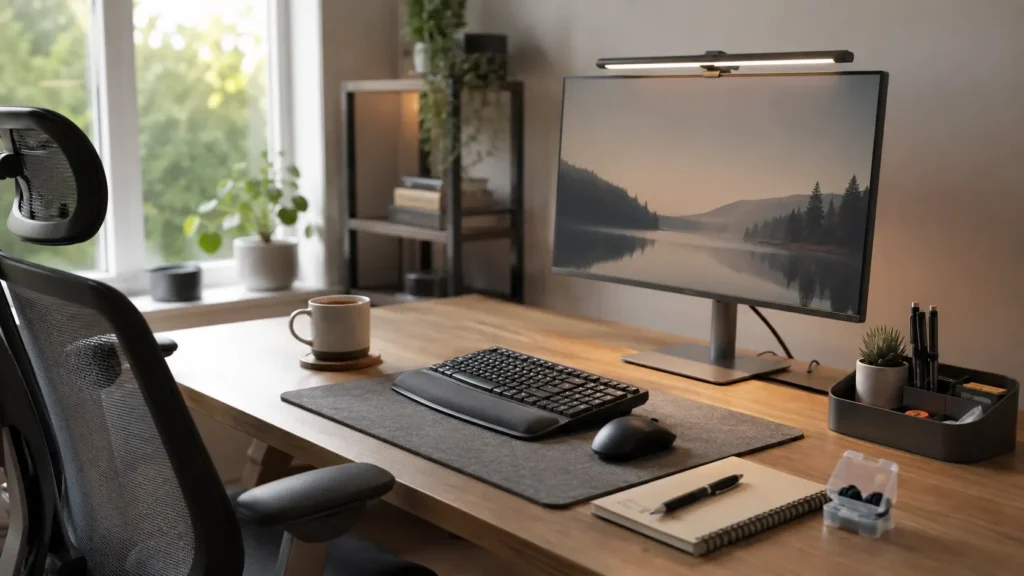
- A clear desk may gradually fill again during a busy or low-energy week
- Putting everything out of sight can make important tasks easier to forget
- New organisers may add more objects without changing where things are left
- Shared rooms make it harder to control everything within view
- Digital clutter can continue pulling attention even after the desk is tidied
Practical Reality Check
A calmer workspace may make starting and returning to tasks easier, but it will not make every day feel focused. Energy changes, interruptions happen and an urgent task can quickly cover the desk again. The useful test is whether the arrangement makes ordinary work slightly easier to resume, not whether the room continues to look like a carefully staged photograph.
Some days the workspace may only receive a two-minute reset, and there may be periods when even that does not happen. Returning to the arrangement later still counts. A setup that can recover after a difficult week is generally more useful than one that depends on everything being put away perfectly every evening.
Finding a Level of Visibility That Works for You
It can take a little time to notice which parts of your surroundings repeatedly pull you away from what you intended to do. One person may need a nearly empty desk, while someone else may need current tasks displayed clearly so they do not disappear from memory. The amount of clutter matters less than whether the things in view help you continue or keep inviting you to change direction.
It can be useful to distinguish between objects needed today, items used regularly and things that have simply accumulated. Current work may stay within sight, regular equipment can have a nearby home, and everything else can move further away. That leaves the workspace practical without creating the expectation that it should always stay empty.
Frequently Asked Questions
Does visual clutter make ADHD symptoms worse?
A crowded environment may make concentration and task selection harder for some people with ADHD because more objects are available to capture attention. This varies between individuals, and some people find a limited amount of visible information useful for remembering what they need to do.
Does an ADHD workspace need to be minimalist?
No. A highly minimalist room can create its own difficulties when important tools and reminders disappear into drawers. A more realistic approach is to keep useful items visible in defined places while moving unrelated or rarely used objects away from the main working area.
Why does my desk become cluttered again so quickly?
The storage arrangement may not match how the space is actually used. When putting an object away requires walking across the room, opening several containers or deciding between multiple categories, leaving it on the desk is understandably easier. A nearby tray or open shelf may fit everyday use better.
Can digital clutter affect focus as much as physical clutter?
It can. Open tabs, notifications, desktop files and several active apps all present possible directions for attention. Separating the current task from unrelated digital material can sometimes make a greater difference than clearing physical objects from the desk.
How often should I reset my workspace?
There is no perfect schedule. A brief reset at the end of a work session may suit some people, while others may find a longer weekly tidy more realistic. What matters is that the reset remains manageable enough to return to after busy or difficult days.
Final Thoughts
The effect visual clutter has on ADHD focus depends on more than whether a room looks tidy. Visible objects can act as useful reminders, but they can also represent unfinished tasks, create extra decisions and pull attention away whenever work becomes difficult. Keeping current work in one clear area, giving reminders a defined home and moving unrelated distractions slightly further away can make the workspace easier to understand at a glance.
The arrangement will not remain perfect, particularly when energy is low or several parts of life arrive on the desk at once. What tends to matter in everyday life is having a simple place to return things to and a workspace that can be reset without turning tidying into an entirely separate project.
Build a Simple ADHD Productivity System
If you want to bring everything together into one clear setup, this guide shows how tools, apps, and routines can work as one system.