
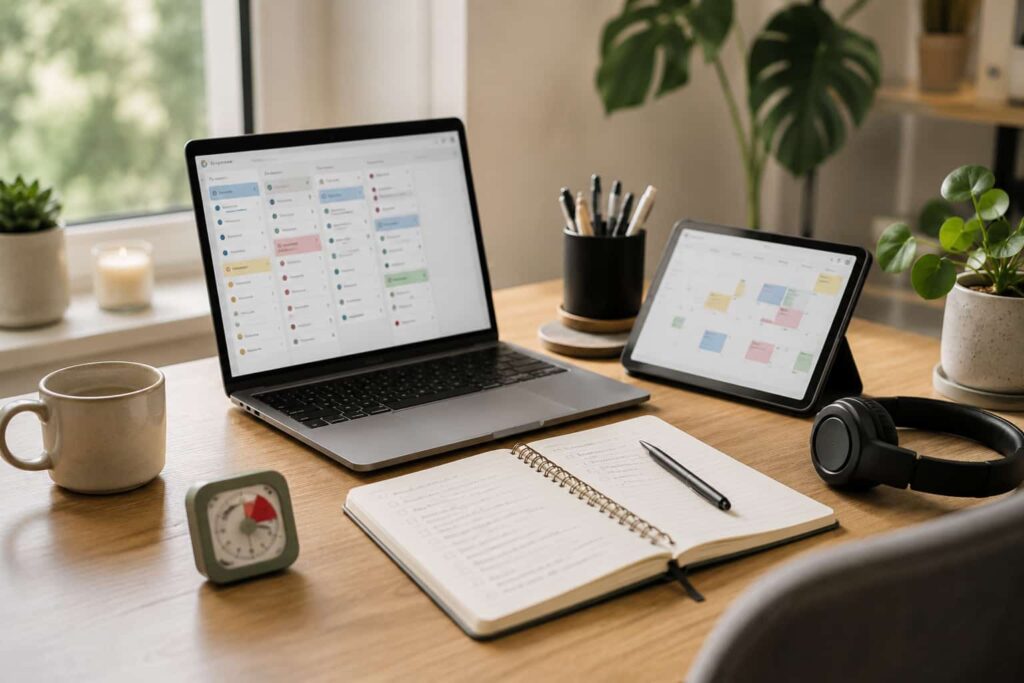
Best Productivity Apps for ADHD Adults (UK Guide): Quick Picks
- Todoist feels best for simple task management without too much visual clutter
- TickTick works well if you want timers, habits, and tasks together in one place
- Notion suits people who enjoy building custom systems and dashboards
- Microsoft To Do is a calmer option for basic reminders and daily lists
- Sunsama may suit people who want structured daily planning and guided routines
Quick Picks by Situation
If you feel overwhelmed by complicated systems, Microsoft To Do is probably the easiest place to begin.
If you like structured planning and time-blocking, Sunsama may feel more supportive during busy workdays.
If you want one app that combines lists, habits, timers, and routines, TickTick offers one of the strongest all-in-one setups.
If your brain works better with visual systems and connected pages, Notion gives much more flexibility than most standard task apps.
If you mainly want a reliable task list that stays simple enough to keep using consistently, Todoist remains one of the strongest overall options.
Introduction
Finding the Best Productivity Apps for ADHD Adults (UK Guide) is usually less about finding the “perfect” app and more about finding something you will actually keep opening every day. Many productivity tools look impressive at first, but if they become too complicated or overwhelming, they quietly disappear from your routine after a few weeks.
What usually helps more is choosing an app that reduces mental effort rather than adding extra steps. Some people need strong reminders and structure, while others need a cleaner system that feels calm and easy to return to. If you are building a wider setup around routines, focus, and organisation, it can also help to explore a broader digital productivity tools for ADHD UK guide alongside the apps themselves.
I found that the biggest difference between good and bad productivity apps was not features. It was whether the app made starting tasks feel simpler or more exhausting.
Who This Guide Is For
- Adults with ADHD who struggle with task overwhelm
- People who forget reminders, routines, or deadlines
- Students trying to organise assignments and revision
- Remote workers managing multiple projects or priorities
- Anyone looking for a calmer digital planning system
Key Takeaways
- The best productivity app depends on how your brain naturally prefers to organise information
- Simpler systems are often easier to maintain consistently
- Strong reminders help some people, while others need fewer notifications
- Visual organisation matters more than most people expect
- The Best Productivity Apps for ADHD Adults (UK Guide) should reduce stress, not create more of it
How These Products Were Evaluated
These apps were compared based on how realistic they feel in everyday ADHD use rather than how many features they advertise. The focus was on how quickly you can capture tasks, how easy the apps are to return to after missing a few days, and whether the systems feel supportive or overwhelming.
Notification control, visual clarity, cross-device syncing, ease of setup, and routine support were all considered. For ADHD users, the “best” app is rarely the one with the longest feature list. It is usually the one that creates the least resistance when your energy or focus is already low.
Resources such as ADDitude regularly discuss ADHD challenges linked to organisation, routines, overwhelm, and time management. Those real-world struggles were kept in mind throughout this comparison.
Quick Comparison Table
| App | Best For | Main Strength | Possible Drawback |
|---|---|---|---|
| Todoist | Simple task management | Clean and easy to maintain | Can feel basic for complex systems |
| TickTick | All-in-one productivity | Timers and habits built in | More features can feel busy |
| Notion | Custom systems | Very flexible workspace | Setup can become overwhelming |
| Microsoft To Do | Simple reminders | Very low learning curve | Fewer advanced features |
| Sunsama | Daily planning routines | Structured day planning | Subscription cost is higher |
Focus Environment Fit
Different productivity apps fit different environments and energy levels. Todoist and Microsoft To Do work well if you want something calm and quick to check throughout the day. TickTick suits people who want more structure without switching between multiple apps.
Notion often works best for people who enjoy building systems visually and are willing to spend time shaping their workspace. Sunsama feels more guided and routine-focused, which may help if your workdays feel chaotic or fragmented.
If your wider goal is building a calmer focus setup, it can also help to combine apps with physical productivity tools such as timers, tablets, or structured reminders rather than relying on one app to solve everything alone.
You can also explore how wider digital systems connect together in this ADHD Productivity Tools UK guide.
Focus Score Comparison Table
| App | Ease of Use | Reminder Support | Visual Clarity | Routine Support |
|---|---|---|---|---|
| Todoist | 9/10 | 8/10 | 9/10 | 7/10 |
| TickTick | 8/10 | 9/10 | 7/10 | 9/10 |
| Notion | 6/10 | 6/10 | 9/10 | 7/10 |
| Microsoft To Do | 9/10 | 8/10 | 8/10 | 6/10 |
| Sunsama | 8/10 | 8/10 | 8/10 | 10/10 |
If you want more detail on a specific option, the individual reviews below will help you look more closely at how each one fits real daily use.
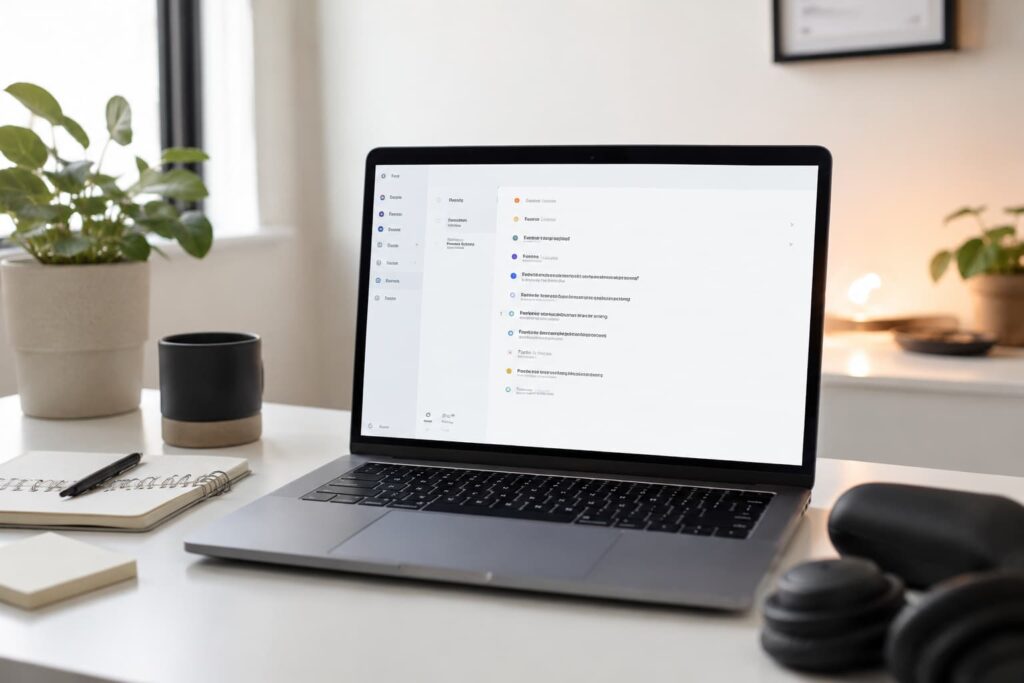
Todoist
Who It May Suit
Todoist may suit adults who want a clean, reliable task manager without too many distractions. It works especially well for people who become overwhelmed by cluttered productivity systems.
Why It May Help
The layout stays simple even when your task list becomes busy. Adding tasks is quick, reminders are straightforward, and the app feels easier to return to after missing a few days.
Its balance between structure and simplicity is probably why it remains one of the most popular productivity apps overall.
Friction Points to Consider
- Some advanced features require a paid subscription
- May feel too simple for highly detailed project systems
- Limited visual customisation compared with Notion
Practical Reality Check
Todoist feels strongest when you need something dependable rather than exciting. That sounds boring, but consistency matters more than novelty for many ADHD users.
If you want a closer look at how this works in everyday use, you can read the full Todoist Review for ADHD Productivity (UK Guide).
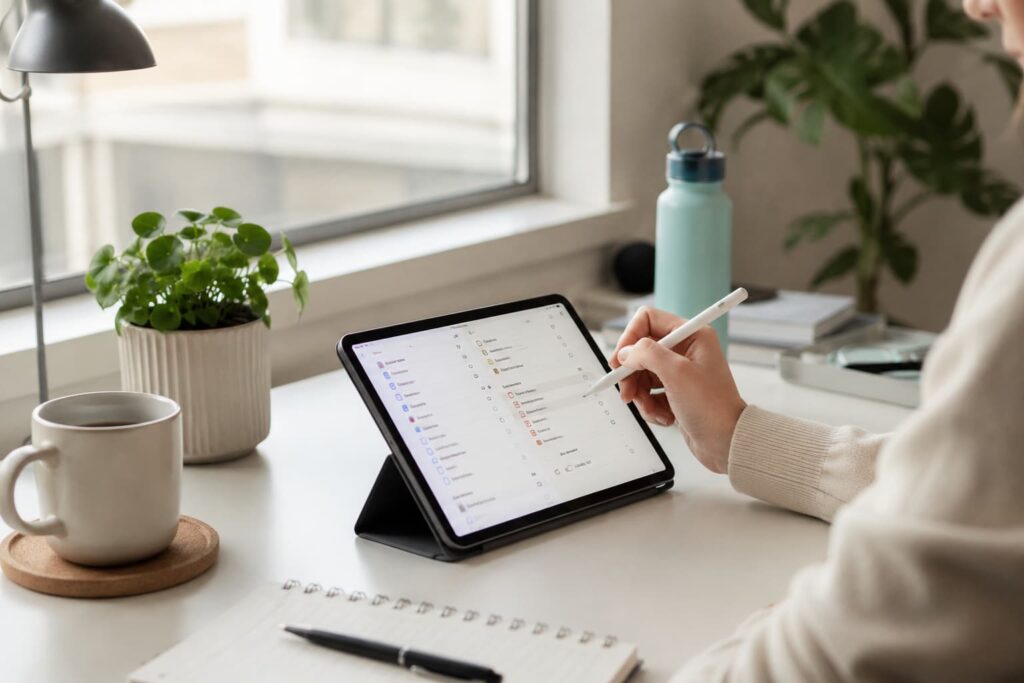
TickTick
Who It May Suit
TickTick may suit people who want tasks, habits, reminders, and timers together in one place.
Why It May Help
The built-in Pomodoro timer and habit tracking make it feel more like a complete productivity system rather than just a task list.
For people who dislike jumping between multiple apps, that all-in-one approach can make daily planning feel simpler.
Friction Points to Consider
- The number of features can feel visually busy
- Some sections take time to set up properly
- Notifications may need adjusting carefully
Practical Reality Check
TickTick works best if you genuinely use the extra tools. If you only need a simple checklist, the additional features may feel unnecessary.
If you want a closer look at how this works in everyday use, you can read the full TickTick Review for ADHD Productivity (UK Guide).
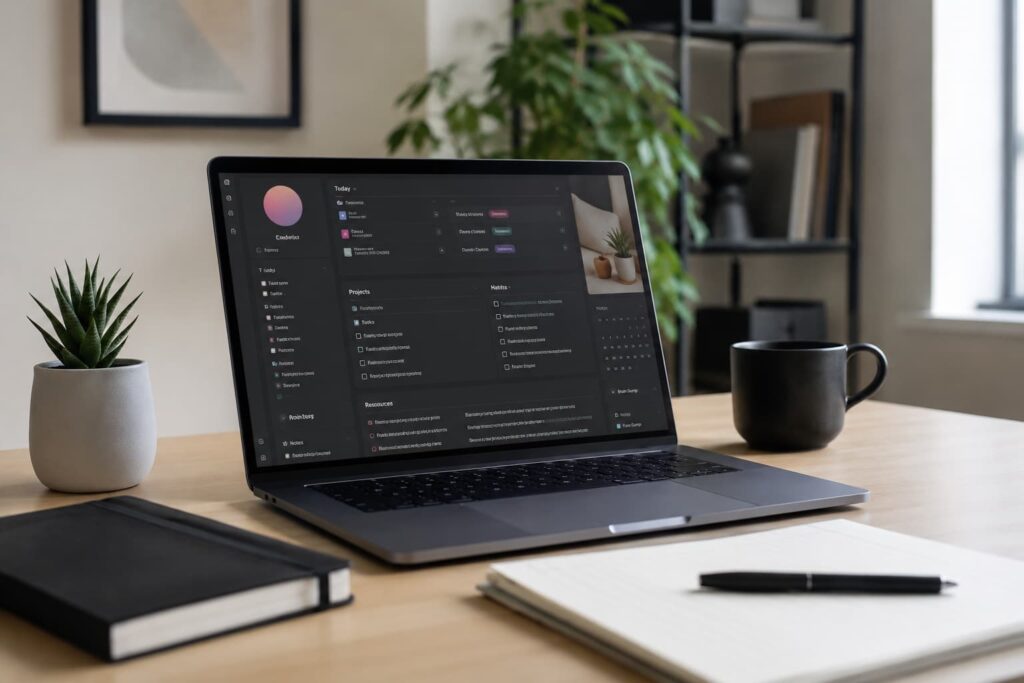
Notion
Who It May Suit
Notion may suit people who enjoy visual organisation and custom productivity systems.
Why It May Help
The flexibility allows you to combine notes, tasks, calendars, and dashboards into one connected workspace.
For some ADHD users, that visual structure feels much easier to navigate than standard task apps.
Friction Points to Consider
- Setup can become overwhelming very quickly
- Too much customisation may lead to endless tweaking
- Learning curve is higher than simpler apps
Practical Reality Check
Notion is powerful, but it can become its own hobby if you are not careful. I found it worked best once the system was simplified and left alone.
If you want a closer look at how this works in everyday use, you can read the full Notion Review for ADHD Productivity (UK Guide).
Microsoft To Do
Who It May Suit
Microsoft To Do may suit people who want something extremely simple and familiar.
Why It May Help
The clean layout and low learning curve make it easy to start using immediately without building a complicated system first.
Its integration with Microsoft accounts also helps if you already use Outlook or Windows devices daily.
Friction Points to Consider
- Fewer advanced features than competitors
- Less visual flexibility
- Limited habit or routine tools
Practical Reality Check
Sometimes the best productivity system is the one that feels almost invisible. Microsoft To Do is probably strongest for people who need less complexity rather than more.
If you want a closer look at how this works in everyday use, you can read the full Microsoft To Do Review for ADHD Productivity (UK Guide).
Sunsama
Who It May Suit
Sunsama may suit adults who struggle with overloaded workdays and unclear priorities.
Why It May Help
The guided daily planning approach encourages more realistic scheduling and intentional task selection.
That structure can feel especially useful if your day regularly becomes chaotic or reactive.
Friction Points to Consider
- Higher monthly cost than many alternatives
- Less useful if you dislike structured planning
- Takes commitment to build the routine properly
Practical Reality Check
Sunsama feels less like a standard to-do app and more like a daily planning assistant. For the right person, that guidance can make workdays feel calmer and more manageable.
If you want a closer look at how this works in everyday use, you can read the full Sunsama Review for ADHD Productivity (UK Guide).
Buying Guide: Choosing a Productivity App for ADHD
Choosing between the Best Productivity Apps for ADHD Adults (UK Guide) usually comes down to how much structure you realistically want to manage every day.
Compatibility matters first. If an app does not sync smoothly between your phone, tablet, and laptop, there is a good chance tasks will become fragmented or forgotten.
Notification control matters just as much. Too few reminders can mean missed tasks, but too many can quickly become background noise. The best systems usually rely on a smaller number of useful prompts rather than constant alerts.
Ease of use is also important. Some people enjoy building detailed dashboards and systems, while others simply need a quick place to capture tasks before they disappear from memory.
Battery life is less important for cloud-based apps themselves, but device usage still matters. If an app encourages constant screen-checking, it can accidentally increase distraction rather than reduce it.
For many ADHD users, the best setup is often the simplest one that still feels supportive enough to trust consistently.
Frequently Asked Questions
What is the best productivity app for ADHD adults?
The best option depends on your preferred level of structure. Todoist works well for simplicity, while TickTick and Sunsama provide more guided planning features.
Are productivity apps actually useful for ADHD?
They can help, especially when they reduce mental effort and make tasks easier to capture, organise, and revisit consistently.
Is Notion good for ADHD?
Notion can work very well for visual thinkers, but it may also become overwhelming if the system becomes too complicated.
Should I choose a simple or advanced productivity app?
For many people with ADHD, simpler systems are easier to maintain long term. Advanced systems only help if they still feel manageable during low-energy days.
Final Verdict
The Best Productivity Apps for ADHD Adults (UK Guide) are not really about finding one perfect universal winner. They are about matching the right system to the way your brain naturally works.
Todoist and Microsoft To Do feel strongest for simplicity and consistency. TickTick offers a more complete productivity setup for people who want everything in one place. Notion suits visual system-builders, while Sunsama works well for structured daily planning.
The most important thing is choosing an app that feels realistic to keep using even when motivation drops or life becomes messy. Consistency usually matters more than advanced features.
If you are still deciding, the full product reviews can help you look more closely at the strengths and trade-offs of each option
Build a Simple ADHD Productivity System
If you want to bring everything together into one clear setup, this guide shows how tools, apps, and routines can work as one system.
Explore the ADHD Productivity Tools UK Guide