
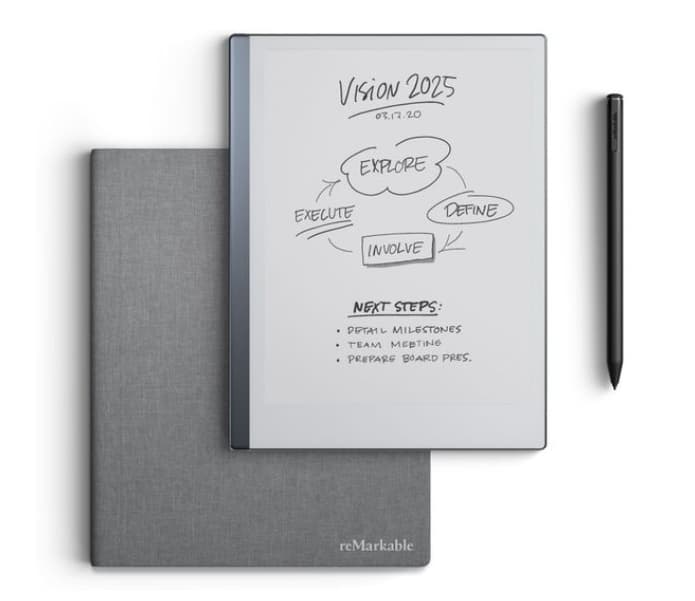
Check Current Price & Availability
View the latest price and see whether the reMarkable 2 your productivity setup and daily routine.
At a Glance
- Distraction-free digital notebook with no apps or notifications
- E-ink display designed to feel like writing on paper
- Long battery life suited for daily planning and note-taking
- Cloud syncing across phone and desktop
- Best suited for focused thinking, not multitasking
Check price and available options on Amazon
Introduction
The reMarkable 2 for ADHD Productivity (UK Review) looks at a very different kind of device. Unlike typical tablets, this one removes almost everything — no apps, no notifications, no distractions. Just writing, reading, and thinking.
If you’ve already explored options in the best digital tablets for ADHD productivity UK guide, you’ll notice this sits in its own category. It’s not trying to compete with iPads or Android tablets — it’s trying to simplify things.
For many people with ADHD, that simplicity can either feel incredibly freeing… or frustratingly limited. This review breaks down what it’s actually like to use day-to-day. For the right person, the reMarkable 2 for ADHD Productivity can feel much calmer than a standard tablet.
reMarkable 2 for ADHD Productivity (UK Review): Key Features
The reMarkable 2 is built around one core idea: remove digital noise and bring back focused writing.
- E-ink display with paper-like writing feel
- No notifications, apps, or internet distractions
- Lightweight, slim design for easy daily use
- Cloud syncing for notes and documents
- Long battery life (often lasting days or weeks)
Who This Guide Is For
- Adults with ADHD who feel overwhelmed by digital distractions
- People who prefer handwriting over typing
- Those who struggle to focus when using full-featured tablets
- Users looking for a simple planning or journaling tool
- Anyone wanting a more “paper-like” workflow without physical notebooks
Key Takeaways
- The reMarkable 2 removes distractions almost completely
- It works best for writing, planning, and thinking — not multitasking
- The simplicity can feel calming, but also limiting
- It’s ideal for deep focus sessions and structured routines
- Not suitable if you rely on apps, reminders, or media
How It Works
Using the reMarkable 2 is very different from using a standard tablet. There’s no home screen full of apps, no notifications popping up, and no temptation to “just quickly check something”.
Here’s what the experience typically looks like:
Step 1: Setup
You create notebooks or folders, similar to having digital notebooks. You can organise by topic, project, or routine (for example: daily planning, work notes, or ideas).
Step 2: Writing and Note-Taking
You use the stylus to write directly onto the screen. The feel is surprisingly close to paper, which makes it easier to stay engaged compared to typing.
Step 3: During a Session
Nothing interrupts you. There are no alerts, no emails, no background apps. This is where it really changes behaviour — you stay in one task because there’s nothing pulling you away.
Step 4: Handling Distractions
If you feel the urge to switch tasks, you physically have to pick up another device. That small barrier can make a big difference for ADHD, where quick switches often derail focus.
Step 5: Sync and Access
Your notes sync to your phone or computer, so you can access them later without needing to carry the device everywhere.
Compared to full-colour tablets like the Samsung Galaxy Tab S9 FE review, the reMarkable 2 for ADHD Productivity offers a much more distraction-free experience.
Why It May Help (ADHD Context)
One of the biggest challenges with ADHD is not just distraction — it’s the constant pull of “just one more thing”. Notifications, apps, and multitasking all compete for attention.
The reMarkable 2 removes that completely.
Instead of trying to manage distractions, it simply takes them away. That can make it easier to stay in a single task for longer, especially during planning, journaling, or deep thinking.
It also reduces decision fatigue. You’re not choosing between apps, tools, or tabs — you’re just writing. The reMarkable 2 isn’t trying to do everything — and that’s the point for ADHD productivity.
For me, what stood out was how quickly my mind settled when using it. There’s something about not having options that actually makes focusing easier.
Research and resources from ADDitude often highlight how reducing environmental distractions can support focus — and this device leans heavily into that idea.
Real-World Use Cases
Working from Home
Instead of opening a laptop and getting pulled into emails or tabs, you can use the reMarkable 2 for focused planning or brainstorming sessions. It creates a clear separation from “busy work”.
Study Sessions
Great for note-taking without drifting into social media or web browsing. It keeps you anchored in the task.
Deep Work Blocks
Ideal for thinking-heavy tasks like outlining ideas, mapping projects, or writing drafts. No interruptions means longer focus periods.
Evening Routine
Works well for journaling or planning the next day without the stimulation of screens. It feels calmer than using a phone or tablet.
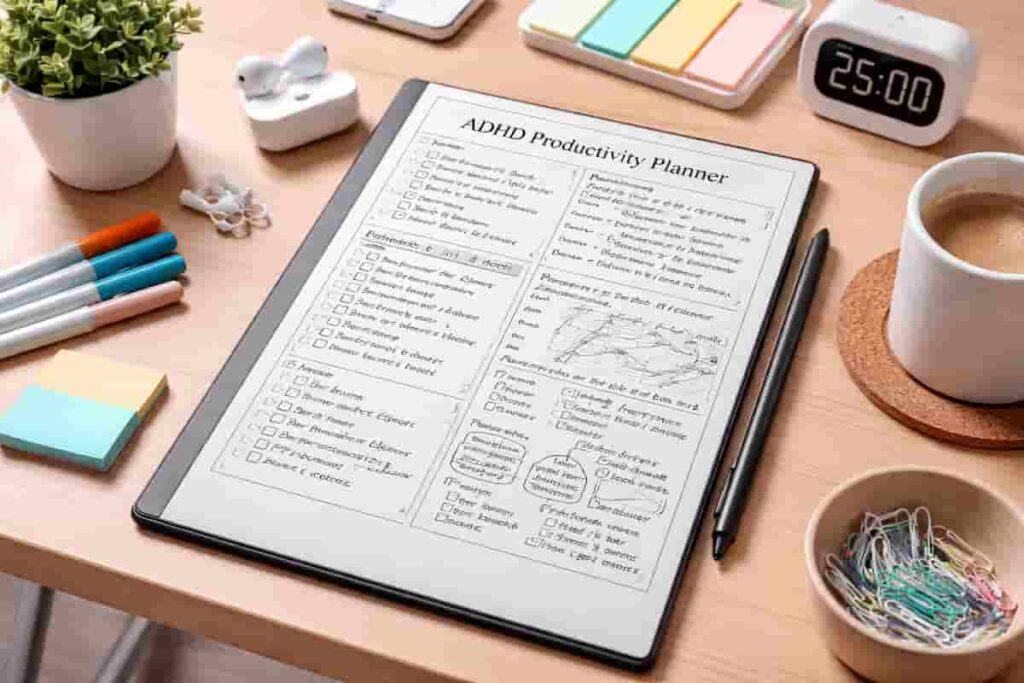
Feature Breakdown Table
| Feature | Details |
|---|---|
| Display | E-ink, paper-like writing experience |
| Distractions | No apps, notifications, or browsing |
| Battery | Days to weeks depending on use |
| Sync | Cloud sync across devices |
| Primary Use | Writing, planning, reading |
Focus Environment Fit
The reMarkable 2 works best in a low-distraction setup where you’re intentionally trying to reduce digital noise.
If your current setup involves switching between apps or devices, this can act as a dedicated “focus tool” alongside something like a more flexible device such as the Apple iPad (A16) review.
Think of it less as a replacement, and more as a tool you use when you need to think clearly without interruptions.
Real Use Review
Using the reMarkable 2 over a full day highlights both its strengths and limitations.
In the morning, it works really well for planning. Writing things down feels more intentional than typing, and there’s no temptation to drift into emails or messages.
During work blocks, it’s great for staying focused — especially for thinking or outlining tasks. But if your work involves switching between tools, you’ll need another device nearby.
By the afternoon, the simplicity can feel either refreshing or slightly restrictive. If you need flexibility, it’s not there.
In the evening, it shines again. Journaling or reflecting without a bright screen feels much calmer.
I found it worked best when I used it alongside another device, not instead of one.
Friction Points to Consider
- No apps or multitasking at all
- Limited functionality compared to standard tablets
- Requires another device for most digital tasks
- Can feel restrictive if you like flexibility
- Cloud features may require subscription for full use
Practical Reality Check
The reMarkable 2 isn’t trying to do everything — and that’s the point.
If you expect it to replace a tablet or laptop, it will feel limited. But if you see it as a focused writing tool, it makes much more sense.
It works best when used intentionally — for planning, thinking, or writing sessions where you want zero distractions.
Buying Guide
When considering the reMarkable 2 for ADHD productivity (UK review), it helps to think about how it fits into your routine.
Compatibility
Works alongside your existing devices rather than replacing them.
Notification Control
There are none — which is either a huge benefit or a limitation depending on your needs.
Ease of Use
Very simple interface, minimal learning curve.
Routine Fit
Best used as a dedicated tool for planning, writing, or focus sessions.
Frequently Asked Questions
Is the reMarkable 2 good for ADHD note-taking?
It can be helpful if you struggle with digital distractions, as it removes them completely.
Can it replace a tablet?
Not really. It’s designed for writing and reading, not general use.
Does it have apps?
No — and that’s intentional.
Is it worth it?
It depends on whether you value simplicity over flexibility.
Alternatives to Consider
If the reMarkable 2 feels too limited, you might prefer a more flexible option:
Apple iPad Air 11-inch review – more apps and multitasking
Samsung Galaxy Tab S9 FE review – Android flexibility with stylus support
Apple iPad (A16) review – balanced everyday productivity device
Final Verdict
The reMarkable 2 for ADHD Productivity (UK Review) is a very specific kind of tool. It’s not trying to do everything — it’s trying to remove everything.
If you struggle with distraction, overthinking, or constantly switching between tasks, it can feel like a reset button.
But if you rely on apps, multitasking, or flexibility, it may feel too limited.
For the right person, though, it can make focusing feel simpler — and sometimes that’s exactly what’s needed.
For a broader look at how tablets and other tools can support daily routines, you can explore the Digital Productivity Tools for ADHD (UK Guide).