
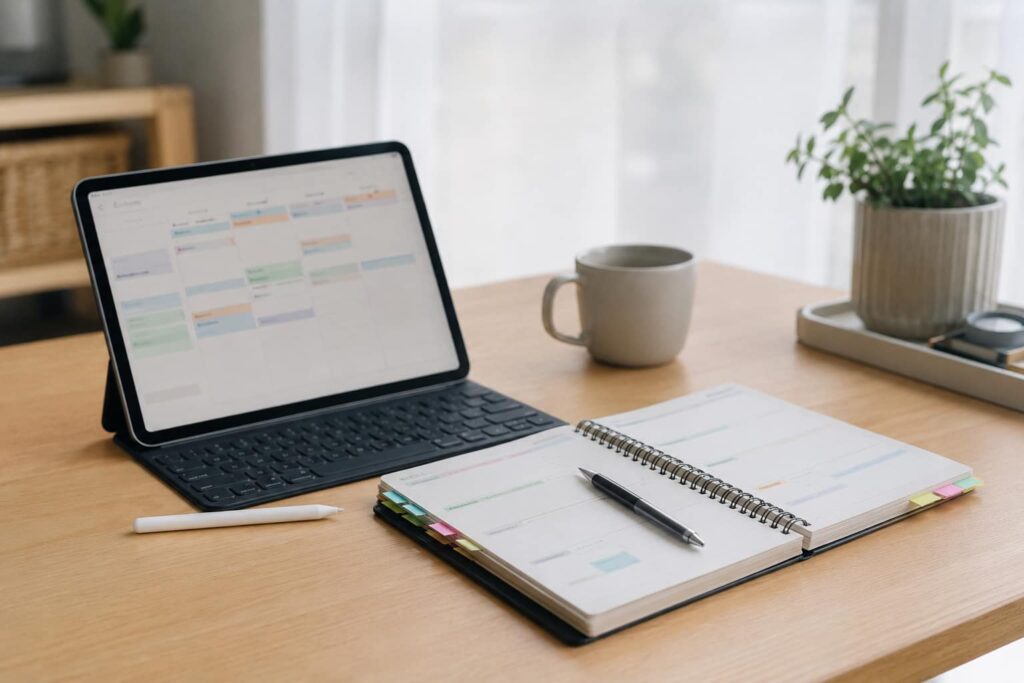
Digital vs Paper Planning for ADHD: Quick Overview
- Digital planning works well for reminders, recurring tasks, calendars, and search.
- Paper planning works well for slowing down, thinking clearly, and reducing screen friction.
- ADHD planning usually works best when the system is simple, visible, and easy to restart.
- A hybrid setup can be useful if digital tools handle reminders while paper handles daily focus.
- The best option is the one you will actually use on a normal, messy day.
Introduction
Digital vs Paper Planning for ADHD is not really about choosing the “perfect” method. It is about finding the planning setup that helps you remember tasks, reduce overwhelm, and come back to your day when attention drops.
For many adults with ADHD, planning can become another task to manage. A digital app may feel powerful at first, but then becomes cluttered. A paper planner may feel calming, but then gets left in another room. That is why the best answer is rarely “digital is better” or “paper is better”. It depends on the job you need the planner to do.
If you are building a broader setup, it can help to start with the bigger picture first. This guide connects into the wider ADHD productivity tools UK approach, where planners, reminders, timers, apps, and workspaces all support different parts of the day.
I have found that the most useful planning systems are usually the least dramatic as they do not rely on motivation. They make the next step or task easier to see.
Why ADHD Productivity Systems Matter
ADHD productivity systems matter because memory, attention, time, and motivation do not always line up neatly. You may know what needs doing, but still lose the task, forget the timing, or feel overwhelmed by where to begin.
A planner can help, but only if it supports the way you actually work. A digital calendar can keep appointments on your radar, a paper notepad can help get thoughts out of your head when everything feels overwhelming, and a timer can make the next focus session feel more manageable. Once you’ve started, a distraction blocker can help you stay on track.
This is why planning should not sit on its own. It needs to connect to the rest of the system. A planner captures the task, but another tool may need to remind you, structure the time, or reduce the friction around starting.
Resources such as ADDitude often discuss ADHD challenges around organisation, routines, time management, and executive function. A planning system should support those challenges practically, without pretending that one notebook or app will fix everything.
The Core Components of an ADHD Productivity System
A good ADHD productivity system usually has a few separate parts. Digital and paper planning can both fit into this, but they often do different jobs better.
- Focus tools
- Reminder systems
- Environment control
- Routine structure
Different tools solve different problems. Focus tools such as timers, distraction blockers, or even a well-organised desk can make it easier to start a task and stay with it, while reminder systems help you remember what needs to happen and when. Environment changes play a role too, reducing the number of things competing for your attention so it takes less effort to stay on track. Over time, routines provide another layer of support by helping useful actions become more automatic instead of requiring you to rebuild your day from scratch.
Paper planning is often useful for choosing priorities, creating a short daily list, or simply getting thoughts out of your head when everything feels crowded. Digital planning tends to work better for recurring tasks, calendar reminders, shared commitments, and anything you need to access across multiple devices.
The goal is not to collect more tools or build a complicated productivity system. It is to give each tool a clear purpose so it supports your day without creating more work.
How Different Tools Work Together
Digital and paper planning work best when they are not competing with each other. Instead, they can support different points in the same workflow.
For example, a digital app can hold your full task list, recurring reminders, deadlines, and calendar events. That makes it useful for storage and prompts. A paper planner can then hold today’s short list, your top priority, and a quick brain dump. That makes it useful for focus and decision-making.
This split can be especially helpful for ADHD because a full digital task list can become overwhelming. You may open the app to check one task and see fifty other things waiting. A paper page can act as a smaller, calmer version of the day.
Planning tools can also work with physical devices. If your planning system relies heavily on writing, reading, or reviewing tasks away from your phone, a tablet can sometimes be a useful middle ground. For a broader comparison of device-based planning options, see the best digital tablets for ADHD productivity UK guide.
The key is to avoid building a system that only works when you feel organised. A good setup should still be usable when you are tired, distracted, or behind.
Example ADHD Productivity Setup
Here is a simple way to combine digital and paper planning without turning it into a complicated productivity project.
Morning Setup
Start by checking your digital calendar or task app. Do not try to reorganise your whole life in the morning. Just look for appointments, deadlines, and anything time-sensitive.
Then write a short paper list for the day and try to keep it limited. A useful format is one main task, two smaller tasks, and one optional task. This helps stop the day from becoming a long list of guilt.
Work Blocks
Use your paper list to decide what to work on next, then set a timer to create a clear focus block. If the task feels overwhelming, make the starting point smaller. Instead of writing “write article”, try “open the draft and edit the first section”. The easier it feels to begin, the more likely you are to get moving.
The digital system holds the bigger project, the paper list holds the next action. This separation can make planning feel less heavy.
Break Management
Breaks can be tricky with ADHD because a five-minute pause can easily become forty minutes. A digital reminder or physical timer can help create a return point.
One simple trick is to write down the next step before you take a break. When you return, you have a clear place to start, which makes it much easier to get moving again instead of getting stuck deciding what to do next.
End of Day Reset
At the end of the day, check what was done, what still matters, and what can be moved. Do not rewrite everything beautifully, just transfer anything important back into your digital system or onto tomorrow’s page.
This is where digital planning is useful because it can hold tasks safely overnight. Paper is useful during the day, but digital storage can stop loose notes disappearing.
Common Mistakes to Avoid
- Using too many planning apps at once
- Turning the planner into a design project instead of a support tool
- Keeping every task visible all the time
- Relying on memory instead of reminders
- Changing systems every time motivation drops
One of the biggest mistakes is expecting the planner to create motivation by itself. A planner can make tasks clearer, but it still needs to connect to reminders, routines, and realistic task sizes.
Another common issue is overloading the system. If your app contains every idea, every project, every habit, every shopping item, and every future goal, it may become too noisy to use. If your paper planner needs colour coding, weekly spreads, habit trackers, and perfect handwriting, it may become too much effort to maintain.
Simple usually lasts longer.
Building a Simple System That You Can Stick To
Digital vs Paper Planning for ADHD becomes easier when you stop asking which format is better and start asking which part of the planning process keeps breaking.
If you forget tasks completely, digital reminders may help more than paper. If you feel overwhelmed when you open your app, paper may help you narrow the day down. If you keep rewriting lists without starting, a timer or distraction blocker may be the missing piece. If you lose paper planners, a phone-based system may be more realistic.
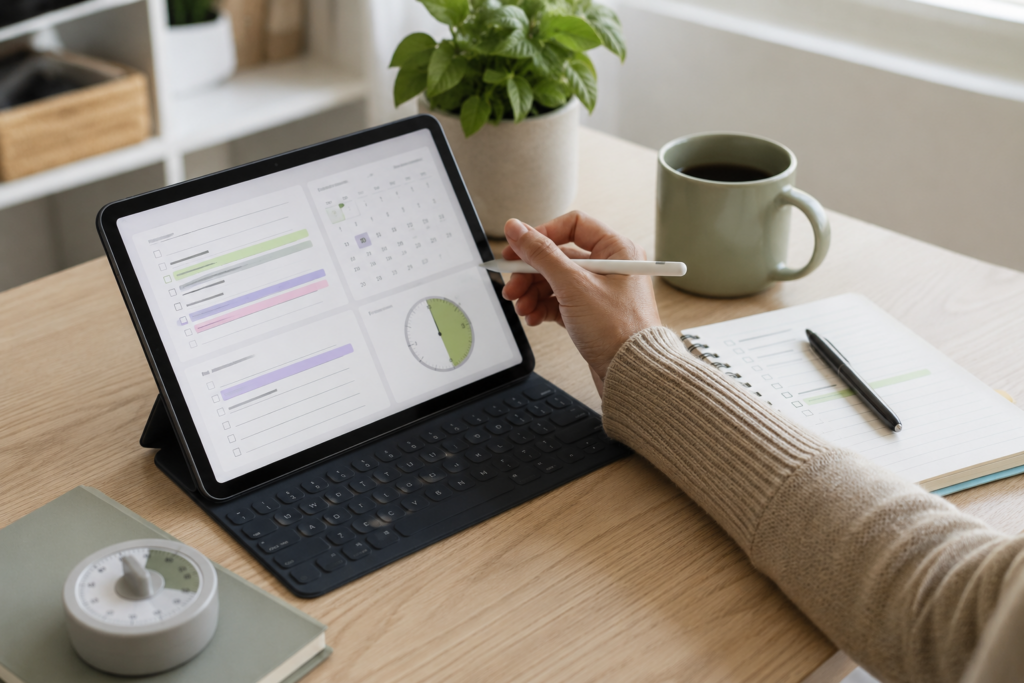
A simple hybrid system could look like this: digital calendar for appointments, task app for storage, paper page for today’s priorities, timer for work blocks, and a short reset at the end of the day.
That may sound basic, but basic is often what works. The goal is not to build a perfect productivity system. The goal is to create fewer moments where you have to hold everything in your head.
Digital vs Paper Planning for ADHD: Frequently Asked Questions
Is digital planning better than paper planning for ADHD?
Digital planning is often better for reminders, recurring tasks, calendars, and storing information. Paper planning is often better for reducing overwhelm, thinking clearly, and choosing what matters today.
Is paper planning enough for ADHD?
Paper planning can be enough for some people, especially if they keep their routine simple. However, it may not be enough for appointments, deadlines, or tasks that need reminders.
Should I use both digital and paper planning?
A hybrid system can work well. Digital tools can hold the full system, while paper can hold the daily focus list. This keeps the big picture stored without forcing you to stare at everything all day.
Why do planning systems stop working for ADHD?
They often stop working when they become too complicated, too hidden, too demanding, or too easy to ignore. ADHD-friendly planning needs to be visible, simple, and easy to restart.
What is the simplest ADHD planning setup?
A simple setup could be one digital calendar, one task list, one daily paper note, and one timer. That gives you reminders, storage, focus, and structure without too many moving parts.
Final Thoughts
Digital vs Paper Planning for ADHD does not have one universal winner. Digital planning is stronger for reminders, storage, search, and recurring routines. Paper planning is stronger for clarity, calm, and reducing the feeling that everything is shouting at once.
The best setup may be a small hybrid system: digital for what needs to be remembered later, paper for what needs to be acted on today. That gives you the reliability of reminders without losing the simplicity of a visible daily plan.
Most importantly, your system should be easy to restart because nobody follows a plan perfectly every day. If you miss a day, make a short list and begin again. If your app has become a mess, simplify it and return to one trusted place for your tasks. If the week has got away from you, turn the page and carry on, rather than treating it as a reason to abandon the system altogether.
A planning system should make life lighter, not become another thing to fail at.
Build a Simple ADHD Productivity System
If you want to bring everything together into one clear setup, this guide shows how tools, apps, and routines can work as one system.