
Quick Answer
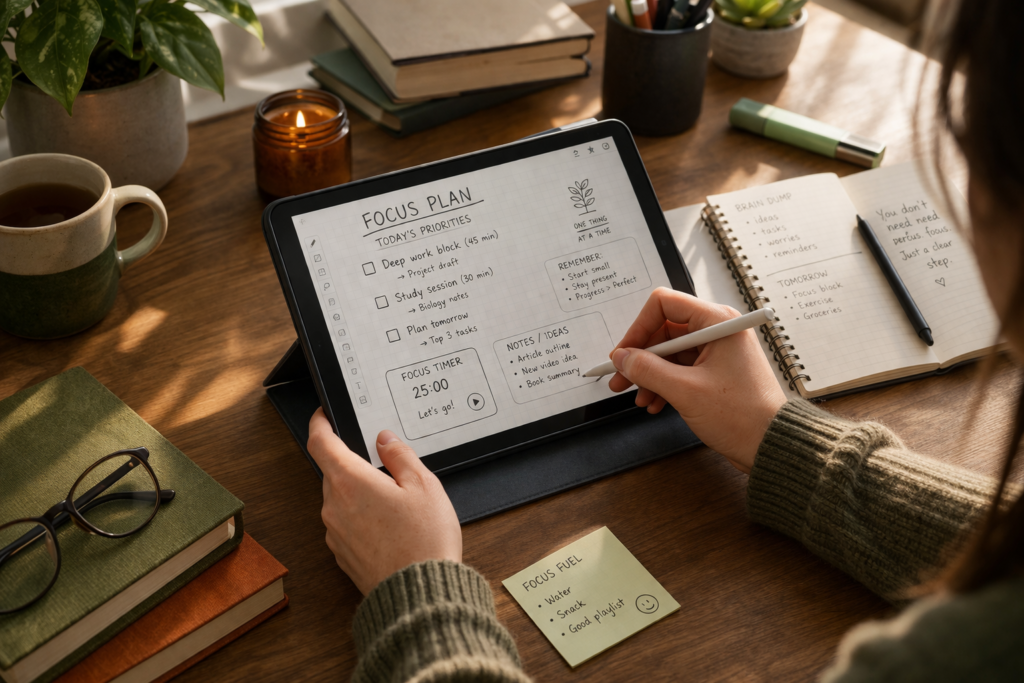
How to Stay Focused Using a Tablet usually comes down to one thing: setting the device up so it supports the task in front of you instead of tempting you away from it. For many people with ADHD, a tablet can work well because it feels simpler than a laptop but more flexible than a phone, especially when you remove distractions, keep the layout clean, and use it for one clear purpose at a time.
The best results normally come from reducing notifications, making distracting apps harder to reach, and building a routine around the tablet rather than expecting the device to fix focus on its own.
Introduction
How to Stay Focused Using a Tablet is a useful question if you have ADHD and want something more flexible than paper without all the distractions of a phone. Tablets can be brilliant for planning, reading, note-taking, deep work, and routines, but only when they are set up properly. If you are still comparing options, it helps to start with a broader guide like Best Digital Tablets for ADHD Productivity (UK Guide) before building your own system.
The problem is that many people buy a tablet expecting it to make them organised overnight, then end up using it exactly like a larger phone. That usually means too many apps open, too many visual cues, and too many little reasons to stop what you were doing. The device itself is not always the issue. More often, it is the way it fits into your habits.
A tablet can absolutely support focus, but it works best when it becomes a work surface, not an entertainment trap. That means choosing a clear use for it, cutting down clutter, and making it easy to return to the task after your attention slips.
How to Stay Focused Using a Tablet: Key Causes
Staying focused on a tablet can feel harder than expected because the device sits in an awkward middle ground. It is not as stripped-back as paper, but it is also not always structured enough to keep you on track by default.
- Too many apps and shortcuts competing for attention
- Notifications pulling you out of the task
- No clear routine for when the tablet is used
- Switching between work, browsing, and entertainment on the same screen
- Overcomplicated planning systems that feel good for a day and then collapse
- Using the tablet reactively instead of with one clear intention
Why This Happens (ADHD Context)
ADHD focus problems are not just about motivation. They are often about what grabs your attention first, how easy it is to switch tasks, and how hard it feels to restart once you have drifted. A tablet can help because it gives you more space than a phone and can feel less busy than a laptop, but that only matters if the setup is calm enough to work with your brain rather than against it.
One common issue is that tablets make task-switching very easy. That sounds helpful at first, but it can quickly turn into checking email, opening notes, jumping to a browser tab, then somehow ending up watching videos or reorganising folders instead of doing the actual task. For ADHD, easy switching often becomes endless switching.
I found that when a tablet felt too open, I ended up drifting between apps instead of actually getting anything done. Everything was available, so it was harder to stick to one task. That is why a focused setup matters more than just owning the device.
There is also the dopamine problem. A tablet can be useful for low-friction work like reading, journalling, planning, and writing quick notes, but it can also offer bright apps, quick rewards, and instant novelty. When your brain is already looking for stimulation, the easier option often wins unless you make the focused option easier to start.
What Usually Goes Wrong
A lot of people try to use a tablet for everything at once. They plan on it, watch videos on it, message on it, browse on it, shop on it, and work on it. The result is that the device never develops a clear role. Every time you pick it up, your brain has to decide what mode you are in, and that extra decision can be enough to derail the task.
Another mistake is building a system that is too clever. Colour-coded folders, complex planner templates, ten productivity apps, handwritten notes in one place and typed notes somewhere else can look impressive, but they often create more admin than momentum. If the system takes too much effort to maintain, it will not hold up on a messy ADHD day.
People also tend to rely on willpower. They keep distracting apps available, leave notifications on, and tell themselves they will just ignore them. That rarely lasts. A better approach is to make distraction less convenient so you do not have to keep making the same hard choice over and over again.
Step-by-Step: How to Fix This
Step 1: Reduce Immediate Triggers
Start by removing the things most likely to pull you away in the first few minutes. Turn off non-essential notifications, move entertainment apps off the home screen, and keep the tablet visually simple. A cluttered screen can feel like ten unfinished thoughts staring back at you.
If possible, keep one home screen for work-related tools only. That might include notes, calendar, reading, a planner app, and one browser. Everything else should be hidden away or removed if you do not need it on the tablet.
This is one reason some people get on well with more stripped-back devices such as the reMarkable 2, while others prefer a more flexible option with better app support.
Step 2: Make Distractions Harder to Access
Make off-task behaviour slightly annoying. Not impossible, just annoying enough that your brain has time to notice what it is doing. Log out of distracting apps, remove saved passwords for the worst time-wasters, or use app limits where it makes sense.
Even small barriers help. If watching videos now takes three taps instead of one, that pause can be enough to stop automatic scrolling. The point is not to make the tablet miserable to use. It is to stop instant drift.
Step 3: Replace the Habit Loop
If you usually pick up a device and immediately wander, give yourself a replacement action. Open notes first. Open your planner first. Open the reading document first. You want one default behaviour that becomes familiar.
A simple version is this: pick one task, set a short timer, keep the tablet in one app only, and decide in advance what “task done” looks like. That might be twenty minutes of reading, one page of notes, or clearing three admin tasks. ADHD focus often improves when the finish line is visible.
Step 4: Use Tools That Support Behaviour
Choose tools that match the way you already think and work. If you want something lightweight and flexible, a standard tablet can be easier to live with. If you want writing, planning, and reading without as many distractions, a more focused device may help. For example, the Apple iPad Air 11-inch suits people who want more power and app choice, while the Boox Note Air 5 C may suit people who want a calmer, more paper-like feel.
The tool does matter, but only when it supports the behaviour you are trying to build. A tablet should make the next good action easier, not create ten new options every time you touch it.
Real-World Use Cases
Working from home: A tablet can be useful for task lists, meeting notes, reading documents, or keeping a daily plan visible beside your main workspace. This works especially well when the tablet becomes a companion device instead of the place where everything happens at once.
Study sessions: For reading, annotating, and revising, tablets can feel more focused than a laptop because there is less temptation to keep multiple windows open. Pairing the tablet with a clear study block and one note-taking method usually works better than bouncing between apps. A device like the Samsung Galaxy Tab S9 FE can suit this kind of flexible study setup if you want something more app-friendly.
Deep work blocks: If you need to write, think, or plan without constant interruption, a tablet can create a cleaner visual space. What stood out for me was how much easier it felt to stay with one document when the screen was not full of desktop clutter and tiny icons.
Evening routine: A tablet can also support lower-pressure tasks such as planning tomorrow, reviewing notes, brain-dumping ideas, or reading without the usual phone temptation. This can be especially helpful if evenings are when your attention gets more scattered and you need something calmer than a laptop.
Tools That May Help
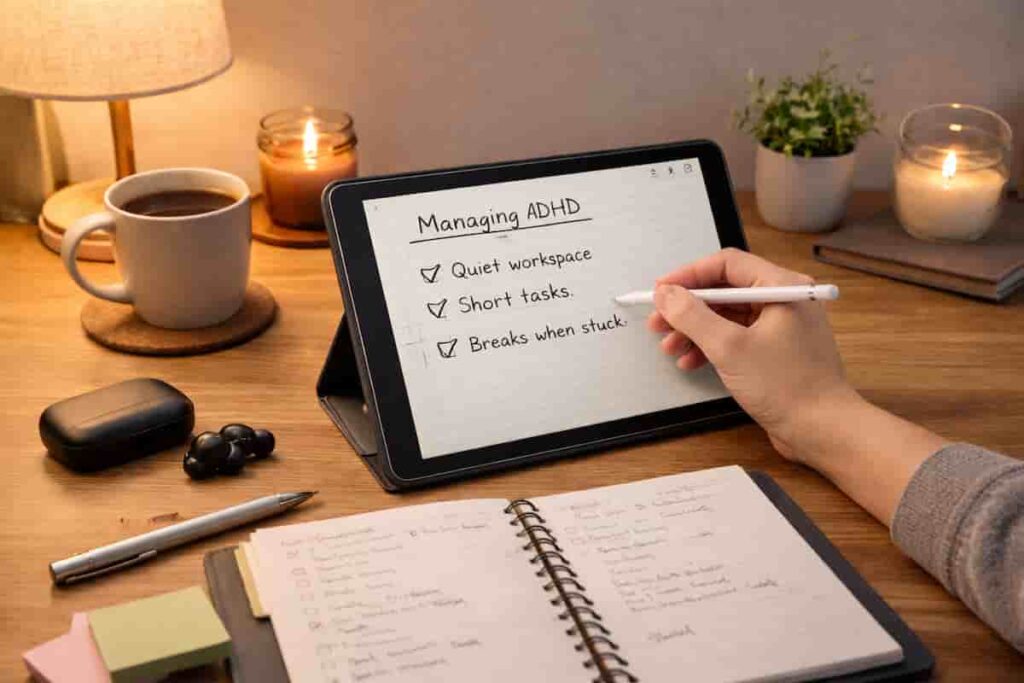
You do not need loads of tools, but a few well-chosen ones can make a big difference. A notes app with a very simple structure helps capture ideas quickly without turning the tablet into a filing project. A calendar or planner app can make daily priorities visible. A distraction blocker or focus timer can help you stay in one task long enough to build momentum.
On the hardware side, a standard tablet like the Apple iPad (A16) may be enough if you want flexibility at a more manageable price point. If handwriting and a more paper-like feel matter more, the reMarkable 2 may feel easier to stick with. If you want colour e-ink and a calmer reading and planning setup, the Boox Note Air 5 C is worth a look.
It is also worth reading broader ADHD-friendly productivity advice from ADDitude if you want ideas for routines and attention support that go beyond the device itself.
Friction Points to Expect
- You may still drift into low-effort apps when you are tired or avoiding a task
- A new setup can feel exciting for a week and then lose momentum
- Too many productivity apps can create more mess instead of less
- If the tablet is also your entertainment device, boundaries can blur quickly
- Writing the plan is not the same as doing the plan, so you still need a simple routine
Practical Reality Check
No tablet will make focus automatic. It will not remove procrastination, fix time blindness, or turn every work session into a calm and productive one. Some days, even a well-set-up device will still feel hard to use properly.
That is normal. The goal is not perfect consistency. The goal is making focused behaviour easier to return to. If your tablet helps you restart more quickly, hold onto a plan more clearly, or stay in one task for longer than you normally would, that already counts as progress.
A good tablet for ADHD focus should feel simple enough that you can use it on an average day, not just on your best day.
Choosing the Right Support Strategy
If the task requires a lot of typing, I tend to use a laptop. If it is less keyboard-heavy, I will usually go for a tablet. There is simply less to distract me on a stripped-back tablet.
If you are still trying to decide between the two, you might find my Tablet vs Laptop for ADHD Productivity guide helpful. It breaks down the key differences, when each device works best, and how to choose the right setup based on the way you actually work.
This is just one part of a wider approach, and the complete ADHD productivity system guide explains how to combine different tools effectively.
Frequently Asked Questions
Can a tablet really help with ADHD focus?
Yes, it can help, especially if it feels simpler and less distracting than your phone or laptop. The biggest benefit usually comes from how you set it up and what role it has in your routine.
Is a tablet better than a laptop for focus?
For some people, yes. A tablet can feel less busy and easier to use for reading, planning, and note-taking. A laptop may still be better for heavier work, but a tablet often works well as a focused middle ground.
Should I use one tablet for everything?
Usually not, if that means mixing work, planning, entertainment, and endless browsing without boundaries. The clearer the tablet’s job, the easier it tends to be to stay on task.
What is the best tablet setup for ADHD?
The best setup is usually a simple home screen, limited notifications, one clear notes or planning system, and a routine that starts with one default app. Calm, predictable, and low-maintenance tends to work better than complicated.
Final Thoughts
How to Stay Focused Using a Tablet is less about finding a magic device and more about creating a calmer way to work. A tablet can support ADHD focus when it reduces clutter, limits easy distractions, and gives you one obvious next step instead of ten competing ones.
If you keep the setup simple, use the tablet with intention, and expect progress rather than perfection, it can become a genuinely useful part of your routine. That is usually where the real value is: not in doing everything on the tablet, but in making it easier to start, continue, and return to what matters.
Find a Tablet That Works for You
Compare tablet options designed to support focus, organisation, and daily structure.