
How to Build a Focus Routine Using Distraction Blocking Apps (ADHD Guide UK)
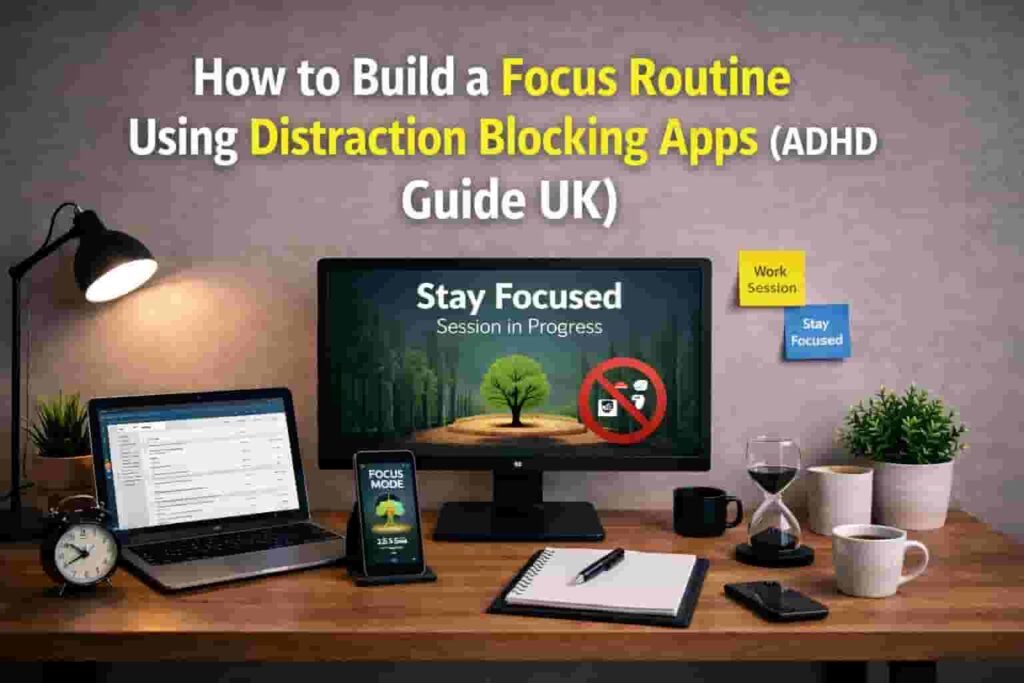
How to Build a Focus Routine Using Distraction Blocking Apps (ADHD Guide UK): Quick Overview
- Use apps as part of a system, not a standalone fix
- Combine phone, desktop, and environment controls
- Structure your day into clear focus blocks
- Reduce decision-making during work sessions
- Keep the system simple and repeatable
Introduction
How to Build a Focus Routine Using Distraction Blocking Apps (ADHD Guide UK) is less about finding the “perfect app” and more about creating a system that works with how your brain naturally operates. Many people try a single tool, get frustrated, and assume it doesn’t work — when in reality, the structure around it is missing.
If you’re starting from scratch, it’s worth first understanding your options in this full breakdown of distraction blocking apps for ADHD, then building a routine that actually fits your day.
This guide will show you how different tools work together and how to build a routine you can realistically stick to.
Why ADHD Productivity Systems Matter
ADHD often isn’t about lack of effort — it’s about how easily attention can shift. Notifications, quick checks, or even just the thought of something else can completely derail focus.
I’ve personally noticed that even with a blocking app turned on, I could still find ways around it if there wasn’t a clear structure. The issue wasn’t the tool — it was the lack of a system.
That’s why routines matter. They remove decision-making and create a predictable environment where focus becomes easier to start and maintain.
For more behavioural insight, you can also explore ADDitude, which covers ADHD-related productivity patterns in more depth.
The Core Components of an ADHD Productivity System
- Focus tools
- Reminder systems
- Environment control
- Routine structure
How Different Tools Work Together
Distraction blocking apps are most effective when layered together rather than used alone.
For example:
- A desktop blocker like Cold Turkey removes access to distracting websites
- A mobile app like Stay Focused limits phone usage
- A lighter tool like Forest helps you stay engaged during short sessions
- A tracking tool like RescueTime gives awareness of how your time is spent
Each tool solves a different part of the problem. When combined, they create a controlled environment where distractions are harder to access.
Tools like Freedom, Cold Turkey, and Forest all play different roles in building a system. You can see how they compare in this full distraction blocking apps guide.
If you struggle with phone habits specifically, this guide on how to stop checking your phone every 5 minutes can help reinforce this system.
How to Build a Focus Routine Using Distraction Blocking Apps (ADHD Guide UK) for Daily Use
This section reinforces how to build a focus routine using distraction blocking apps (ADHD Guide UK) in a way that is simple and repeatable. The goal is not to create a perfect routine overnight, but to make focus easier to begin each day.
Example ADHD Productivity Setup
Morning Setup
Start by activating your blocking tools before your day begins. This removes the need to “decide” later.
Set your desktop blocker to restrict high-distraction sites and limit social apps on your phone.
Work Blocks
Use timed sessions (e.g. 25–45 minutes) supported by a focus app. During this time, distractions are blocked and your only job is to stay within the task.
I’ve found shorter sessions are often easier to start, especially on low-focus days.
Break Management
Breaks should be intentional, not accidental. Allow limited access to certain apps during breaks, but avoid full unrestricted scrolling.
End of Day Reset
Turn off blocking tools and review your day. This helps your brain separate work and rest, making it easier to reset for tomorrow.
Common Mistakes to Avoid
- Relying on one app to solve everything
- Setting overly strict blocks too quickly
- Not building a repeatable routine
- Ignoring phone distractions while focusing on desktop only
- Constantly changing tools instead of sticking with one setup
Building a Simple System That You Can Stick To
The most effective system is one you can repeat without thinking.
Start small:
- One blocking app for your main distraction source
- One structured focus block per day
- One consistent start time
Once that becomes automatic, layer in additional tools.
If you’ve struggled with apps in the past, this article explains why distraction blocking apps don’t work for ADHD and how to approach them differently.
Frequently Asked Questions
Do distraction blocking apps actually work for ADHD?
They can help, but only when used as part of a structured routine. On their own, they often fail because behaviour and environment aren’t addressed.
How many apps should I use?
Usually 2–3 is enough. One for desktop, one for mobile, and optionally one for focus sessions.
What if I bypass the app?
This is common. It usually means the system needs adjusting — not that you’ve failed. Reducing friction and simplifying your setup can help.
How long does it take to build a routine?
It varies, but consistency matters more than speed. Even a basic routine can become effective within a few weeks.
Final Thoughts
How to Build a Focus Routine Using Distraction Blocking Apps (ADHD Guide UK) works best when you focus on consistency over perfection. Small, repeatable systems are far more effective than constantly changing tools.
Apps are tools, not solutions on their own. When combined with structure, they become far more effective.
Start simple, build gradually, and focus on consistency over complexity.