
Forest App Review for ADHD Focus (UK Guide)
At a Glance
- Simple progress tracking
- Blocks phone use during sessions
- Simple, low-friction interface
- Available on iOS, Android, and browser
- Popular for reducing phone distraction
Introduction
Forest App Review for ADHD Focus (UK Guide) looks at whether this popular focus tool actually works in real day-to-day conditions. If you’ve already explored tools in our best distraction blocking apps for ADHD guide, this is where we zoom in on one of the most widely used options.
The idea is simple: you grow a virtual tree by staying off your phone. If you leave the app, the tree dies. It sounds basic, but that is exactly why it can work well for ADHD brains. Instead of adding more settings, more dashboards, and more decisions, Forest strips the process back to one visible commitment. That can be useful when you already feel mentally overloaded before you even begin.
For many people, phone distraction is not just about social media. It is also about tiny interruptions, quick checks, and repeated task-switching. Forest tries to interrupt that pattern by making focus feel visible and immediate rather than abstract.
Forest App Review for ADHD Focus (UK Guide): Key Features
The Forest app focuses on simplicity and behavioural reinforcement rather than complex productivity systems.
- Timer-based focus sessions (custom lengths)
- Phone lock-in to reduce distraction
- Gamified tree-growing system
- Light stats and progress tracking
- Optional website blocking (browser version)
Who This Guide Is For
- People who struggle with phone distraction
- Students or remote workers needing structured focus time
- ADHD users who prefer simple tools over complex systems
- Anyone trying to build a consistent focus habit
Key Takeaways
- Very easy to start using immediately
- Gamification adds gentle accountability
- Best for short to medium focus sessions
- Limited advanced features compared to some apps
- Works best when paired with other systems
How It Works
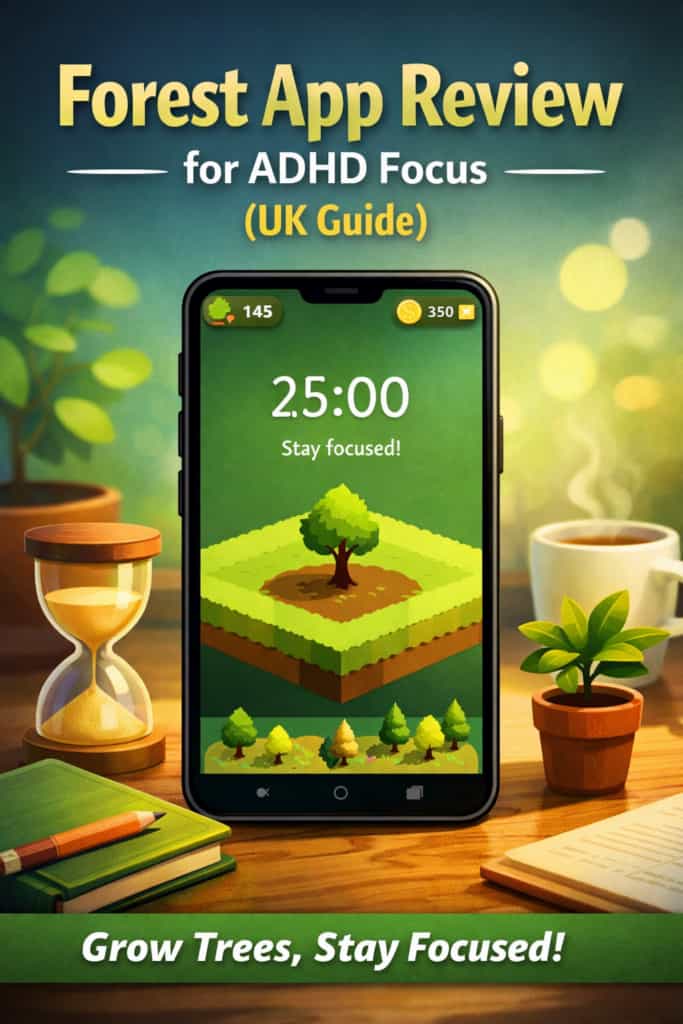
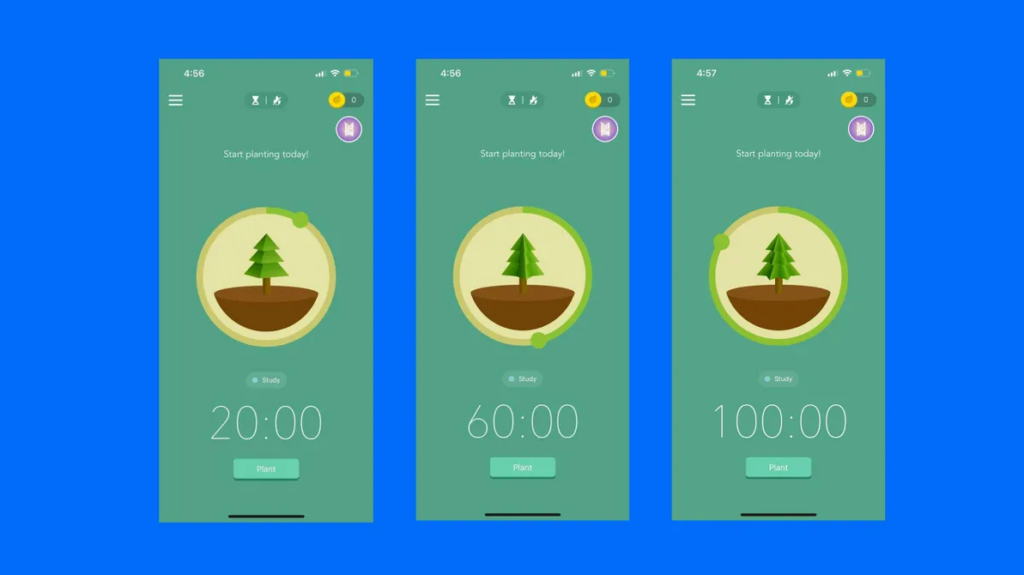
You set a timer, for example 25 minutes, plant a virtual tree, and avoid using your phone during that time. If you leave the app, the tree dies.
Over time, you build a forest representing your focus sessions. There is no complicated setup, no heavy onboarding, and no need to build a full system before starting. You open the app, choose a session length, and begin.
That makes it particularly useful when you do not want to think too much about systems or planning. On low-energy days, a simpler start can matter more than a more powerful tool.
In practical terms, Forest works best when you already know the next task and simply need a barrier between you and your phone. A typical use pattern might be starting a 20-minute session for email admin, resetting for another 25 minutes for writing, then taking a short break before repeating. It is not trying to manage your whole workflow. It is trying to help you protect a block of time.
That clarity is one of its main strengths. Rather than asking you to organise projects, sort priorities, or build routines inside the app, it focuses on one job: helping you stay off your phone long enough to make progress.
Why It May Help (ADHD Context)
For ADHD users, the biggest challenge is often starting, and then staying on one task long enough to build momentum. Forest removes decision fatigue by giving you one clear rule: do not leave the app.
That matters because distraction often happens in tiny moments rather than dramatic ones. You may intend to check one message, one notification, or one tab, then lose ten or twenty minutes without meaning to. Forest adds a small but useful layer of friction to that behaviour.
I found that the visual feedback of growing trees made it easier to stay in the zone compared to a basic timer. It is subtle, but sometimes subtle is enough. A simple visual cue can be easier to respond to than a more complicated productivity dashboard.
It is also useful for task initiation. If a task feels boring, unclear, or mentally heavy, starting a short Forest session can lower the barrier. You are no longer committing to “finish everything”. You are only committing to one focus block. For ADHD brains, that shift can make work feel more approachable.
That said, it is not a full productivity system. It does not decide what matters most, break projects into steps, or handle reminders for you. It can support focused work, but it still works best when paired with a broader routine or planning structure.
Feature Breakdown Table
| Feature | Details |
|---|---|
| Focus Timer | Customisable session lengths |
| Distraction Blocking | Prevents phone use during sessions |
| Gamification | Grow trees and track progress visually |
| Platform Support | iOS, Android, browser extension |
| Ease of Use | Very simple, minimal setup required |
Focus Environment Fit
The Forest app works best in distraction-heavy environments, especially when your phone is the main issue.
It pairs well with physical setup changes too. For example, combining it with strategies in our ADHD digital productivity system guide can make it far more effective.
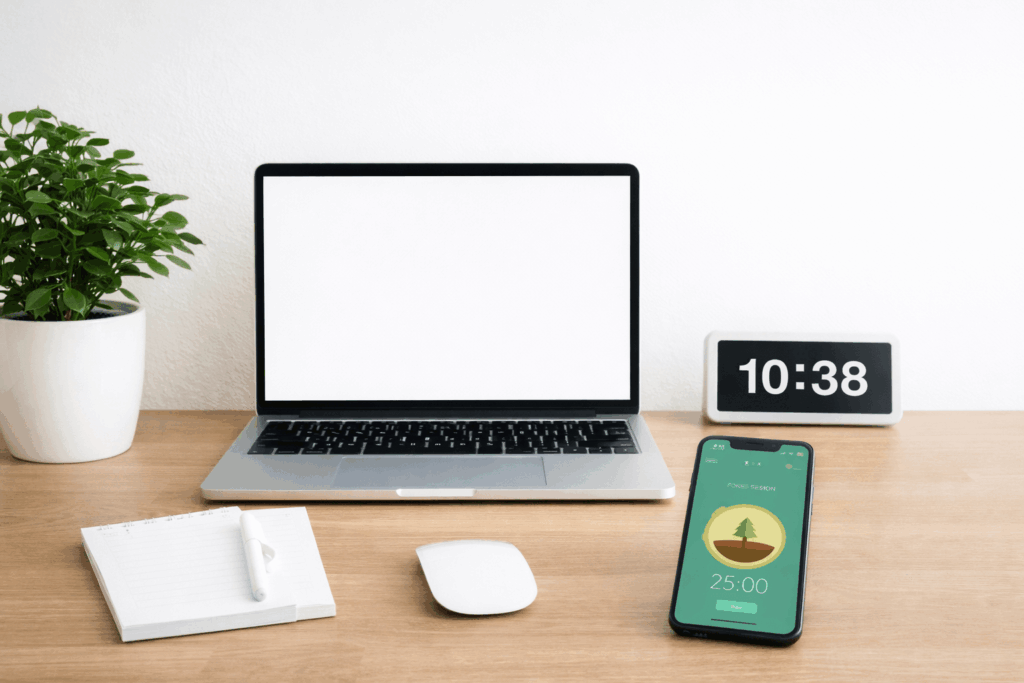
It is especially well suited to home working, studying at a desk, or handling repetitive admin tasks where the temptation to check your phone keeps breaking your attention. If your main problem is environmental noise, interruptions from other people, or open browser tabs on your laptop, Forest may help only part of the problem.
In other words, the app fits best when your environment is mostly workable already, but your phone keeps pulling you away. In that situation, it acts as a useful boundary rather than a complete fix.
Real Use Review
In real use, Forest is most effective for short bursts, especially when you need help starting a task you have been avoiding.
It is less helpful for long, complex workflows where you need multiple tools, reminders, or constant switching between legitimate apps. If your work depends on checking messages, using your phone for authentication, or moving between devices, the app can feel less seamless.
Where it tends to work well is in straightforward focus scenarios:
- Great for starting writing or admin tasks
- Useful for studying in 20 to 30 minute blocks
- Helpful when you want a simple “start now” trigger
- Less suited for full-day productivity planning
It also works well when used as a reset tool. If you notice that your attention is scattered, launching a short session can help re-anchor the next block of work. That makes it more practical than it might first appear.
At the same time, it is important not to oversell it. Forest is not magically going to turn a chaotic workday into a perfectly structured one. What it can do is give you a lighter, more manageable way to protect small sections of time.
When Forest Works Best (and When It Doesn’t)
Forest works best when your main challenge is impulsive phone checking rather than full-scale workflow management.
It may suit you well if you:
- Need a quick way to begin work without overthinking
- Respond well to visual feedback and light gamification
- Prefer short focus blocks over rigid long sessions
- Want something simpler than a full productivity platform
It may be a weaker fit if you:
- Need deep website and device blocking across multiple platforms
- Rely heavily on your phone for legitimate work tasks
- Need planning, reminders, and task breakdown in one place
- Get bored quickly with repetitive app mechanics
That balance is worth keeping in mind. Forest is strong at one narrow job, and weaker once your needs become broader.
Friction Points to Consider
- Limited advanced features with no deep task management
- Can feel repetitive over time if the novelty wears off
- Does not block all distractions unless configured carefully
- Relies on your willingness to stick with it consistently
Practical Reality Check
Forest is not a complete solution. It is a tool for one specific problem: staying off your phone long enough to complete a focus session.
If your challenges include planning, prioritisation, overwhelm, or remembering what to do next, you will likely need additional tools. That does not make Forest weak. It just means it should be judged for the job it is actually built to do.
Used on its own, it helps with focus sessions. Used alongside a broader system, it becomes much more effective. That is probably the most realistic way to think about it.
Buying Guide
When deciding if Forest App Review for ADHD Focus (UK Guide) fits your setup, consider the wider context rather than just the app itself.
- Compatibility: Works across major devices
- Notification control: Helps reduce phone interruptions
- Ease of use: Extremely beginner-friendly
- Routine fit: Best for structured work blocks
If you want something lightweight, visual, and easy to start, Forest makes sense. If you want strict blocking, deeper analytics, or an all-in-one productivity system, you may outgrow it fairly quickly.
Frequently Asked Questions
Is Forest app good for ADHD?
It can help reduce phone distraction and support short focus sessions, but it is not a full productivity system. It is best seen as a support tool rather than a complete answer.
Does Forest block all distractions?
It mainly prevents phone use during sessions. Additional setup may be needed for full blocking, especially if your distractions come from laptops, tablets, or multiple devices.
Is it worth paying for?
The paid version adds features, but the core functionality is already available in the base app. Whether it is worth paying for depends on how often you use it and whether the extra features genuinely fit your routine.
Can it replace other productivity tools?
No. It works best alongside planners, reminders, or task systems. It supports focus sessions well, but it does not replace planning or organisation tools.
Alternatives to Consider
If Forest does not quite fit, you might want to explore:
- Freedom App – stronger blocking across devices (article coming soon)
- Cold Turkey – more strict distraction control
- Best distraction blocking apps guide – broader options overview (article comin soon)
For additional ADHD insights, you can also explore ADDitude.
Final Verdict
Forest App Review for ADHD Focus (UK Guide) shows that this app is best for people who need a simple, low-friction way to reduce phone distraction.
It suits users who struggle with starting tasks and want a lightweight tool to create focus blocks. It is particularly useful if you respond well to visual cues and do not want the complexity of a larger productivity platform.
It may not suit those needing full planning systems, advanced features, or deep workflow control. It is not the most comprehensive option, but that is also part of its appeal.
Used in the right context, it is a practical and easy entry point into better focus habits.